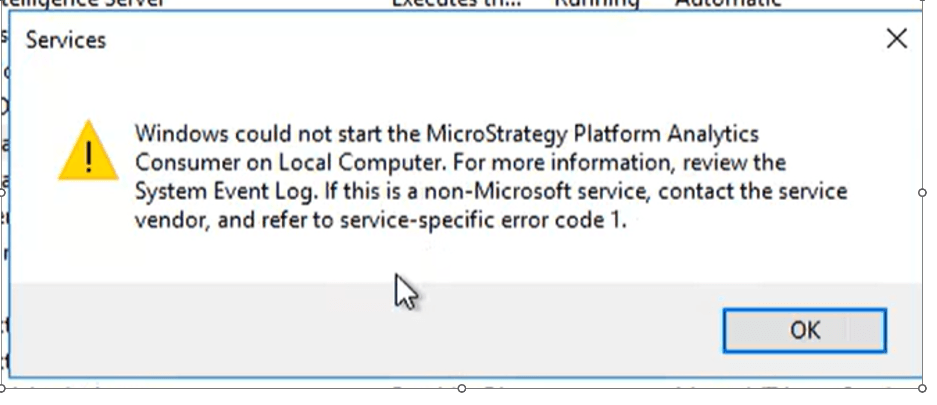
User could not start Platform Analytics Consumer and receive the following error: "Windows could not start the Strategy Platform Analytics Consumer on Local Computer. For more information, review the System Event Log. If this is a non-Microsoft service, contact the service vendor, and refer to service-specific error code 1."
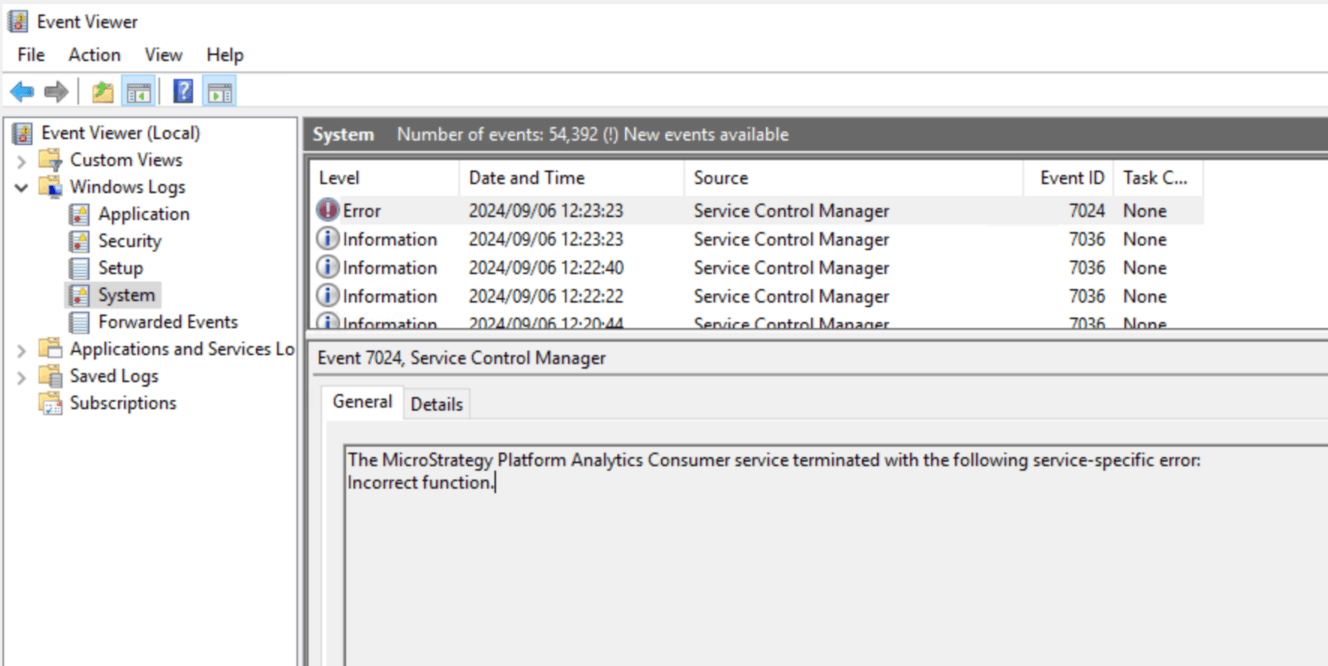
In the Event Viewer, users can see the following error: "The Strategy Platform Analytics Consumer terminated with the following server-specific error: Incorrect function."
In the SVC_PlatformAnalyticsConsumer.yyyy-mm-dd.log, we can see the following error:
[2024-08-28 18:04:52] [error] [10512] Failed creating java D:\Common Files\MicroStrategy\JRE\11.0.13.8\Win64\bin\server\jvm.dll
[2024-08-28 18:04:52] [error] [10512] The system cannot find the path specified.
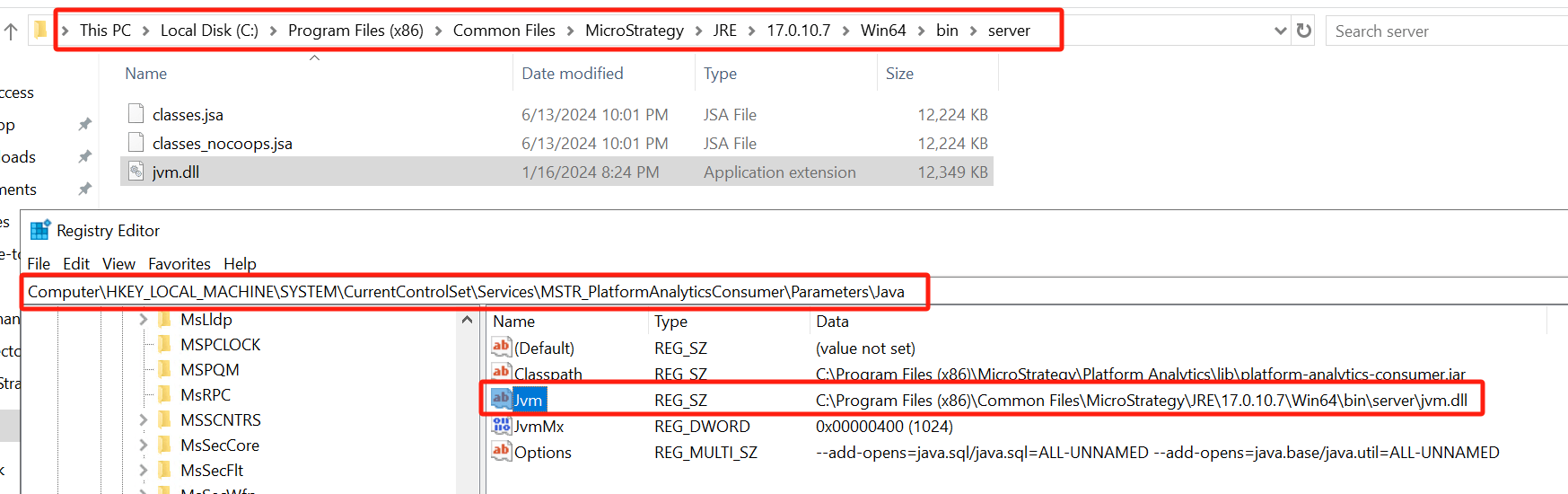
One possible cause to this error is incorrect path defined in Registry key below:[HKEY_LOCAL_MACHINE\SYSTEM\CurrentControlSet\Services\MSTR_PlatformAnalyticsConsumer\Parameters\Java\JVM]
You can solve this error by ensure that the path to jvm.dll is synchronized between the Registry key and its actual installation path.
For instance: