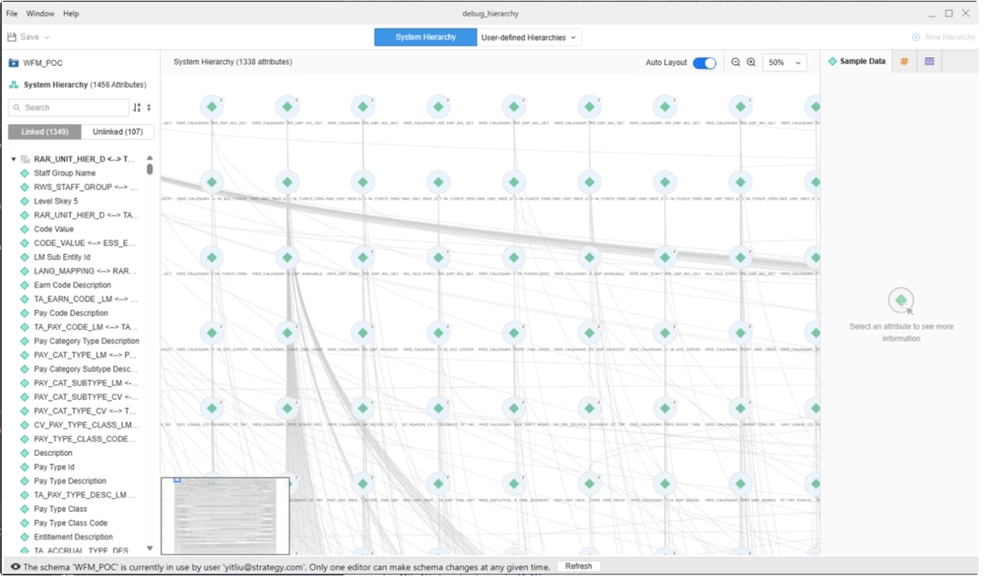
When using the Workstation Hierarchy Editor to View or Edit Hierarchies for certain large projects, after clicking View Hierarchy or Edit Hierarchy, the loading screen stalls and remains stuck at around 10% for an extended time.
This typically occurs in projects with a large number of schema objects, such as attributes and relationships. Smaller projects load the hierarchy view normally, but once the project grows in complexity and size, this issue may appear. Environments with 1000+ attributes and 3000+ relationships are more likely to be affected.
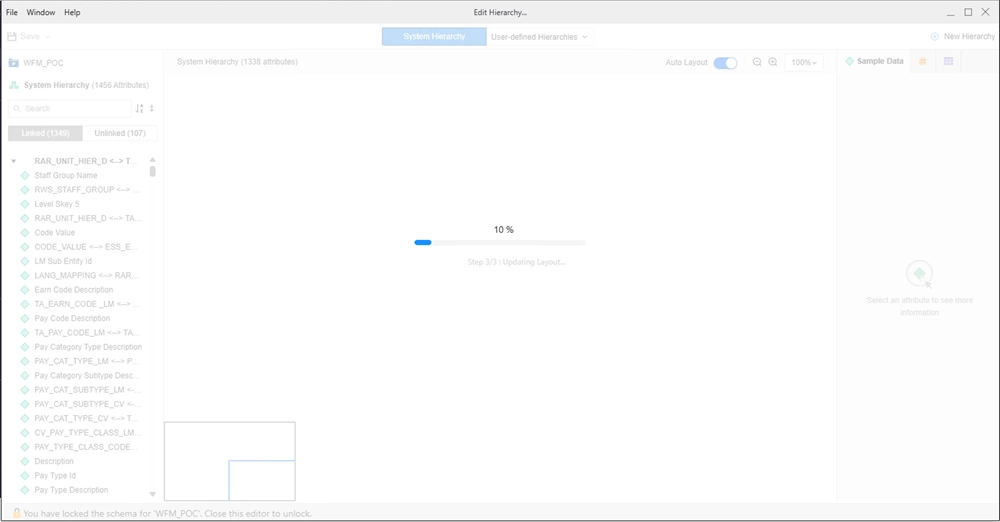
Use the following workaround to open the Hierarchy Editor successfully:
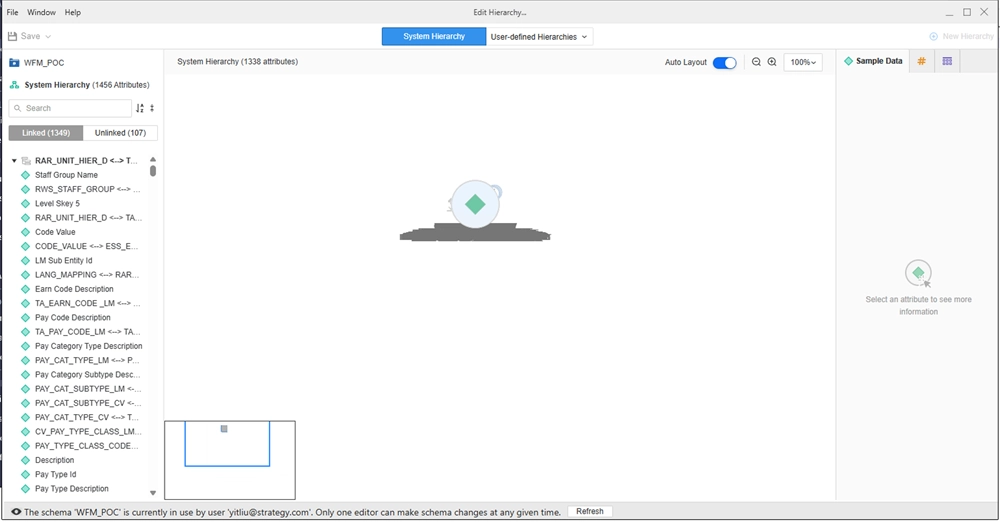
Note: This method disables the automatic layout engine, which may result in a disorganized hierarchy graph, but it does not impact the core functionality.
C:\Program Files\MicroStrategy\Workstation.
C:\Program Files\MicroStrategy\Workstation\Plugins\workstation-hierarchy.
hierarchyConfig.jsand open it using any text editor.
truewith
false. It should look like the following:
window.hierarchyConfig = {
    useElk: false,
}
Starting in Strategy One (August 2025), the Hierarchy Editor is enhanced to handle large hierarchies. When a single cluster contains more than 1000 relationships or over 500 attributes, the system automatically uses a grid layout instead of a flowchart which allows the hierarchy to load faster, regardless of the dataset size. The layout change only affects how the graph displays, it does not impact editing features.
If your hierarchy has been split into multiple clusters due to size, only the first cluster will display by default.