Users access a project locally on the Web Server machine by either entering 'localhost', the machine IP address, or the machine's name. But when users do not have a connection to the network, they will get the following error message when trying to use 'localhost':
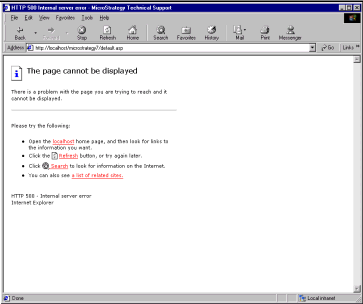
'The page cannot be displayed.'
To access a project locally on the Web Server without Internet access, a TCP/IP loopback address must be entered. Using the example below as a guide, follow the steps to access the project:
NOTE: Strategy Intelligence Server and Metadata must be available on the machine. And for element browsing or report execution, the data warehouse must also be on the machine.
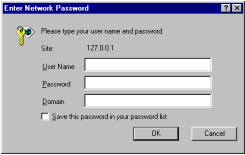
Users can now access Strategy Web.
NOTE: The Internet Protocol defines a special network address, 127.0.0.1, as a local loopback address. Hosts use local loopback addresses to send messages to themselves. The configuration manager sets the local loopback address during the system startup process. Local loopback is implemented in the kernel and can also be set with the 'ipconfig' command. Loopback is invoked when the system is started.
