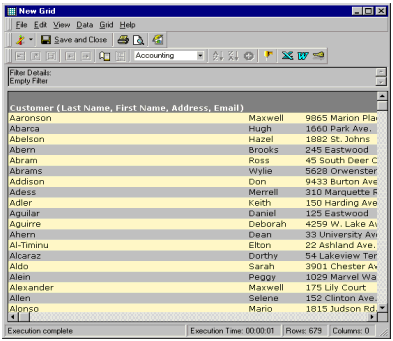
When a simple report is run for an attribute, such as 'Customer', only the attribute name appears. However, this attribute has several forms. They include 'First Name', 'Last Name', 'Address' and 'Email' as shown below:
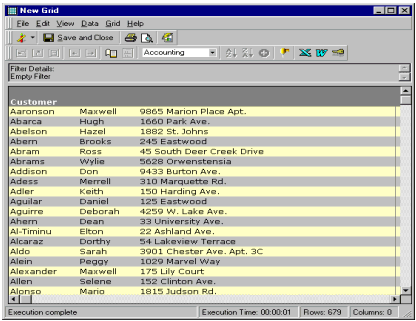
To display the complete attribute names in a report, in the report editor, from the 'Grid' menu, select 'Long Names'.
Note: The report now displays the full attribute name as shown below: