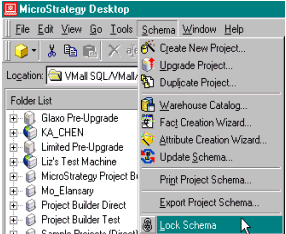
Schema locking in Strategy provides controlled access and modification of schema objects by different users. There are two different locks each performing a specific task:
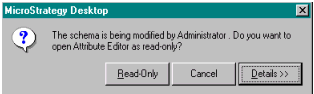
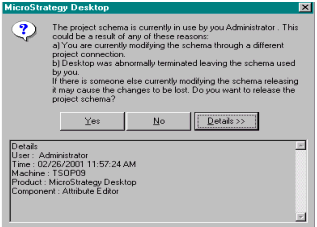
The behavior observed when opening any schema related editors is the same as the temporary lock; the user will be prompted to view the object in the read-only mode.
Note that these two locks function independently. When the temporary lock is in effect, it cannot be removed by going to the schema menu and remove the schema lock. In fact, the option will be grayed out. To release the temporary lock, the user should log into the same project from another user session and release the lock using the dialog mentioned above.
