A volatile table is a special type of temporary table in Teradata. The use of volatile tables in the Strategy Product Suite improves performance since these tables do not require data dictionary access nor locking and the table definition is kept in cache.
Volatile tables are local to the session, which means that they are dropped automatically when the session is closed. Also, a maximum of 64 volatile tables are allowed for each session.
The Strategy SQL engine can be made to generate volatile tables through the setting the VLDB setting, 'Intermediate Table Type' to 'True temporary table'. This setting is located in the 'Tables' folder. This setting is available at both Database Instance and report levels.
The choice of volatile tables versus derived tables is best made by the user. In general, while volatile tables may use up more database memory (because volatile tables are kept in memory until the session is closed), derived tables may have performance issues if the query is very complex. Also, this choice can be made at the individual report level (rather than at the whole database instance level) thus allowing finer control.
In some cases, Strategy will NOT use derived tables, even if the Very Large Database (VLDB) property says so. Reports that by their nature cannot be resolved using derived tables (subqueries) are reports that fall into one of the following categories:
In these cases, the Strategy SQL Engine uses the value set in the VLDB setting, 'Fallback Table Type'. This setting only provides two options - 'Permanent table' or 'True temporary table'
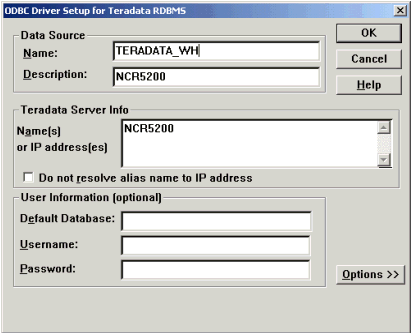
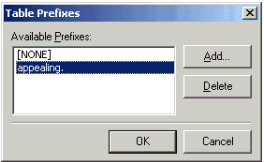
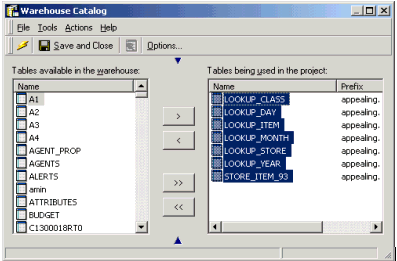
Sometimes difficulties arise when Strategy engine tries to create volatile tables. These difficulties may be related to the way the Data Source Name (DSN) is defined. To overcome such issues, please follow the steps below: