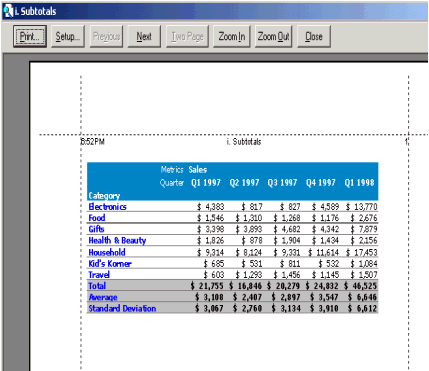
When a report is printed, users can choose to insert custom text within the header and footer of a report. For instance, users can insert the report name, date, filter name or any sort of text for a printed report.
This feature becomes especially useful when users have several printed reports and wish to distinguish them.
Please note that this can only be done on a report basis and there is no global setting.
When users look at the print preview of a report in Strategy Developer, it appears the same as it does when the report has been executed.
To add a custom header or footer: