SYMPTOM:
When users try to log into Strategy Web they see following error message:

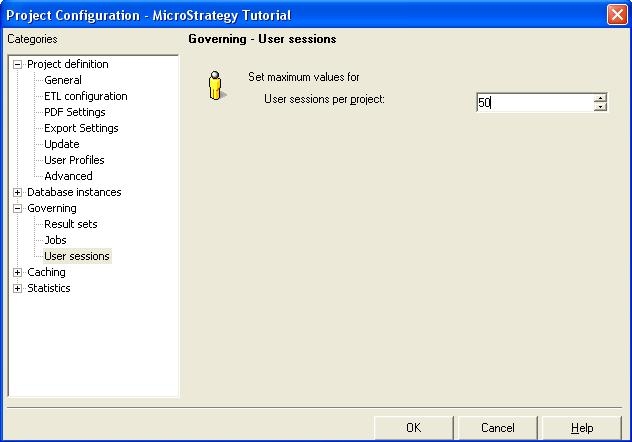
'Maximum number of users per project (50) exceeded while trying to login'
CAUSE:
This issue occurs because users reached the maximum number of user sessions set in the Project Configuration.
ACTION:
Increase the maximum number of user sessions from Strategy Desktop by executing the following steps: