INTRODUCTION
The ability to run the Data Load process through a command line interface allows the administrator to remotely trigger the data load process without having to be at the Enterprise Manager Console and to schedule the Data Load using Windows Scheduler.
Several Data Loading options can be executed from the command prompt.
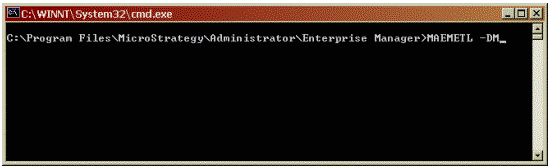
Once users open a Command Prompt window and navigate to C:\Program Files\Strategy\Enterprise Manager, they only need to type the following command to see the options available with the executable:
MAEMETL/?

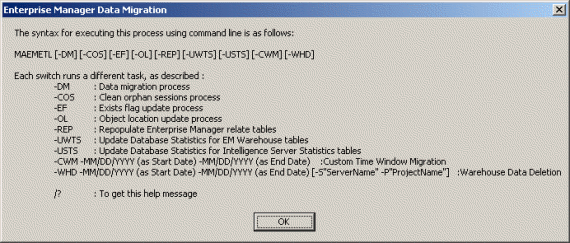
MAEMETL [-DM][-COS][-EF][-OL][-REP][-UWTS][-USTS][-CWM][-WHD][/?]
maemetl -cwm -01/01/2008 -01/31/2008
Note: The -UWTS and -USTS refer to table statistics for the database optimizer. "Updating statistics" in this context does not refer to Intelligence Server or Enterprise Manager statistics. These options do not perform a data migration. If a data migration is required, use the -DM or -CWM options.
The /? option brings up the following window, summarizing the commandline switches.