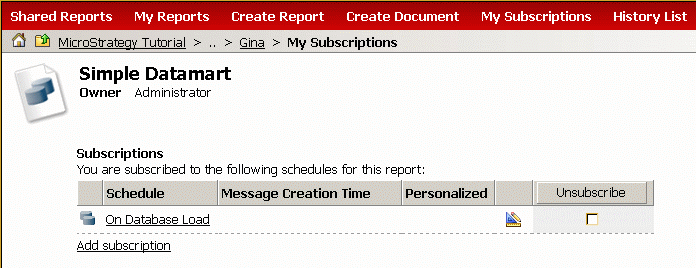
In Strategy Web, users can run Datamart reports. The functionality in Strategy Web is limited to running and scheduling the Datamart reports. The reports cannot be edited or exported.
To run Datamart report in Strategy Web, the users need to have the privilege "Web execute Datamart report" enabled in the Web Analyst section of the User Manager:
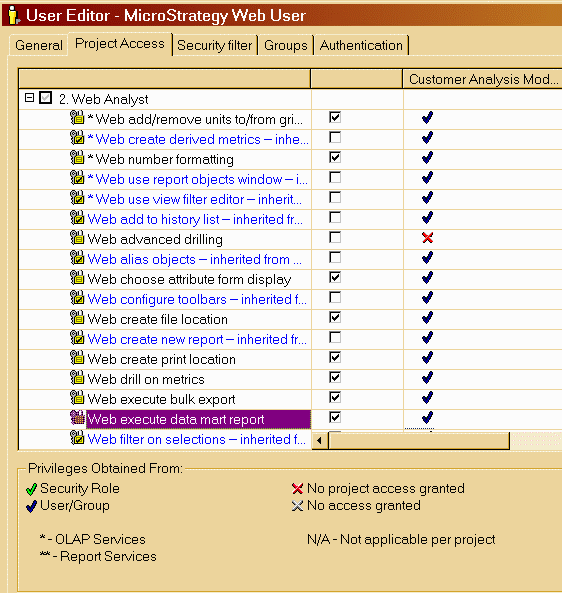
Once this setting is enabled, the user will now be able to view and execute these datamart reports:

When the Datamart report is executed, a message appears to the user that the report has been successfully executed:

In addition to executing the report, Datamart report can be run from the History List and they can be scheduled through Strategy Web: