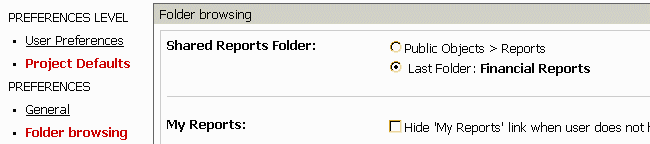
The following procedure describes a method for changing the report folder associated with the "Shared Reports" folder link in Strategy Web 9.x. There are three main scenarios that this feature is needed:
For the first case, the "Shared Reports" link functions and the administrator can navigate to the folder that they would like to designate as the "Shared Report" folder. This can be done using the interface in step #3 below.
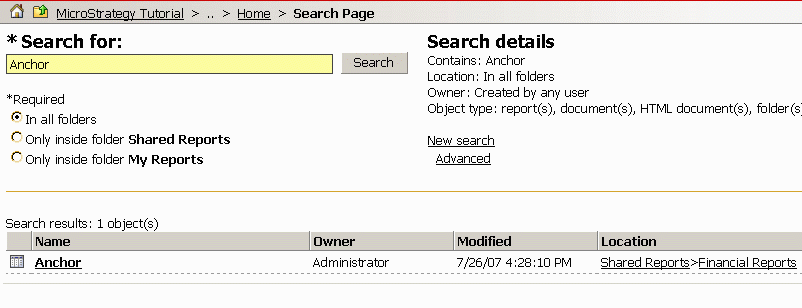
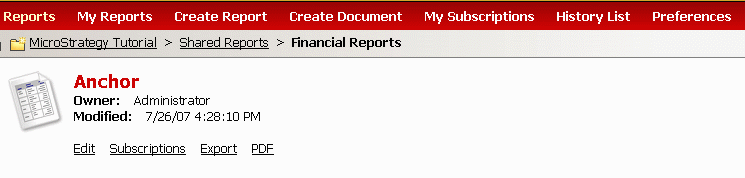
For the last two cases, the "Shared Folder" link will no longer function or can not be used to navigate to the desired folder. In this case, the administrator will first need to search for the name of a report in the pertinent project folder.