The column alias of a fact is used to represent the fact in the Structured Query Language (SQL) generation of temporary tables. It is useful when the data type or name of a fact's temporary table column needs to be different from that of the warehouse column. For more information about column alias and its usage, refer to Strategy Knowledge Base Ariticle KB4467: What is a column alias in MicroStrategy Architect 9.4.x - 10.x and what are its functions?
By default, the data type of a column alias is inherited from the data type of the column on which the fact is defined. Consider that the fact has a derived fact expression using two columns, each with different data types. How does Strategy Architect decide what the column alias data type will be? For example, a fact expression is defined as:
( + )
CUST_CITY_ID is an integer and TOT_DOLLAR_SALES is a float. Which data type will the fact inherit?
When a fact expression is first specified and expression editor is closed, the system creates a custom column alias and chooses the data type of the alias. It selects the data type of the first column used in the fact expression. For the example given above, CUST_CITY_ID is the first column used in the fact expression and it is an integer, so the data type of the column alias would be integer.
Once the data type of a column alias is decided, it won't change, even if the order of columns in the fact expression is changed. In this example, the column alias remains an integer even if the fact expression is modified, as follows:
( + )
The reason behind this behavior is because the custom column alias is created only once for each fact expression.
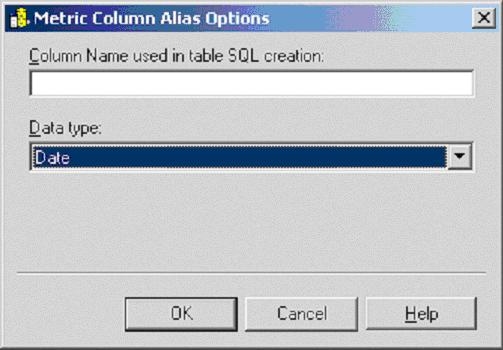
Even though data types of temporary table columns can't be changed at the fact level, it can be changed at the metric level.
Change the data type by opening the desired metric to be changed. Under Tools > Advanced Settings > Metric Column Options, select the preferred data type.