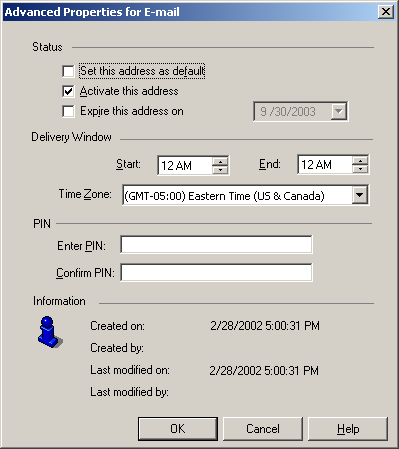
This document illustrates where to edit the locale of the Strategy Narrowcast Server 9.0.x system as well as other miscellaneous settings.
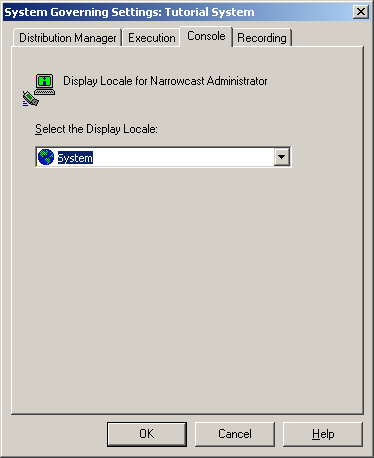
System Governing
Click System from menu bar > 'SystemName' > Set Governing Settings > Console tab.
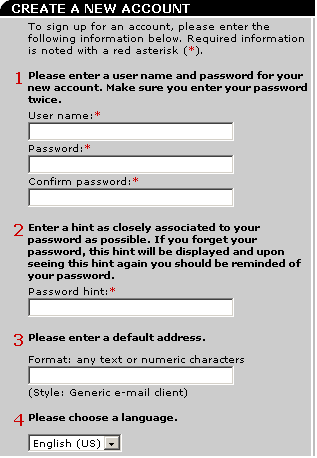
New account creation in Subscription Portal
Click 'Create New Account' link.
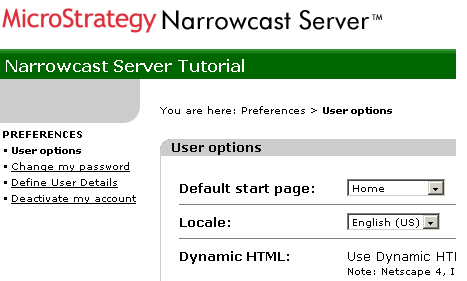
Subscription Portal Preferences
Click on 'Preferences' within the Subscription Portal project.
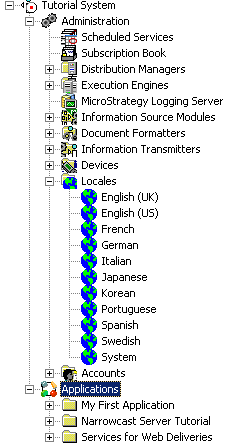
Locales within Strategy Narrowcast Server Administrator
Right click and select 'Edit'.
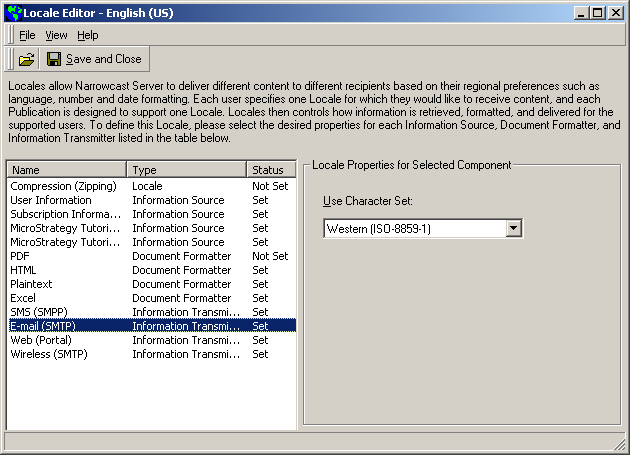
Locale editor
Right click Locale and choose 'Edit'. Select the component to edit.
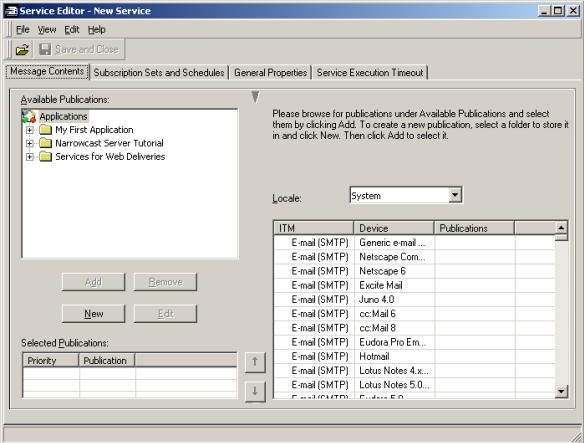
Service Editor
Create or edit a Service with the Service Editor by clicking on the Message contents tab.
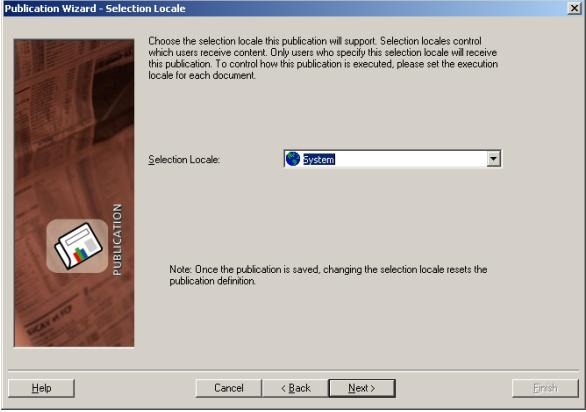
Publication Wizard
Create or edit a publication through the wizard.
User editor
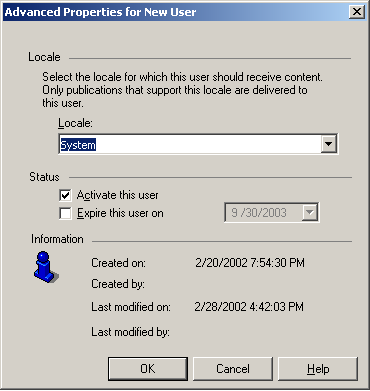
Create or edit a user in the Subscription Book Editor. Click the Login tab and click the 'Advanced Properties' button.
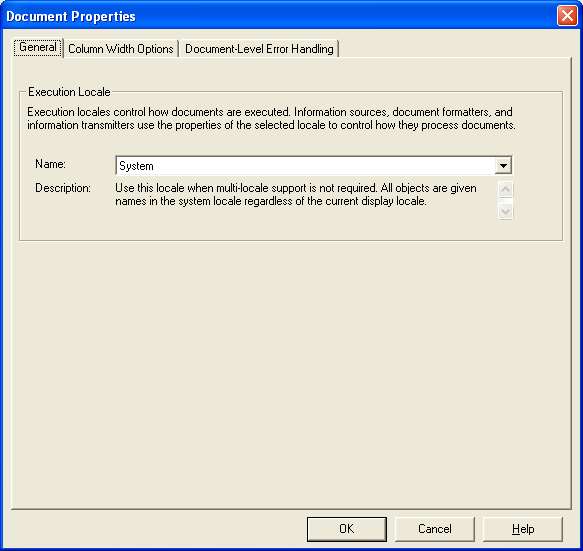
Narrowcast document properties
Create or edit a document by clicking on File > Select Properties.
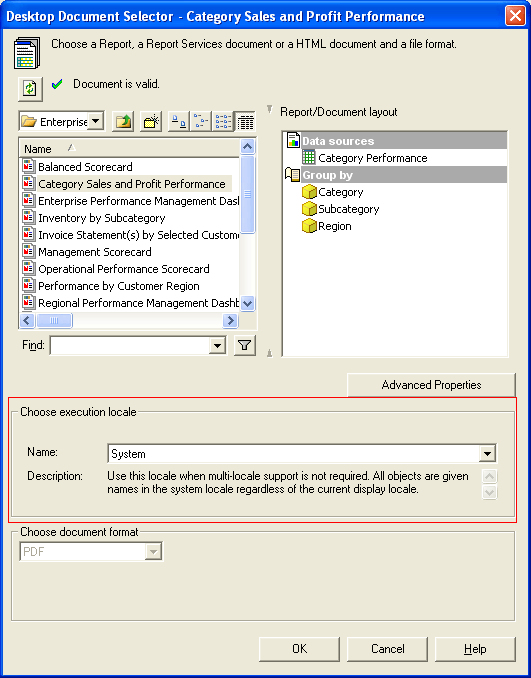
Linked document properties
On editing a linked document.
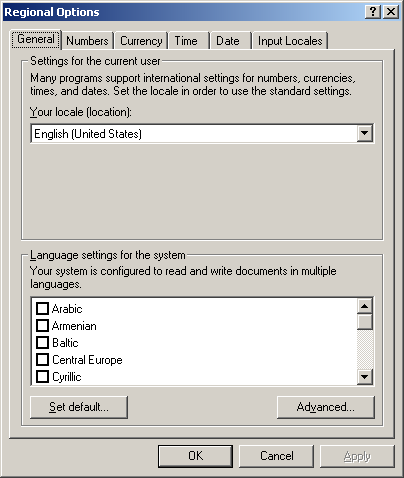
Regional Options
Click Start > Settings > Control Panel > Regional Options > Click General tab.
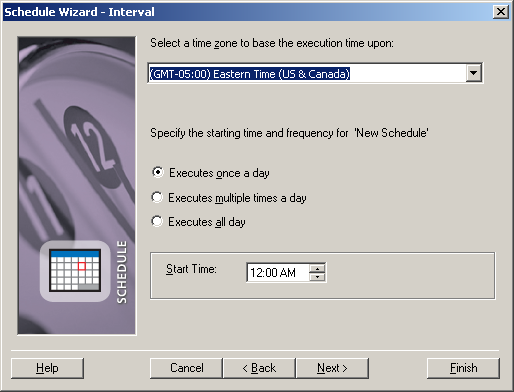
Miscellaneous Time Zone Settings
Create or edit a schedule.
Create or edit a user in the Subscription Book Editor. Click the Address tab and click the 'Advanced Properties' button.