SYMPTOM:
When users add an attribute to a hierarchy in Strategy Developer, the attribute is not set as an entry point.
The following example uses the "Time" hierarchy, as shown below:
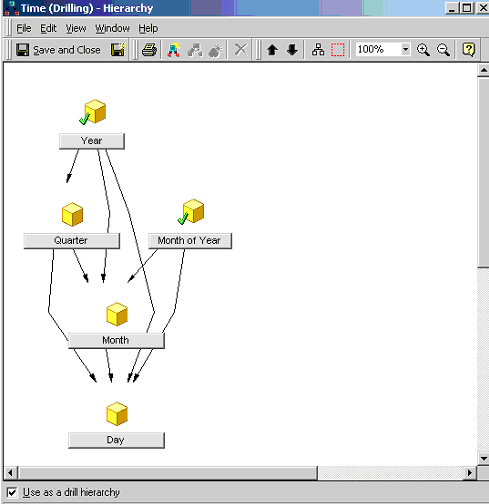
When an attribute without a Parent is added to this hierarchy, by default, it is not set as an entry point:
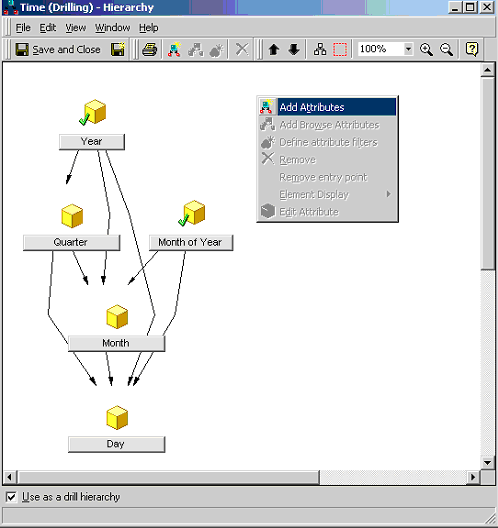
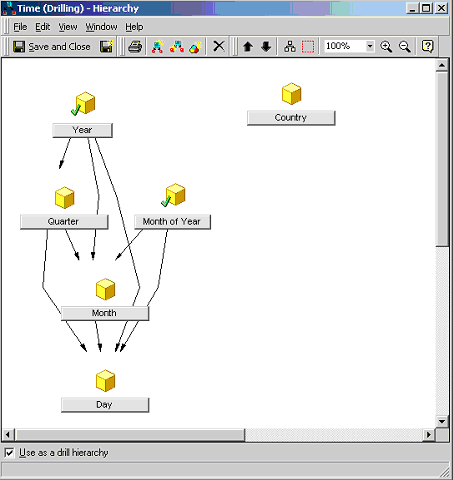
Notice the "Country" attribute does not have a green check mark, which indicates an entry point, as shown in the screen shot below:
CAUSE:
This occurs when an attribute is added to a pre-existing hierarchy. If a new hierarchy is created, every attribute which does not have a parent and is originally selected to compose the hierarchy will automatically be set as an entry point, as shown by the "Country" attribute in the screen shot below:
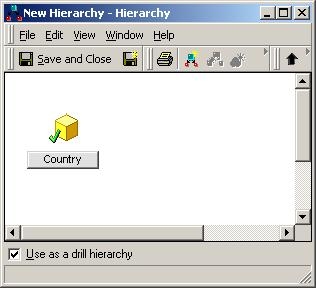
Note: By default, attributes with no parents are set as entry points.
WORKAROUND:
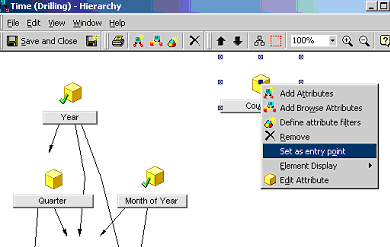
To manually set an attribute as an entry point, right-click on the attribute and select "Set as an Entry Point", as shown in the screen shot below: