The "Search for Objects" dialog can be used to find an object or to provide the options for a prompt by returning objects of a specified type from a particular location within a project.
Preventing hidden objects from being returned in a search
To prevent hidden objects from being returned in the results of a search, perform the following steps:

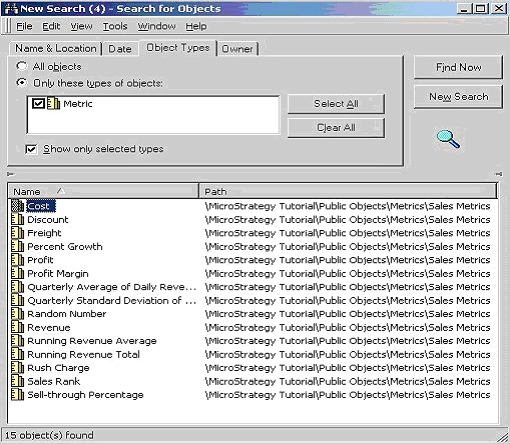
It is not possible for users to see the hidden objects when browsing through the folders and not see them in the search editor. If the desktop preferences are set to view hidden objects, the hidden objects are seen in the search editor irrespective of the search editor option to ignore desktop settings.
