SYMPTOM:
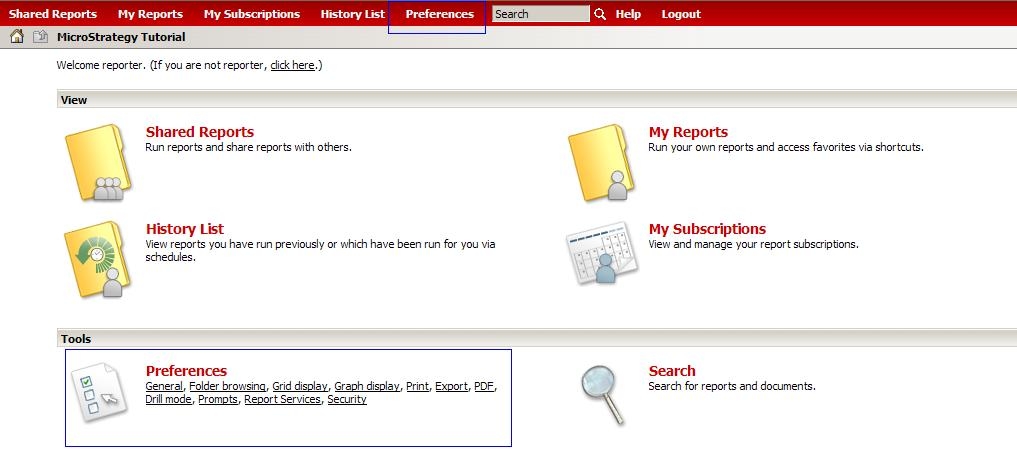
When a user logs into Strategy Web the "Preferences" link is not available.
CAUSE:
The user does not have the correct privilege set in Strategy Developer.
ACTION:
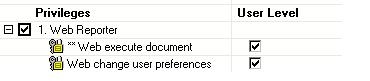
To enable this privilege, an administrative user must log into Strategy Developer and grant the user the "Web change user preferences" found under Web Reporter privileges, as shown below:
The user will now see the "Preferences" link when logging into Strategy Web, as illustrated below: