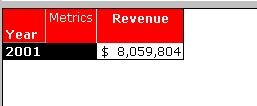
"When saving a report to be reprompted, revert to the original prompted objects on the template" option found under the Report Data Options in Strategy Developer 9.x and 10.x allows users to choose what will happen to objects added to the report definition after the report has been executed and prompts have been answered.
This option can be found by going to Report Data Option > General > Advanced, as shown below:
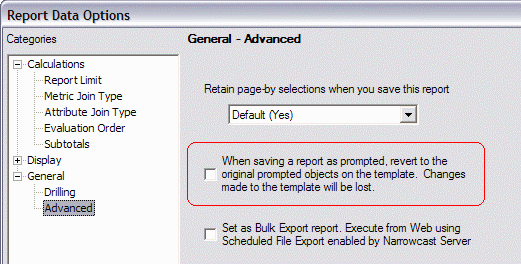
This option is disabled (unchecked) by default, meaning that the saved report will include all post-execution changes to the template. Enabling the option returns to the original template definition before saving.
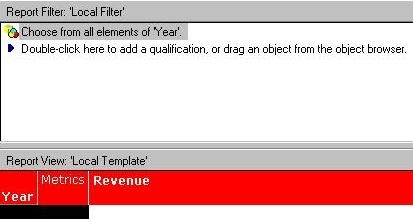
To illustrate how this option is used, perform the following steps:
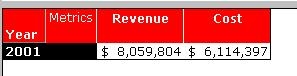
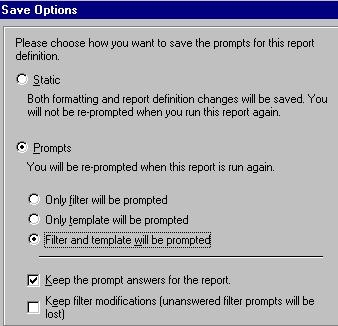
Repeat the same steps above, checking the option "When saving a report to be reprompted, revert to the original prompted objects on the template" before saving. In the newly-saved report, the metric added after the report execution has been removed from the template.