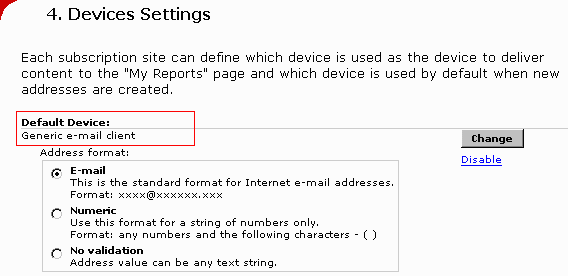
The default device is used when the Strategy Subscription Portal automatically creates addresses. When a new user is created through the portal or when a user creates a subscription, the user can enter an address value directly without selecting a device. Those addresses are created using the device that the Administrator selects as the default device. Only one device can be selected as a default device.
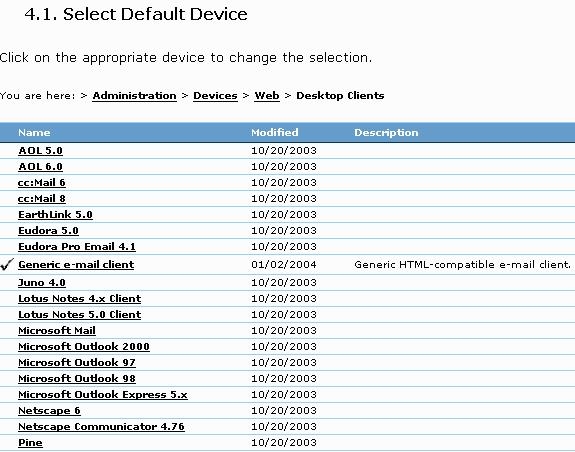
The following steps demonstrate how to set the default e-mail device used when these new addresses are created:
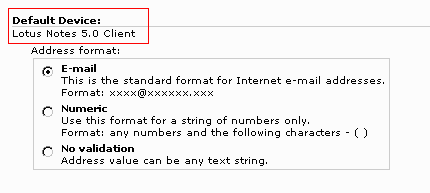
Note: The new default device will only appear for newly created addresses in the Strategy Subscription Portal. Existing addresses will still use the generic email client (or the original default device).
In order to change the existing addresses' device, perform any of the following actions:
