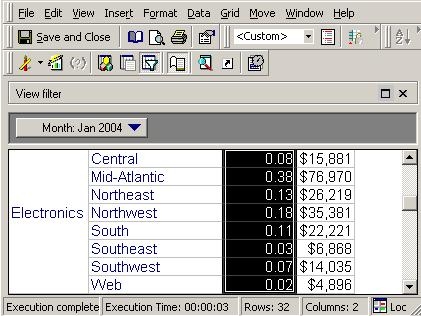
In addition to the the pre-defined options for metric formatting, Strategy supports custom formatting.
The Strategy Tutorial project is used to explain how users can customize numbers from "1,000,000" to a "1.00" format.
Consider a report containing row data values greater than a million, as illustrated below:
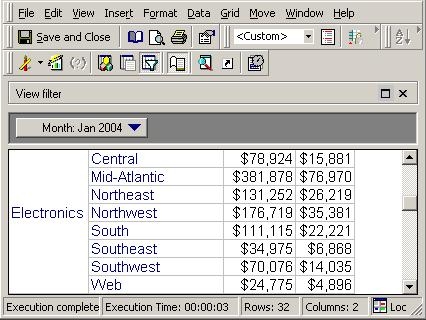
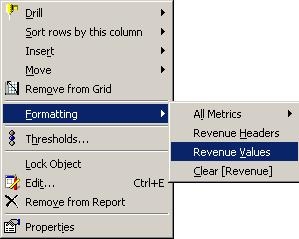
To format these metric values to use a decimal (i.e., 1.1) instead of showing all the numerals, right-click on the metric ('Revenue' , for this example) and select Formatting > Revenue Values, as shown below:
Select "Custom" as a category in the Number tab and enter '0,,.##' (without quotation marks), as shown below:

Confirm that the format applied properly: