SYMPTOM:
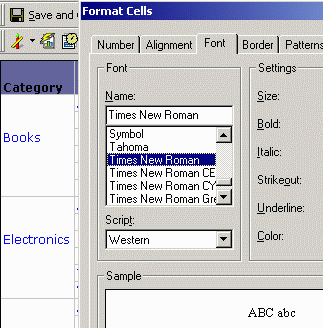
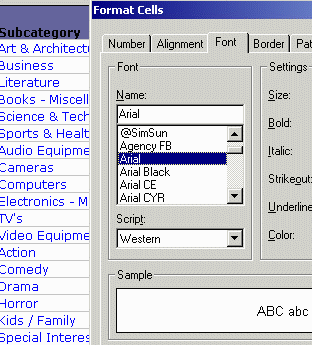
Users notice that even though they change the font of the attribute data, the changes are not applied to the data in the grid. The following steps reproduce this issue using the Strategy Tutorial project:


CAUSE:
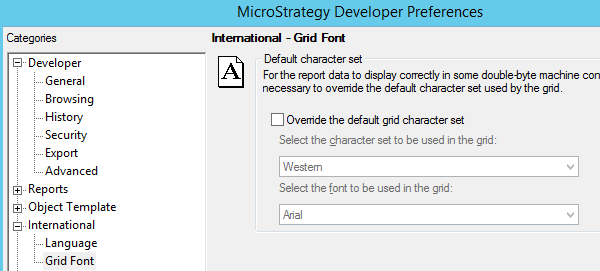
This issue occurs because the option "Override the default grid character set" is checked in Strategy Developer Preferences.
ACTION:
To resolve this issue, uncheck the "Override the default grid character set" option in the Developer Preferences to reflect the newly selected font for attribute values. To achieve this, perform the following steps:
The grid will now display the correct fonts: