Starting with the release of Strategy ONE (March 2024), dossiers are also known as dashboards.
Goal
Before mstrio, importing a dataset from Kaggle (or other opendata / datascience website) required to download the target data as a CSV or Excel file, and upload it manually with Data Import.
Kaggle provides a web-based Python console to interact with Kaggle Datasets. This is where mstrio steps in! With a very few lines of code, you will take an existing dataset and push it to Strategy with a click on a button. We do not need a Strategy Connector for Kaggle when we can have a Kaggle Connector for Strategy !
How to use the connector
1. Open a Dataset on Kaggle
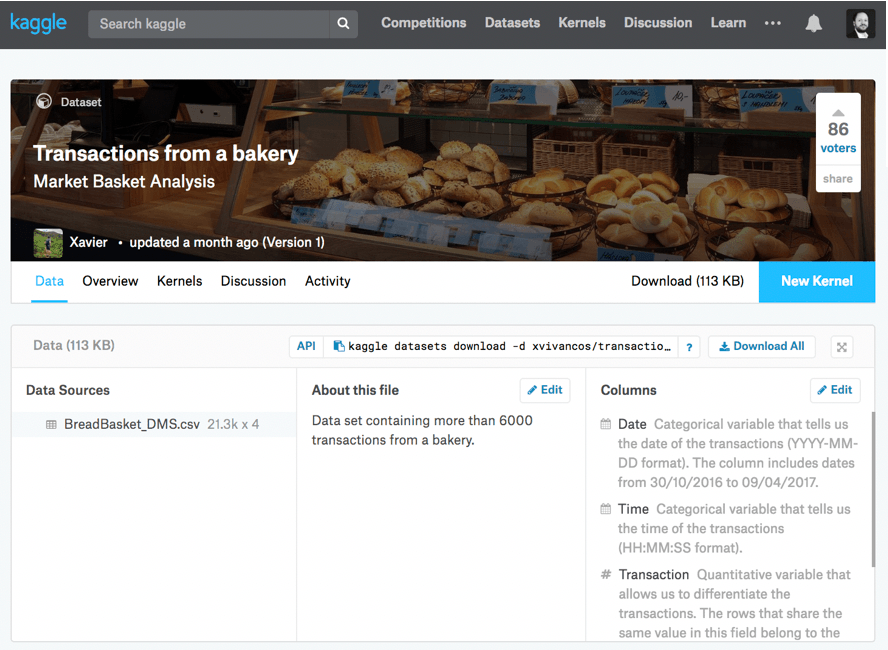
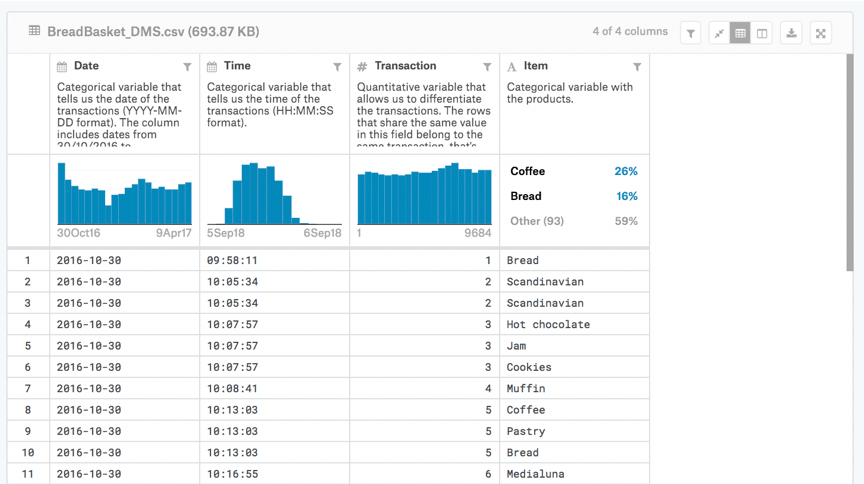
In order to create a Dossier with this, you would normally download the CSV file and run a data import. This would need to be repeated for every update. This is where mstrio helps streamline data transfers to Strategy
2. Open a Python Console in Kaggle using the

button and select Script option. You should see the following Console.
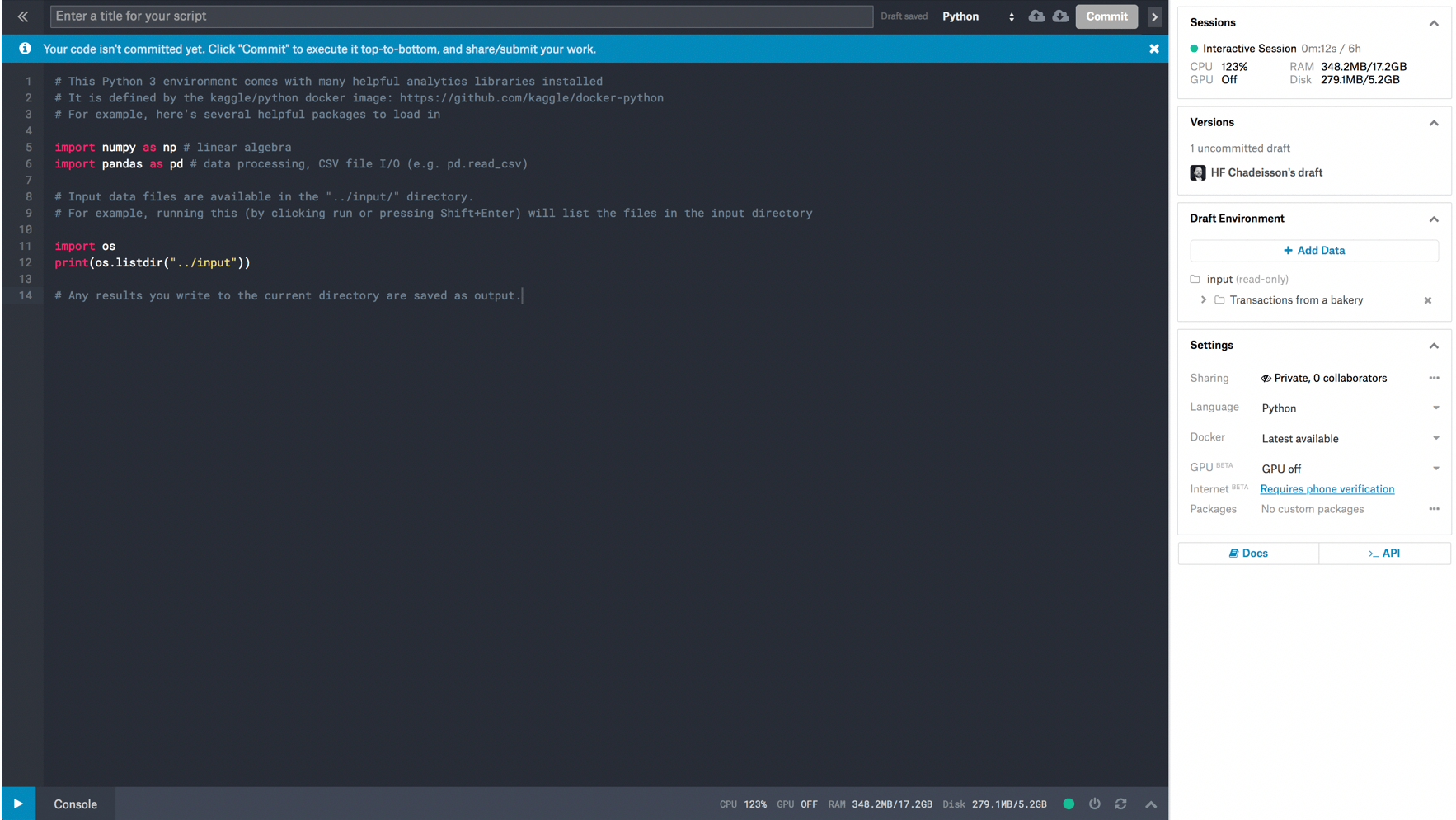
Kaggle runs in a closed network by default. You need to enable internet in order to communicate with your Strategy Server.
3. From the Settings, enable Internet BETA (note: this might require phone verification)
4. From the Settings again, install mstrio package as in the screenshot below. Package name is “mstrio-py” and click on the little right arrow next to the package field
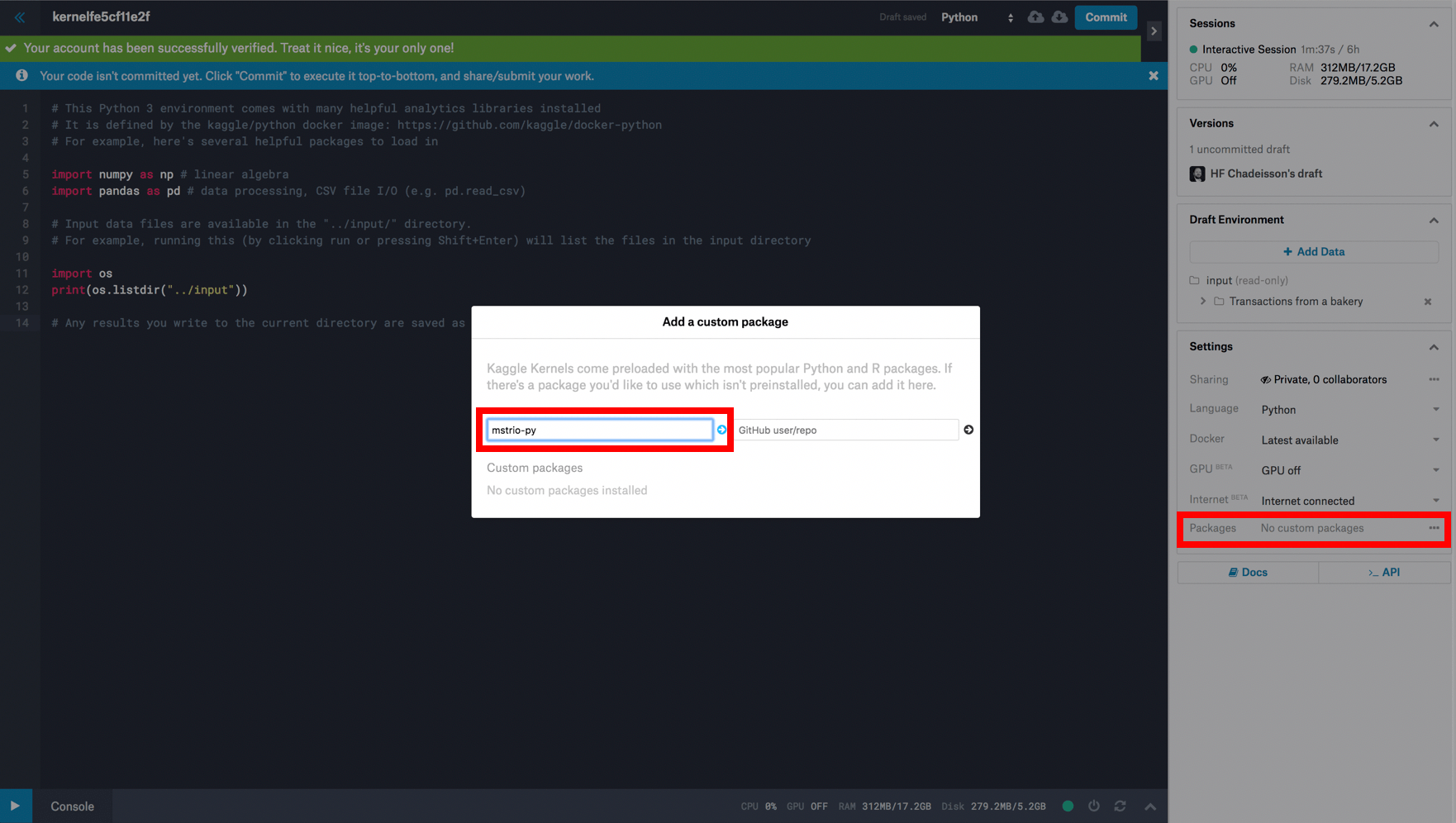
Once installation is complete, you should see the following screen. We can now use mstrio.
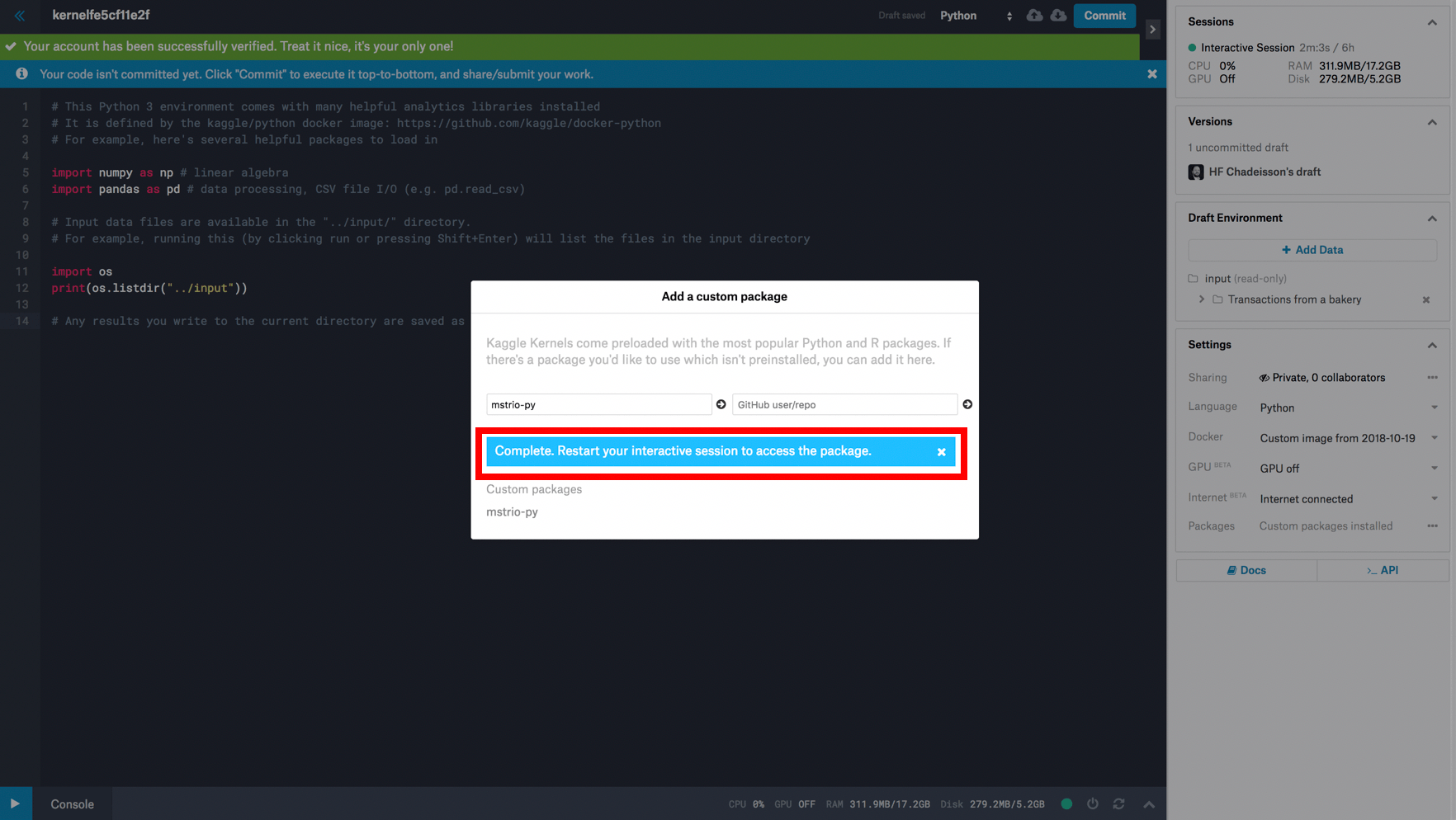
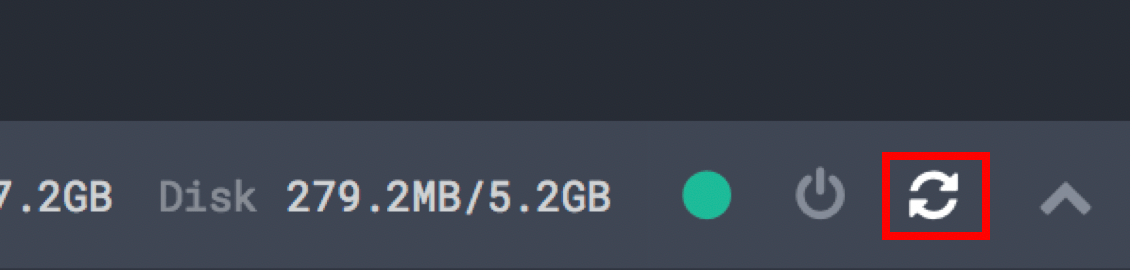
5. Click the “Restart” button as requested
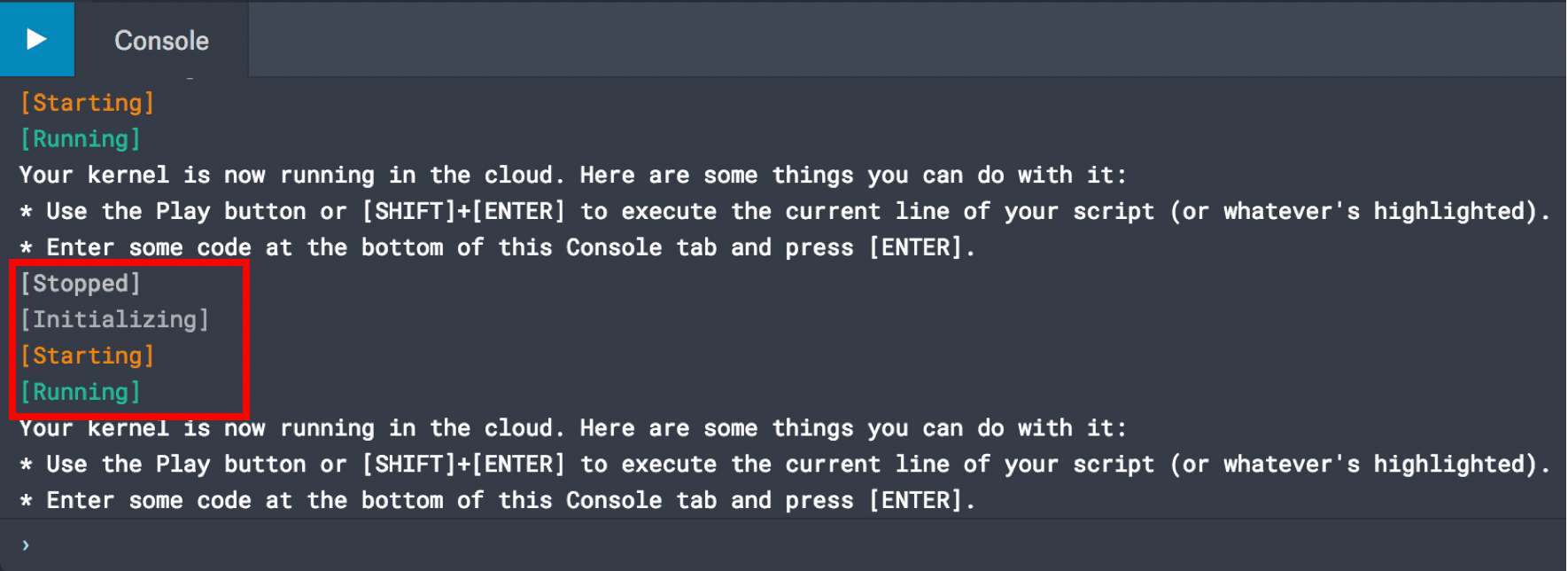
The console will show up and then Stop, Reinitialize, Start and Run:
6. Grab/copy all the code in mstr-kaggle-python.py attached (also available here : https://github.com/hchadeisson/mstr-kaggle-python)
7. Empty the code that is in the console
8. Paste the code from mstr-kaggle-python.py in the console
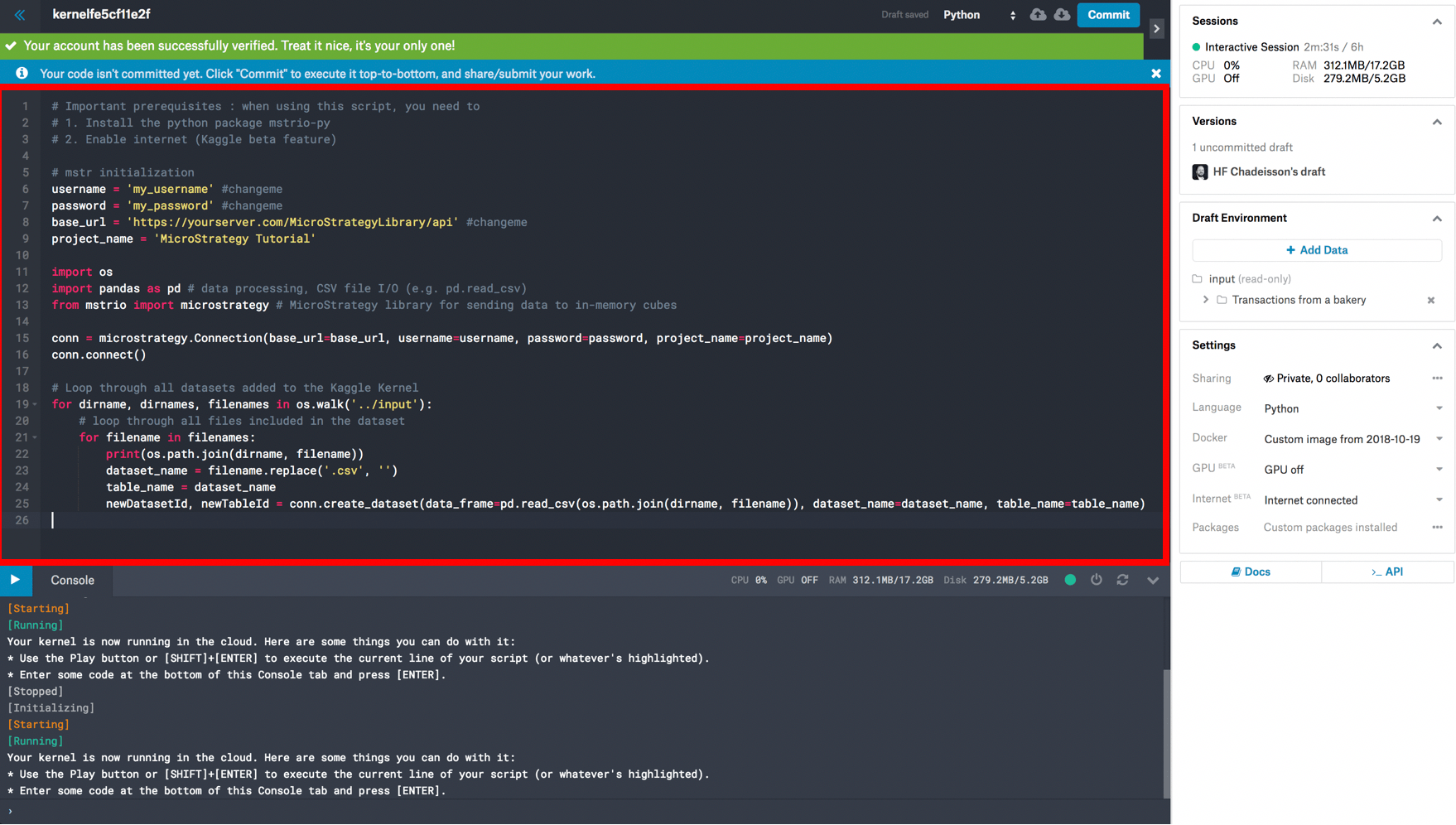
We are almost done. Read the code and comments very briefly. Even if you are not a programmer, it should be very straightforward to understand
9. Configure your Strategy connectivity by adjusting the variables from rows 6 to 8 in the code
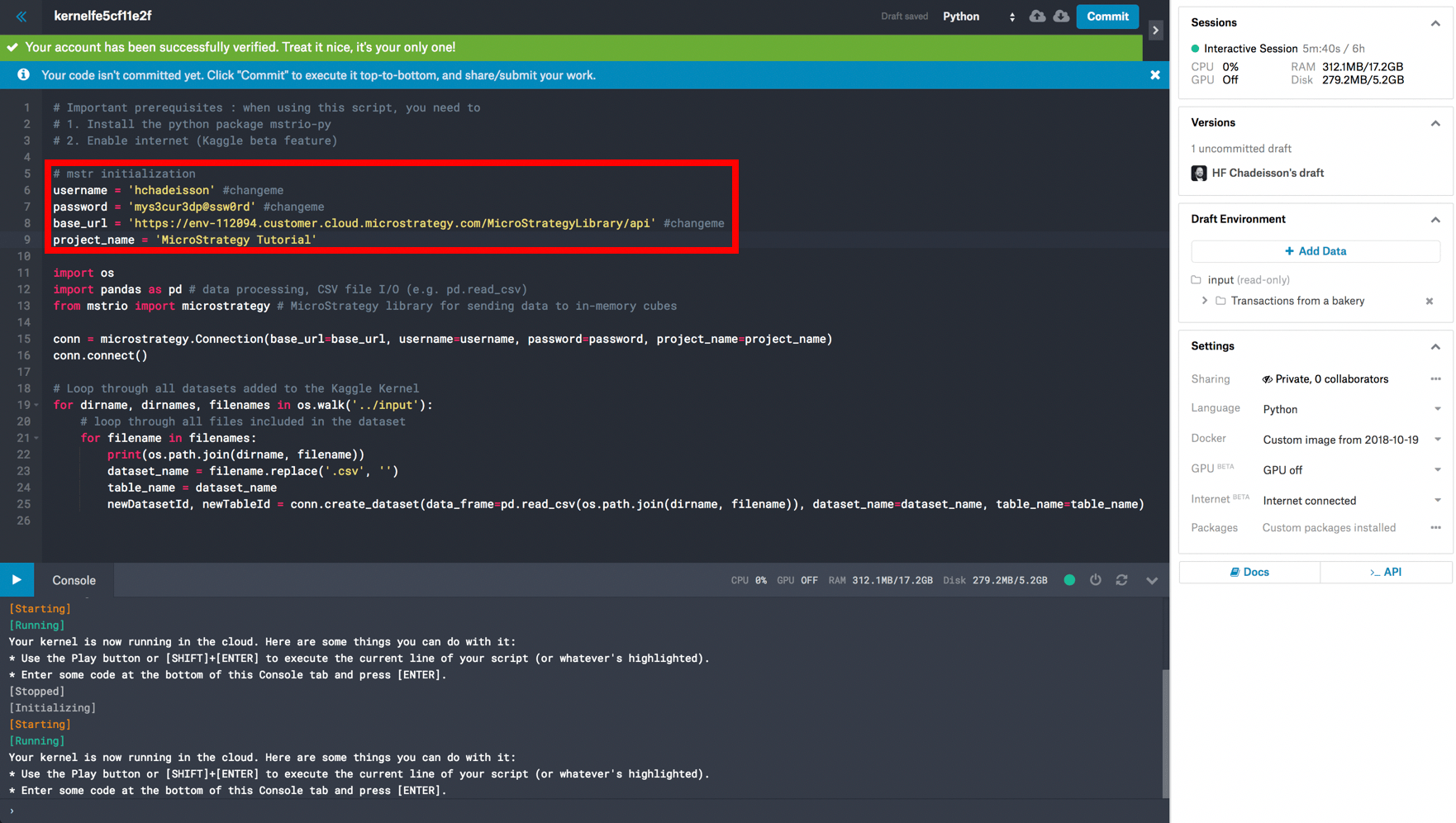
10. The script will execute step by step. In order to run it entirely, select / highlight the entire code in the editor (or go in the editor and type Ctrl/Cmd + A)
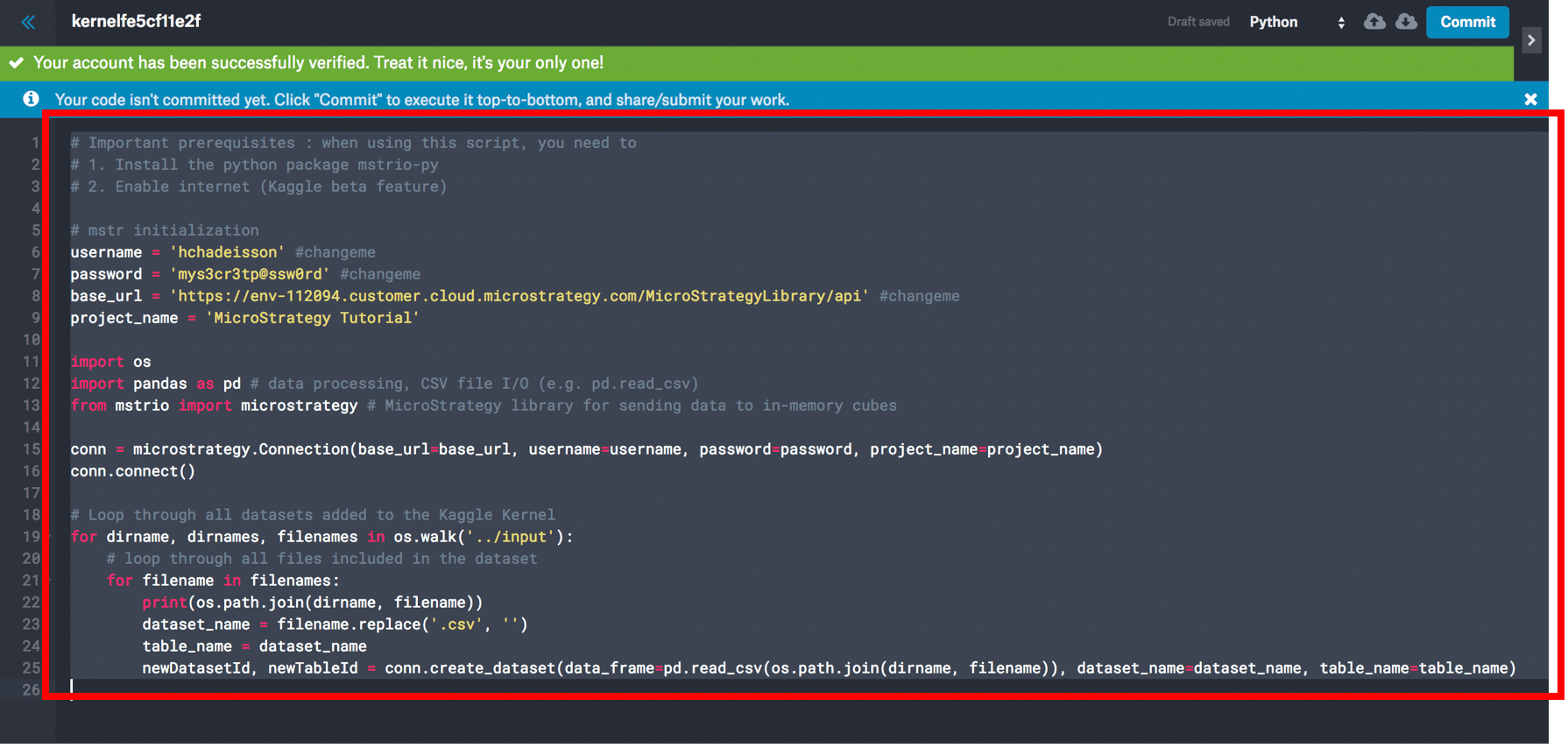
11. Run the script using the

button. It will grab all the datasets added to your Console, and push these as individual cubes in your Strategy environment
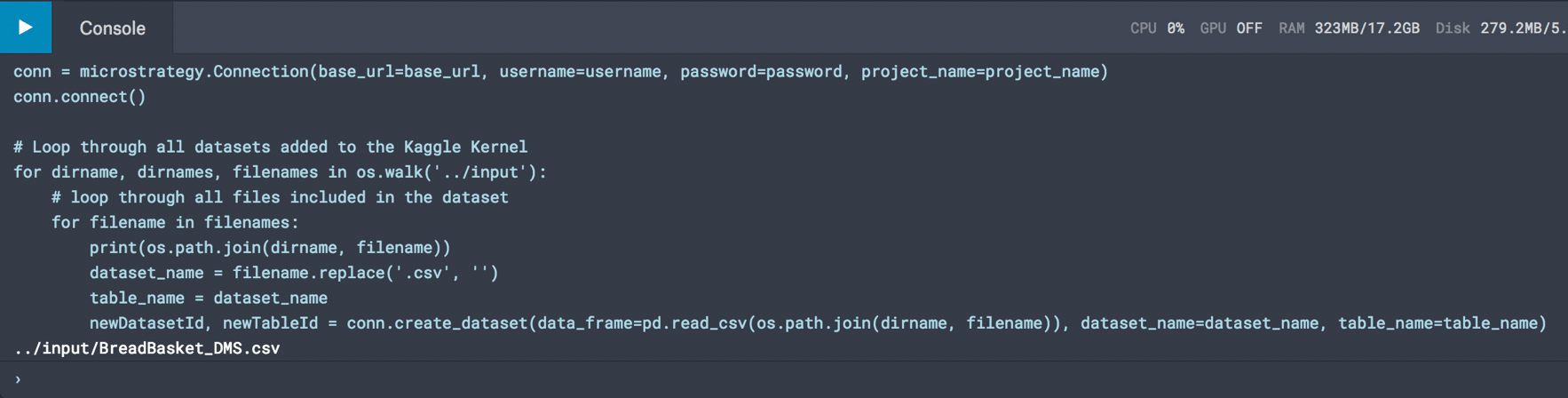
12. If all goes well, the output should look like this, and your dataset should be in the Strategy project you specified in your Server (default goes to My Reports folder)
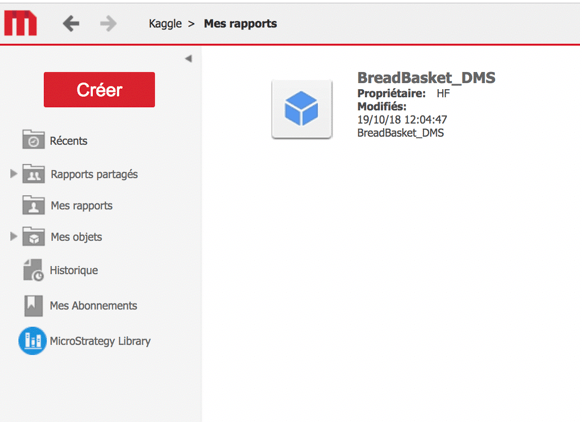
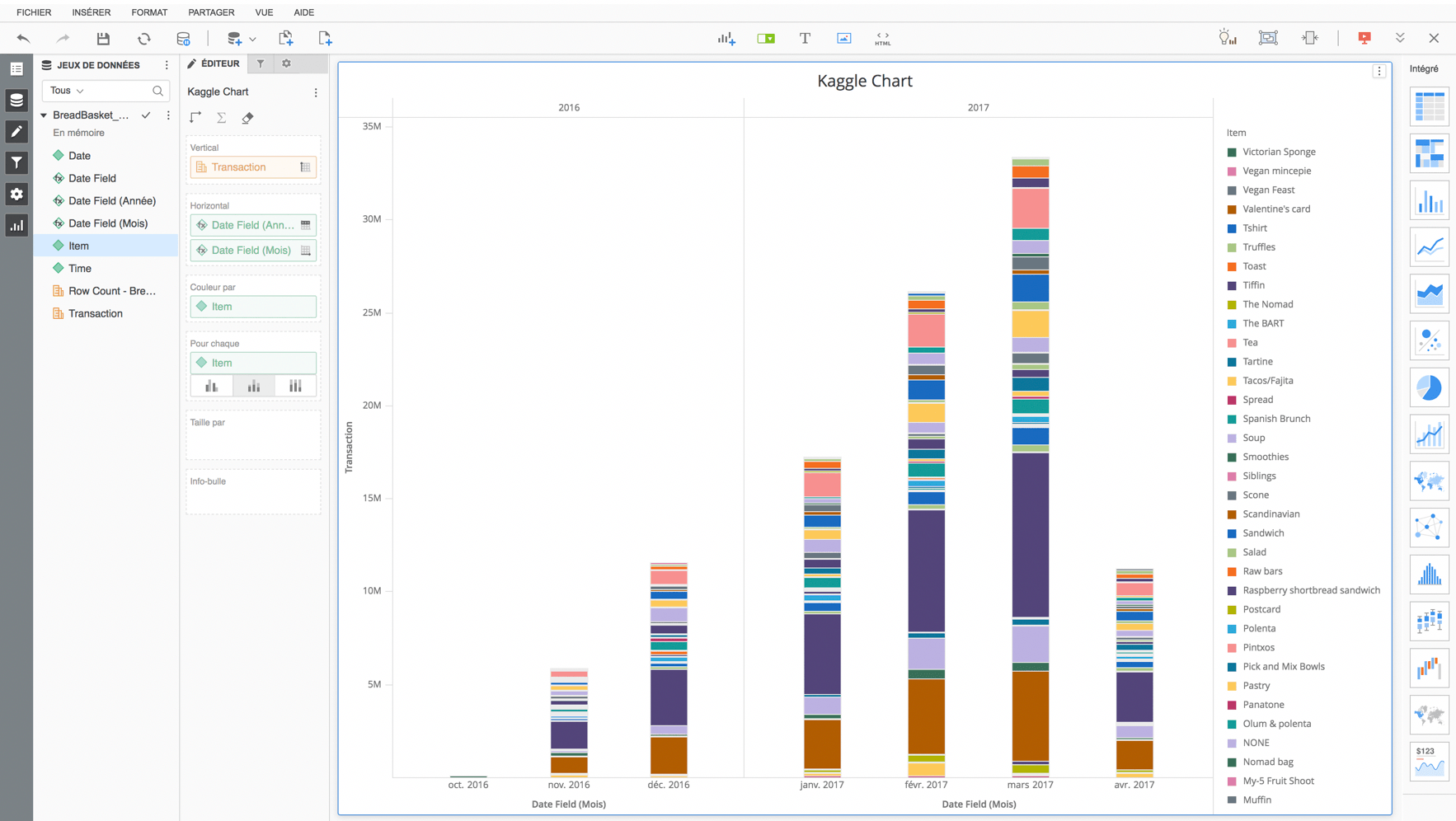
All ready to create a nice Dossier!
15 steps! Seriously? Why all the trouble?
Agreed, this might seem like a little over doing it for just one simple dataset. The main way people use Kaggle is: 1/ loading many datasets at once in the console and 2/ run training algorithms and predictions all ran in Python.
1/ loading many datasets at once in the console
Loading 20 datasets with that console would be as fast as loading 1: a couple minutes. If you were using Data Import, it would take an hour to do that.
2/ run training algorithms and predictions all ran in Python
Data Scientists get insights and make predictions with Python. Most of the time, their output is just a JSON, CSV or Excel file they send via email drop on a Big Data cluster that no one has access to.
These very few lines of code allow to push the result straight to Strategy while relying on Kaggle computing power. This will ultimately help make these outputs popular and spread to the world with Strategy.
