Users attempting to authenticate to Strategy Web using Kerberos Integrated authentication encounter the following error message on the user interface:
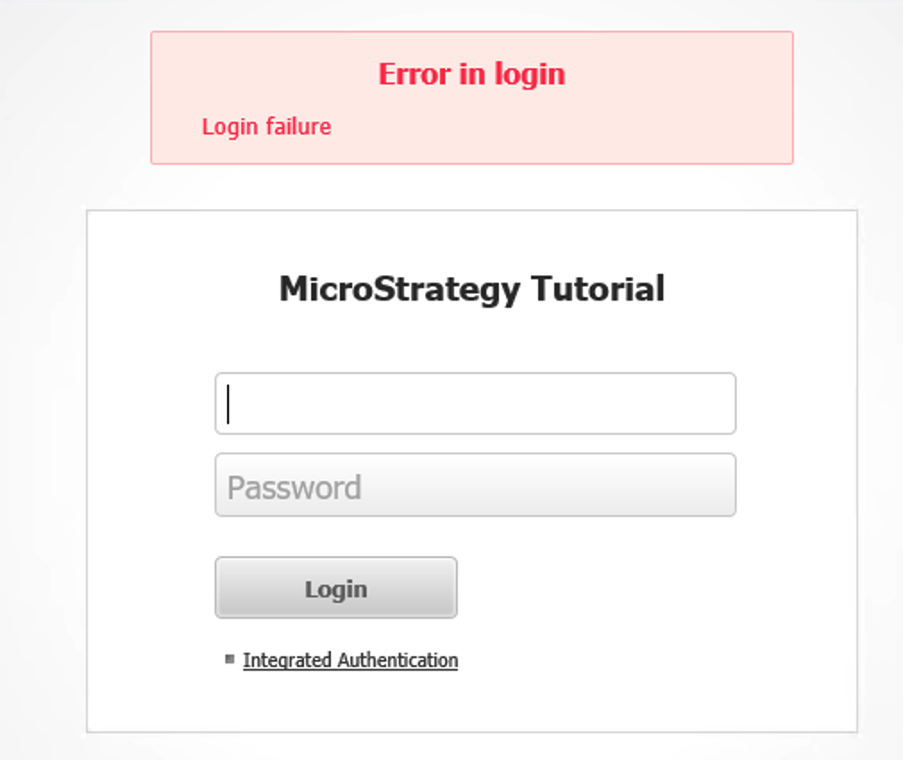
The Strategy Web logs provide additional error context with the message:
<message>Login failure - unable to obtain Kerberos ticket for MSTRSVRSvc/FQDN:34952 - Invalid name provided (Mechanism level: KrbException: Cannot locate default realm)</message>
The Kerberos protocol exception “Cannot locate default realm” typically points to a configuration issue related to the krb5.conf file or location.
The following list shows possible configuration issues that may lead to this issue:
- Krb5.conf does not contain the realm configuration.
o Action: Refer to KB33276 and validate krb5.conf content and syntax.
- krb5.conf file location or permissions not allowing web application to retrieve Kerberos realm information.
o Action 1: Ensure the correct location to the krb5.conf file is specified in the JVM startup options using the key “-Djava.security.krb5.conf” (refer to KB33276 for additional information)
o Action 2: Ensure the krb5.conf file permissions are correct for the user running the web application server process.
- krb5.conf file encoding is not UTF-8.
o Verify the krb5.conf file encoding to be UTF-8
- If using Strategy Library on the same web application server, krb5.conf file location may be overwritten by Strategy Library Kerberos configuration
o Action: Verify Kerberos configuration parameters in the configOverride.properties (<StrategyLibrary>/WEB-INF/classes/config) file of each Strategy Library deployment
