EducationSoftwareStrategy.com
StrategyCommunity

Knowledge Base

Product

Community

Knowledge Base

TopicsBrowse ArticlesDeveloper Zone

Product

Download SoftwareProduct DocumentationSecurity Hub

Education

Tutorial VideosSolution GalleryEducation courses

Community

GuidelinesGrandmastersEvents
x_social-icon_white.svglinkedin_social-icon_white.svg
Strategy logoCommunity

© Strategy Inc. All Rights Reserved.

LegalTerms of UsePrivacy Policy
  1. Home
  2. Topics

KB483432: Licenses do not display information when audited in License Manager in 2019


Community Admin

• Strategy


This article explains why you may not see license information when performing a license audit in License Manager 2019.

Symptom


When disabling project access for users in Developer, you can also locate the related privilege per license type inside the Project Access editor.
Server - Geospatial
Drivers - Big Data
Drivers - OLAP
Gateway - EMM - Mobile Iron
Gateway - EMM - AirWatch by VMWare
Gateway - EMM - AppConfig
Gateway - EMM - Blackberry Dynamics
You can also locate these license types in License Manager.
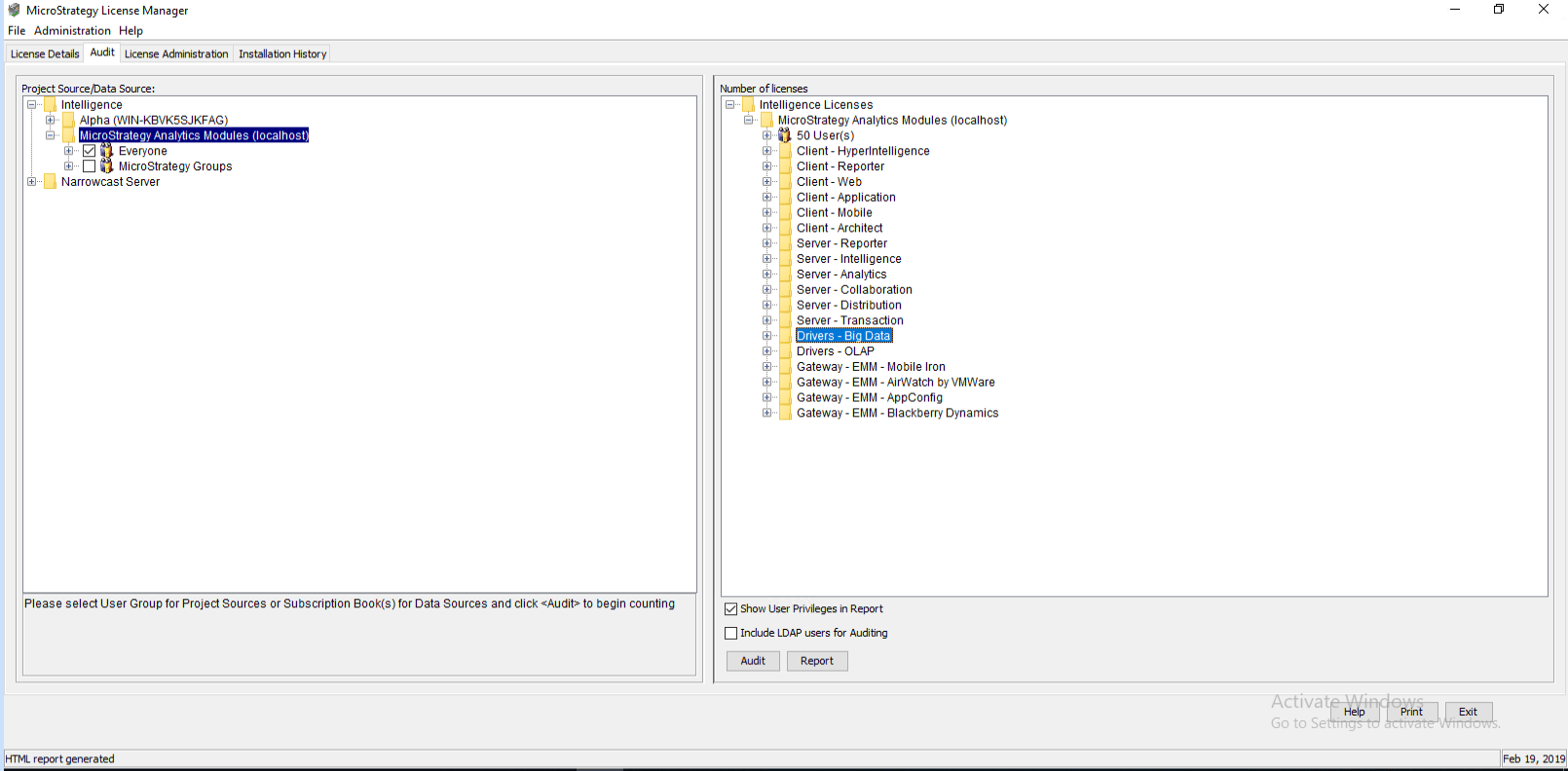
ka04W000001IwzxQAC_0EM2R000000hROt.jpeg

However, the above licenses do not show any information when audited in License Manager. The following is displayed.
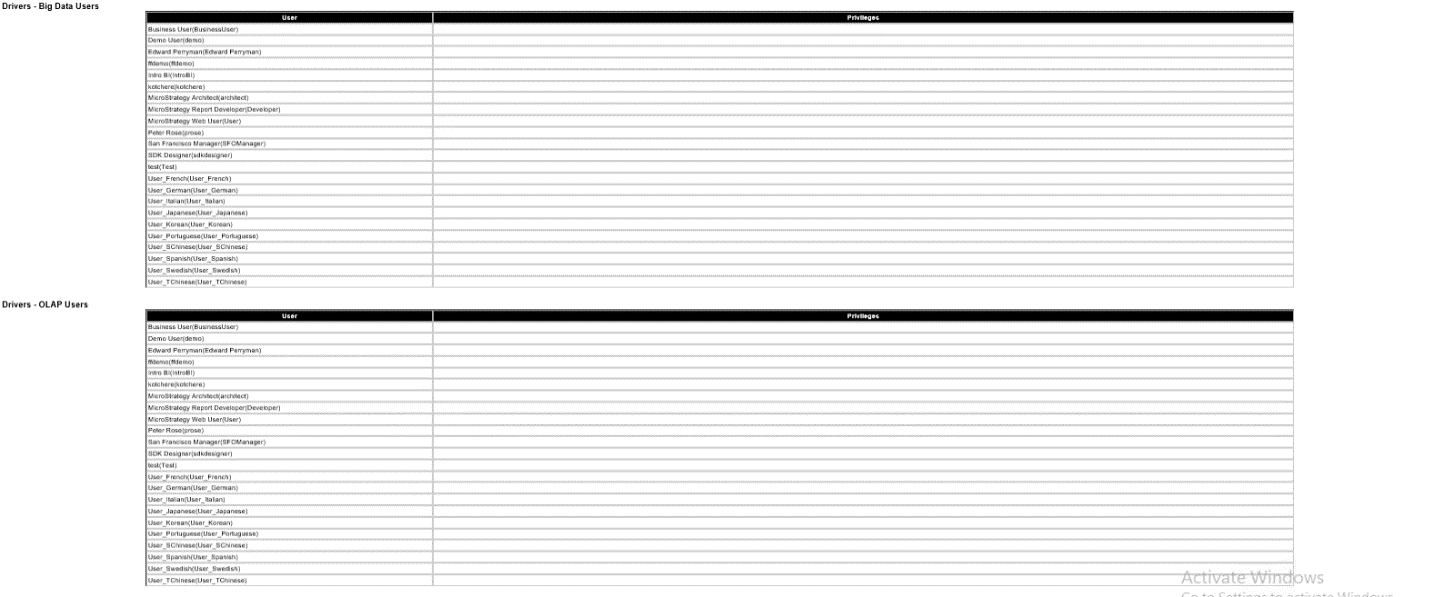
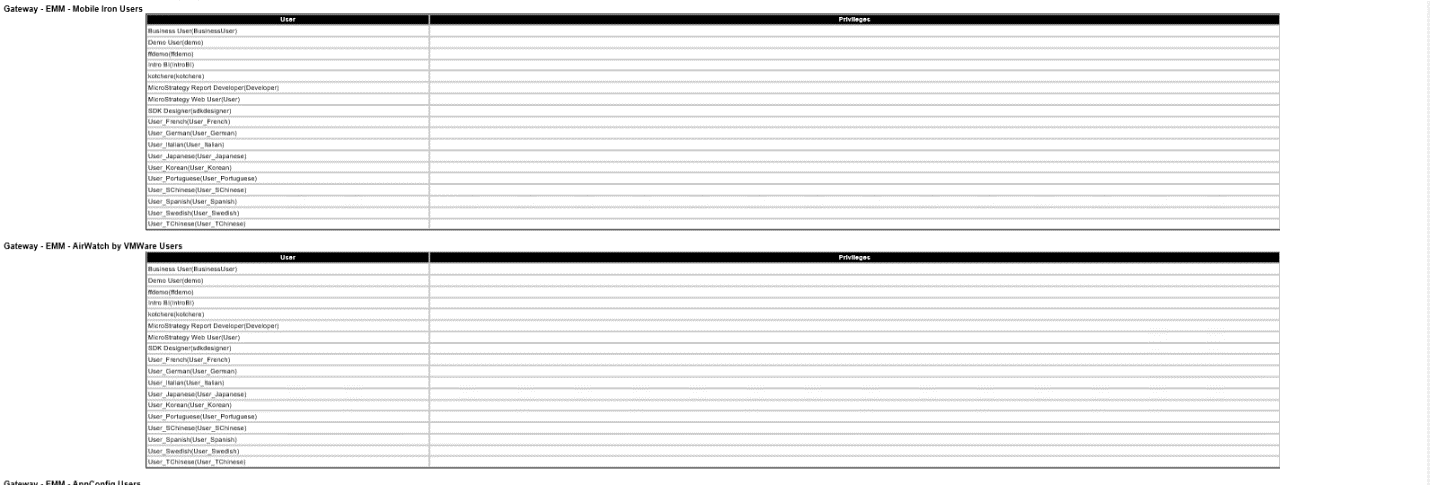
ka04W000001IwzxQAC_0EM2R000000hROy.jpeg
ka04W000001IwzxQAC_0EM2R000000hRP3.jpeg
ka04W000001IwzxQAC_0EM2R000000hRPD.jpeg

Cause


This is a 2019 license key generator issue.
 

Solution


Since the license key is not working properly, navigate to https://community.Strategy.com/s/products and generate a new key. Apply this key and information should display.


Comment

0 comments

Details

Knowledge Article

Published:

June 28, 2019

Last Updated:

September 22, 2022