Starting with the release of Strategy ONE (March 2024), dossiers are also known as dashboards.
With Library in 10.9, Strategy launched a new and refreshed paradigm for consumption and analysis of data across the Enterprise. Strategy Library offers a simpler and faster way of discovering dossiers (previously known as dashboards), more intuitive navigation workflows, powerful and scalable filtering abilities and a host of collaboration and sharing workflows that helps democratize data across the organization.
A key component of this new take on Enterprise BI is something we refer to as 'Collaborative Analytics'. It focuses heavily on discussions around data, to generate important insights and the ability to share it with the world using multiple channels. The two key pillars this idea rests on are -
1. Contextual Collaboration: Comments, Mentions, User Presence, and embedded Personal Views.
2. Notifications: Browser, Mobile, and in-app Notifications concerning collaborative activities.
For the purpose of this article, we'll focus on Notifications.
There are three basic components to the Notifications piece in Library, powered by a real time engine
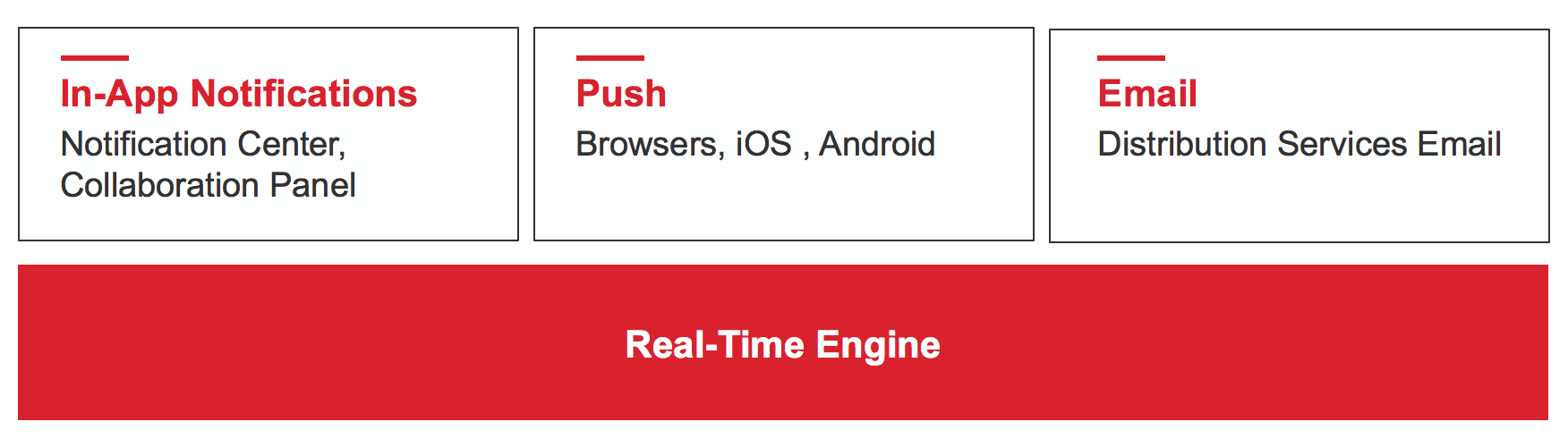
Whenever a relevant collaborative activity takes place, the end user gets a notification to draw her attention to it. This happens in real time and is very contextual in nature. For instance, when a user gets invited to a dossier or gets tagged to a comment within it -
a. The user will get a direct notification via the notifications panel on their Library. Tapping on the notification will direct them to the relevant comment and page directly.

b. She will get a browser or mobile push notification for the same.
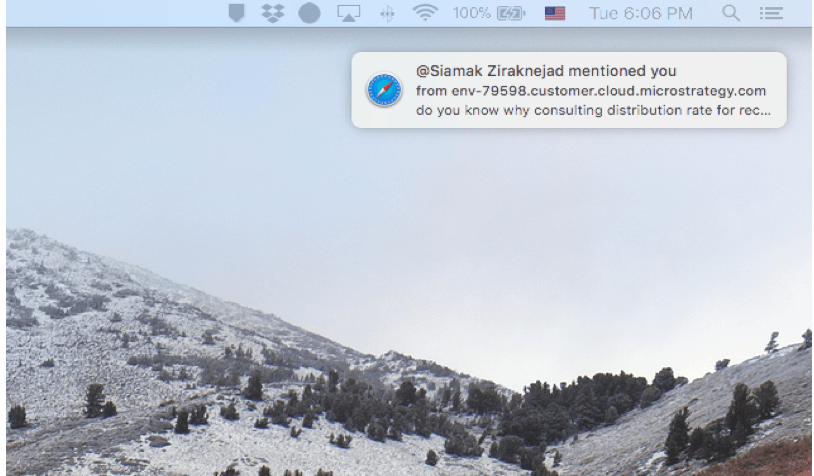
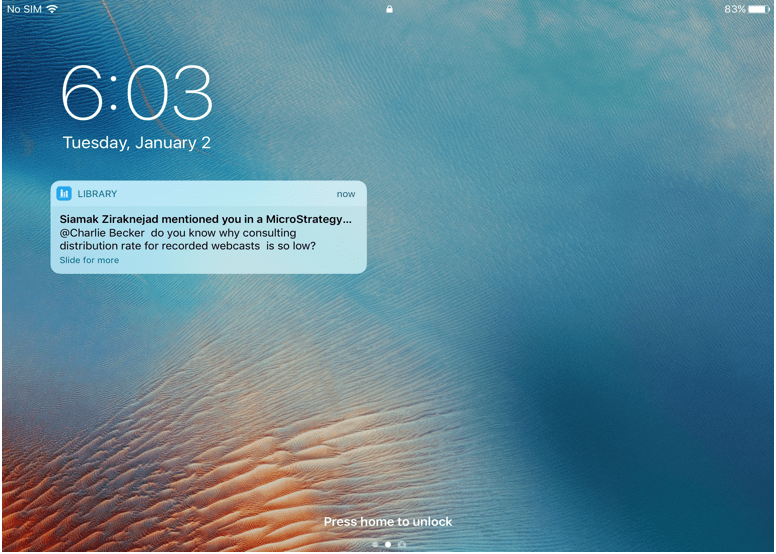
c. She will get an email with the ability to access the notification and dossier via browser or App.

As you can clearly see, all efforts are focused on informing the end user in real time about information and conversations relevant to her at the given moment. Not a minute is wasted on emails, phones, instant messaging or other apps. Not a sliver of context is lost in third party conversations and communications. Everything is presented to the user at the right place and at the right time, to make their BI journey efficient, productive and truly collaborative.
