In the Strategy for Office add-in, Library with custom authentication does not work in browsers, such as Chrome, Mozilla Firefox, Internet Explorer, and Edge, in both Windows and Mac. The add-in does not load and returns the following error:
Add-in Error: Something when wrong and we couldn't start this add-in. Please try again later or contact your system administrator.
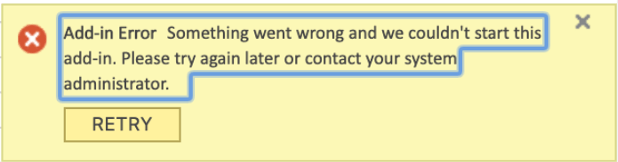
However, the desktop version successfully starts the add-in for Windows and Mac.
Prior to loading any manifest file, Excel for the web first validates that the entry points is a valid add-in. To do this, it checks that the ExcelAPI initialization was done by the app. However, in a custom authentication environment, the ExcelAPI initialization path is incorrectly behind a security filter. Rather than loading the Strategy for Office authentication, Excel for the web redirects to the custom authentication form. This website doesn't have the ExcelAPI, and therefore is blocked by Excel.
This behavior is not present in the desktop application because the validation does not occur.
To use custom authentication,
/static/mstr-office-loaderand
/api/session/must be ignored or unprotected.
