Starting with the release of Strategy ONE (March 2024), dossiers are also known as dashboards.
Strategy allows you to leverage SAP HANA's database concept of User Defined Roles. User Defined Roles conveniently handle privileges of users using the database.
MOCK_DATAtable and a
MOCK_VIEWview.
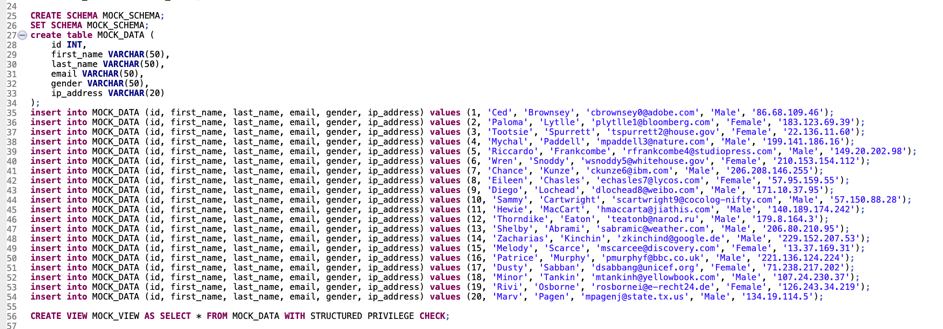
TEST_USER1and
TEST_USER2.

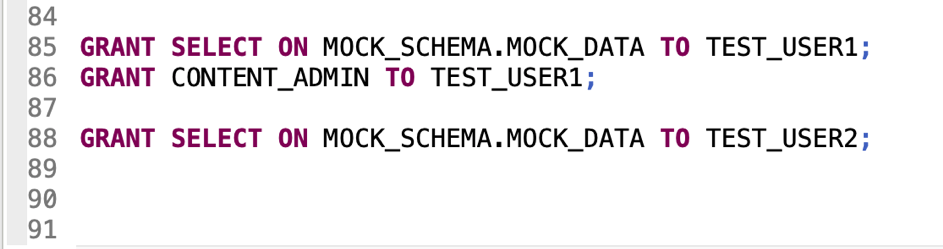
TEST_USER2.

TEST_USER1,
TEST_USER2, and the
HANA SYSTEM user, who is present by default in Developer.

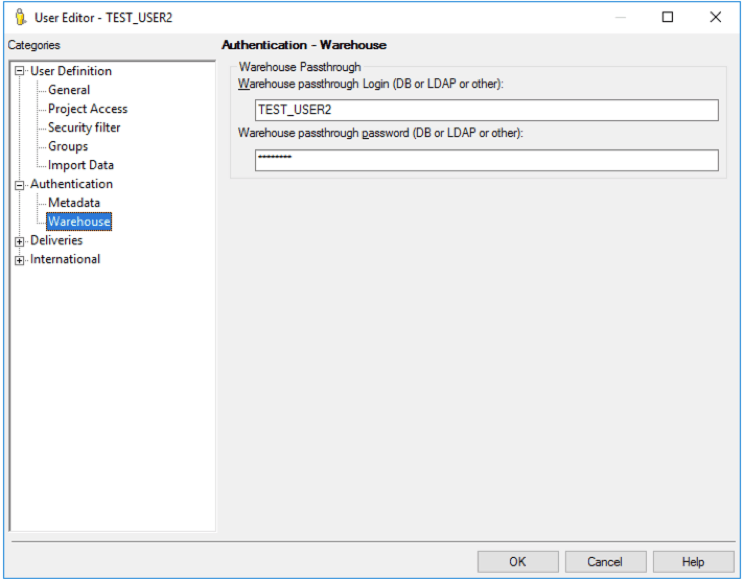
TEST_USER1and
TEST_USER2in Strategy and open the User Editor. Navigate to Authentication > Warehouse and provide SAP HANA credentials for
TEST_USER1and
TEST_USER2.
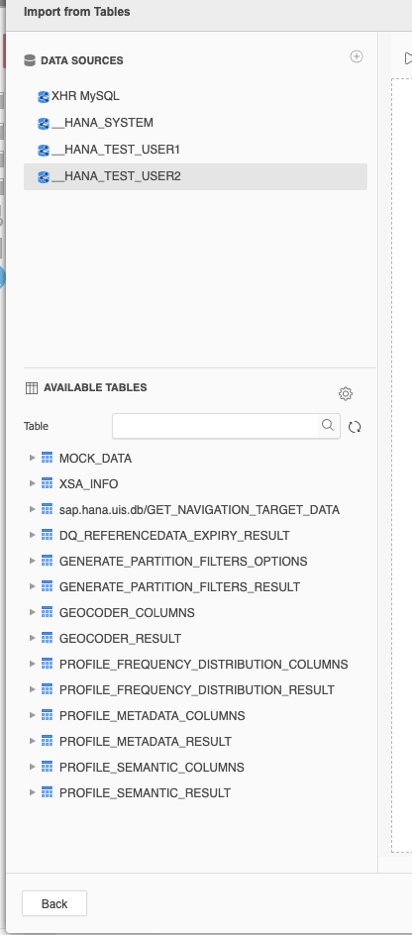
__HANA_SYSTEMdata source.
TEST_USER1should see
SAP HANAtables in
MOCK_SCHEMA, but is not able to add them to the project, whereas
TEST_USER2can see and use the data due to their
CONTENT_ADMINprivileges.
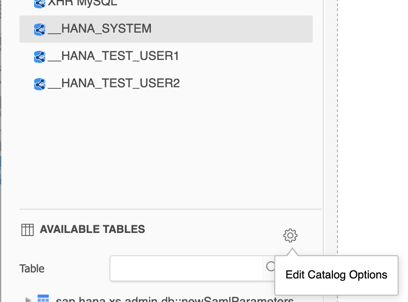
MOCK_VIEWview created on SAP HANA, click Edit Catalog Options.
#LOGIN_NAME#to
MOCK_SCHEMA.

MOCK_VIEWand all all of its tables to the project. Click Execute SQL, then Finish.
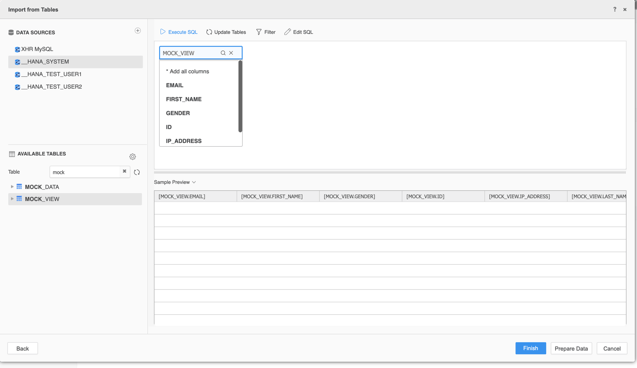
MOCK_VIEW_CUBEin the Personal Objects folder.
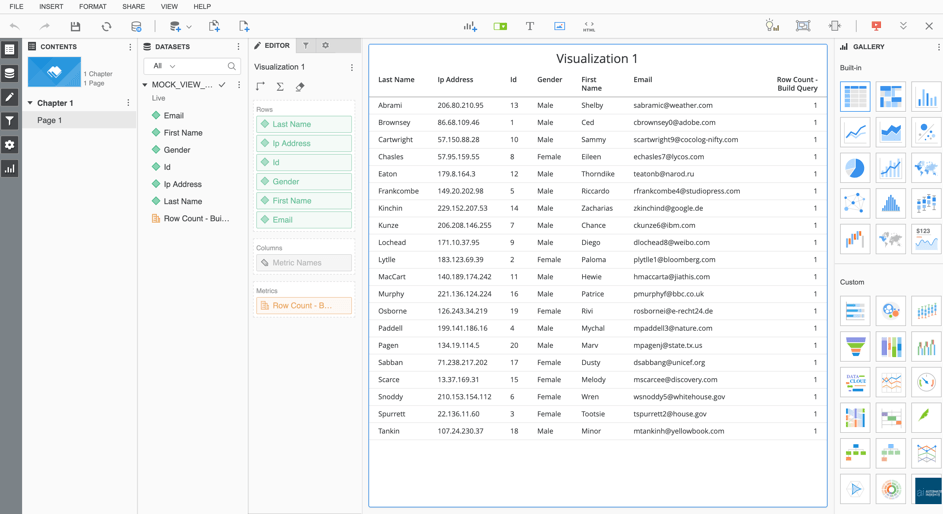
TEST_USER1and
TEST_USER2.
MOCK_VIEW_DOSSIERas a Strategy Administrator (the
HANA SYSTEMuser).
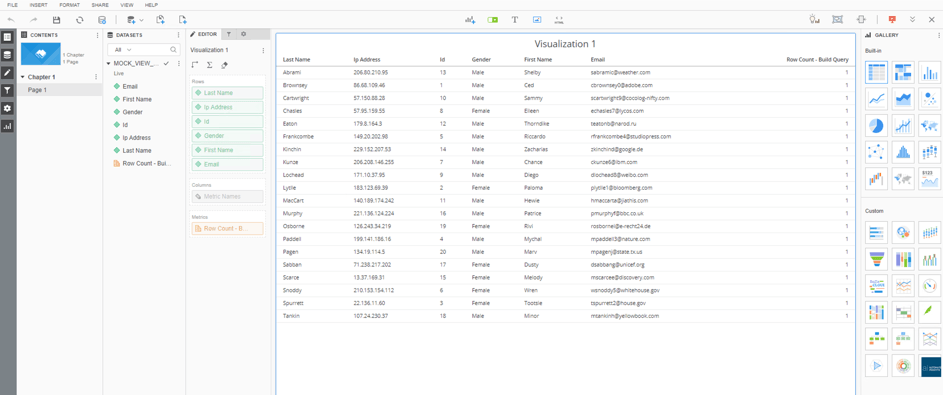
TEST_USER2has different privileges on the SAP HANA database than the
HANA SYSTEMuser.
TEST_USER2. The
MOCK_VIEW_DOSSIERis available and editable to
TEST_USER2due to their FULL ACCESS privilege.
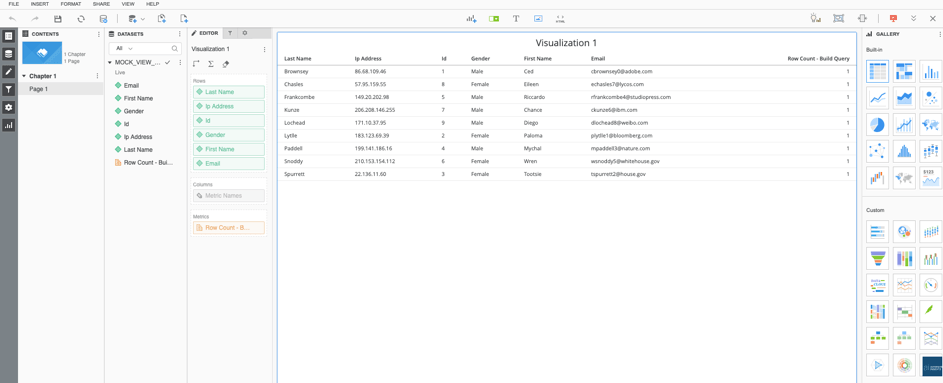
As a result of these steps, the Strategy user is now using the User Defined Roles defined on SAP HANA:
The HANA SYSTEM user corresponds to the Strategy Administrator (MSTR User), which can reflect the Application Architect persona.
TEST_USER2 (the same name in Strategy and in the HANA database) translates to a Project Architect who builds dossiers, but has limited access to data present on SAP HANA.
