KB441246
SYMPTOM
The MicroStreategy Web login windows keeps appearing in Internet Explorer even though the correct credentials are entered. This behavior is not observed in Microsoft Edge, Chrome or Firefox.
STEPS TO REPRODUCE
To simulate the behavior
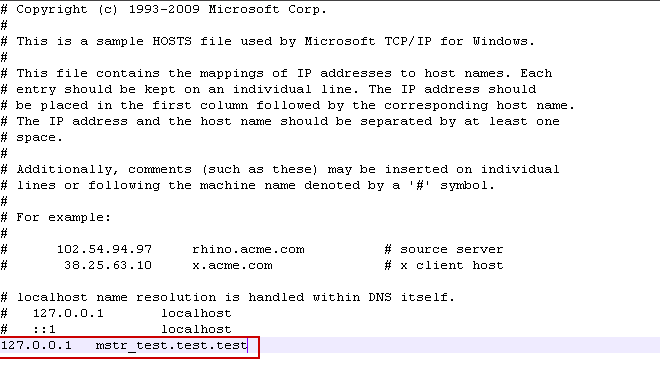
1.- create an entry in host file in Windows located in "C:\Windows\System32\drivers\etc" containing and underscore in its name as shown in the screenshot (i.e. mstr_test.test.test)
2.- Enter Strategy Web login page using that domain name using Internet Explorer.
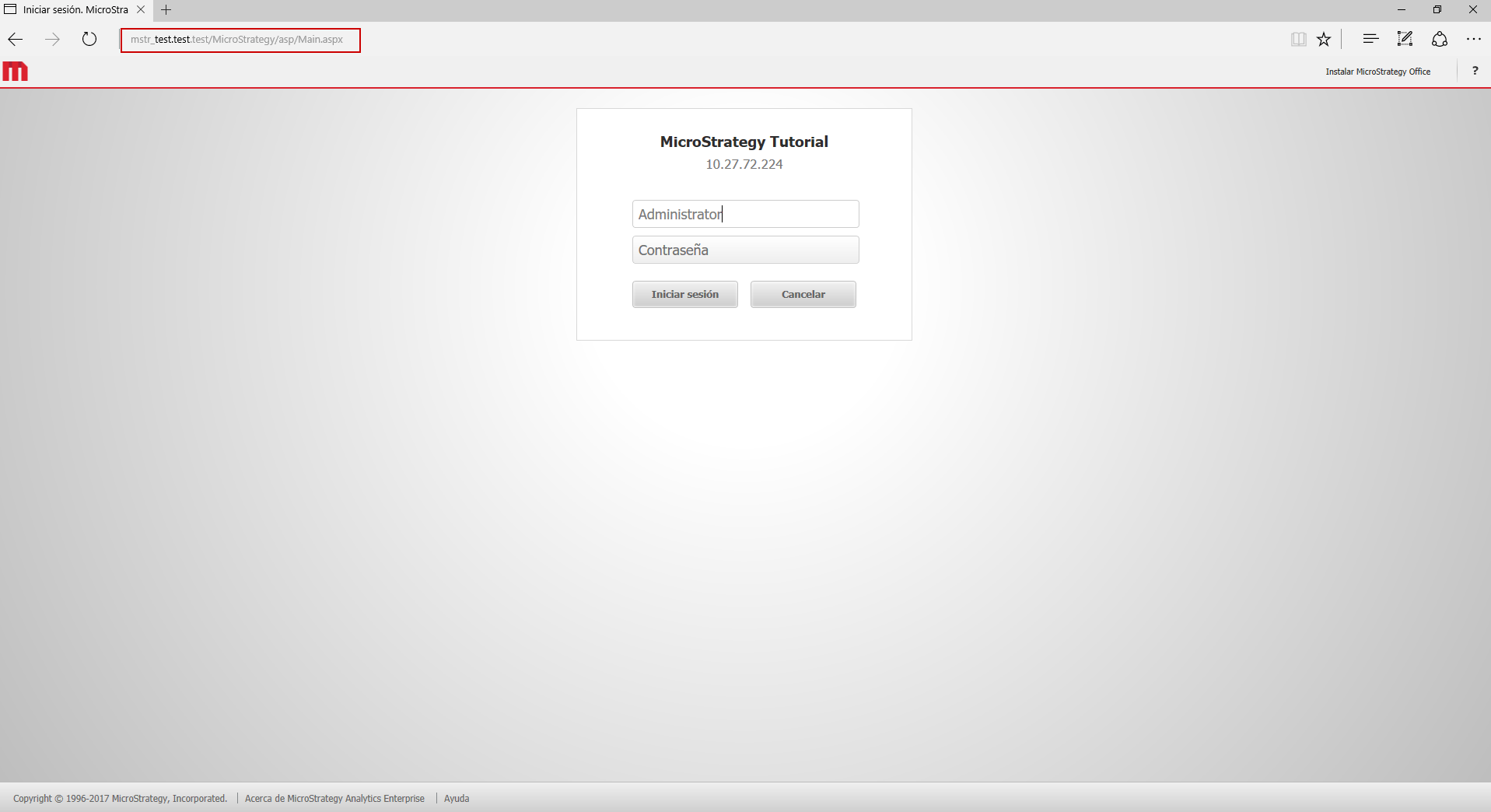
3.- Login page is shown again after entering the correct credentials.

Correct behavior:
Using a different browser (Chrome, Firefox...)
4.- Enter Strategy login page as in step 2.

5.- Default home page can be seen with no issues.

CAUSE
Detailed explanation can be found in the following link:
"Why Internet Explorer Won’t Allow Cookies On (sub)domains With Underscores"
https://ma.ttias.be/internet-explorer-wont-allow-cookies-subdomains-underscores/
WORKAROUND
Two possible workarounds.
1.- Don't use underscore character in domain name
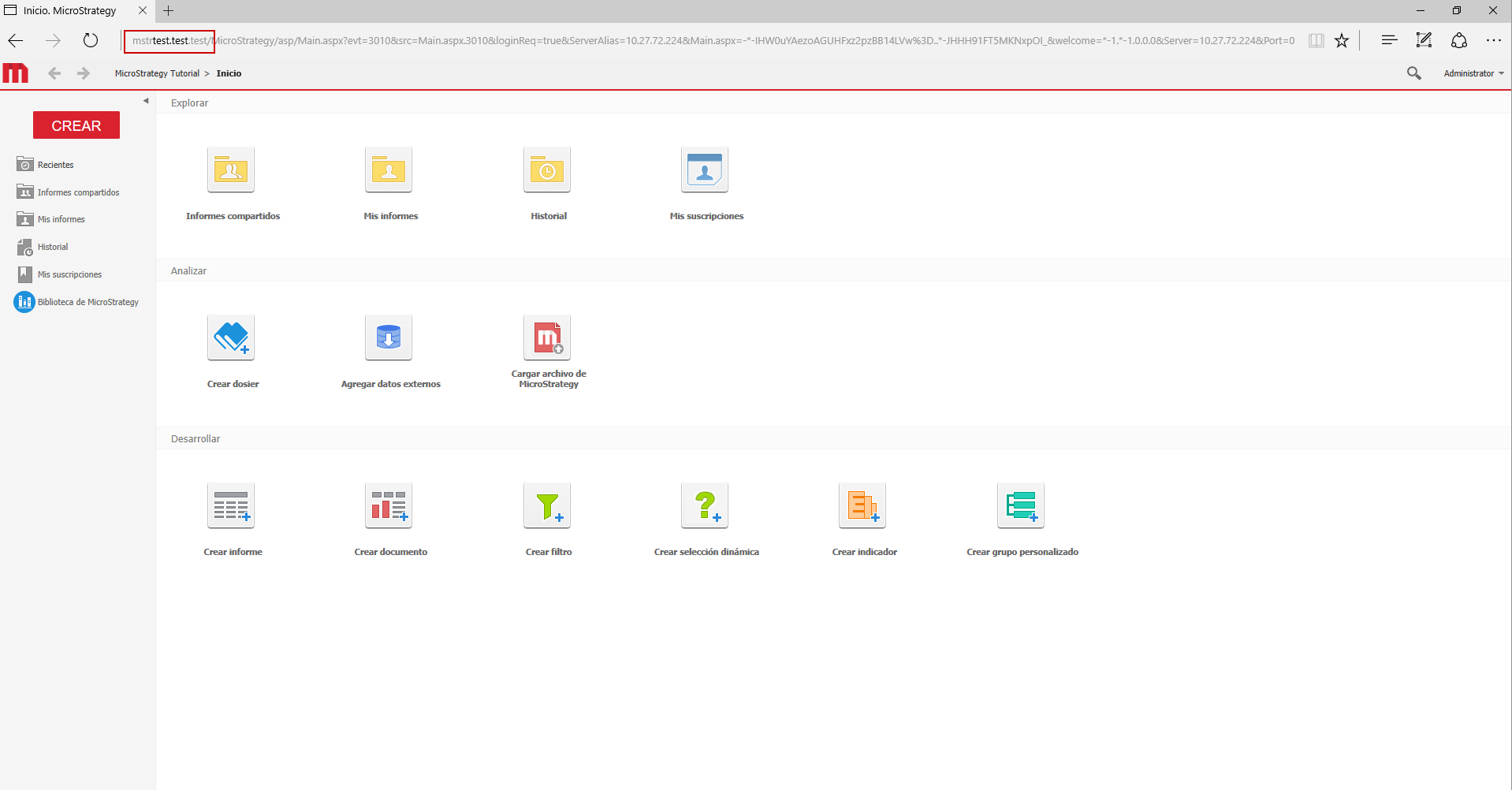
2.- Use a different browser like MicroSoft Edge, Chrome or Firefox.

