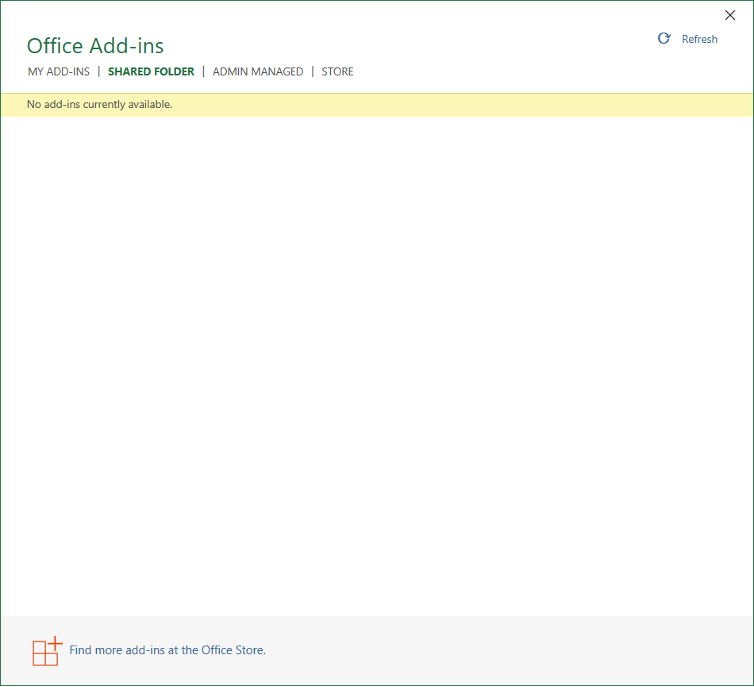
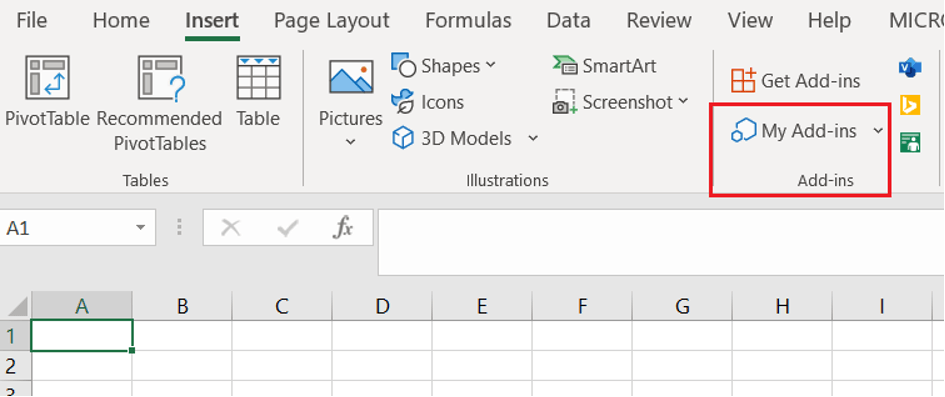
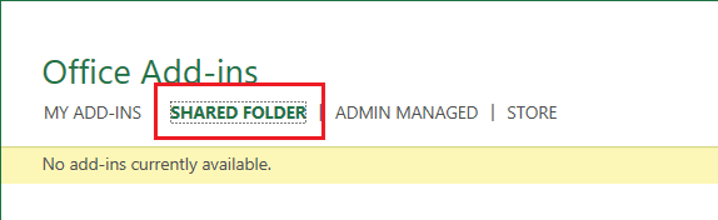
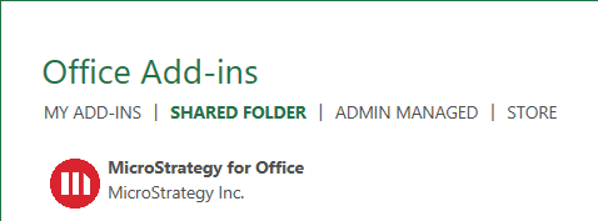
For testing purposes, individual users can manually deploy the Strategy for Office add-in. In some instances when deploying the Office add-in in a client Excel, the Office add-in is not visible in the specified Shared Folder, as seen below.
The client Excel version does not support the minimum Excel API version. The minimum Microsoft Excel API version is 1.4. Microsoft Excel API version 1.7 or later is required to support all Strategy for Office functionality. Refer to the product documentation for more information on the System Requirements for the Strategy for Office add-in.
To confirm that the issue is caused by the minimum Excel API version requirement, follow the below steps.
Strategy for Office.xmlfile.
ExcelApi” requirement.
1.1, as seen below.
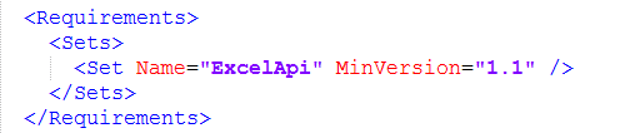
Strategy for Office.xmlfile.
Upgrade the client Excel version to meet the minimum required Excel API version requirement.
