Starting with the release of Strategy ONE (March 2024), dossiers are also known as dashboards.
Deploying Strategy on the Alibaba Cloud
This article will go over the basic setup of Strategy on the Alibaba Cloud. In this document we will show you how to deploy Strategy on a single node Windows box.
These steps were created for Strategy 10.11. Any future releases by either Strategy or Alibaba Cloud may result in different steps and screenshots.
Please review our article on MicroStrategy Support for Virtualization software.
Note: The default network settings used in this article opens your network to anyone in the world. Make sure you discuss your deployment with your security administrator before putting sensitive data in the cloud.
Overview
In this article, we will look at:
Prerequisites
Deploy an Alibaba instance
1. Sign into your Alibaba Cloud account and go to the Console: https://home-intl.console.aliyun.com
2. On the left-hand side, click Elastic Comp

3. On the left-hand side, click Instances.
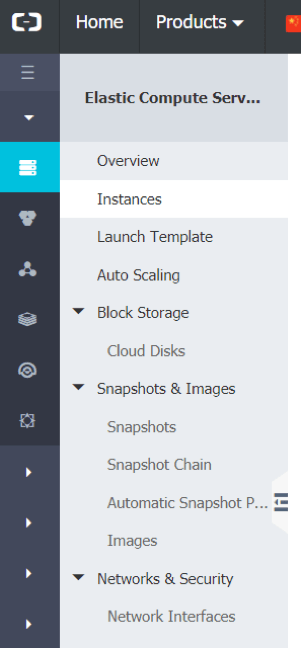
4. On the right-hand side, click Create Instance.

5. This will take you to the Elastic Compute Service (ECS) page. Configure your instance here by filling out the required fields. If you want more in-depth detail on configuring an instance, please visit the Alibaba Create an instance page.

6. Once configured, click Next: Networking.
7. In the Networking page, under the Security Group section, check the HTTP (Port 80) and HTTPS PORT 443 checkboxes. Keep everything else as default.

8. Click the Next: System Configurations section.
9. Your Login Name will be Administrator. Create a Login Password. This username and password will be used to RDP into the ECS instance. Keep everything else as default.
10. Click Preview.
11. Once you are done, click Create Instance.

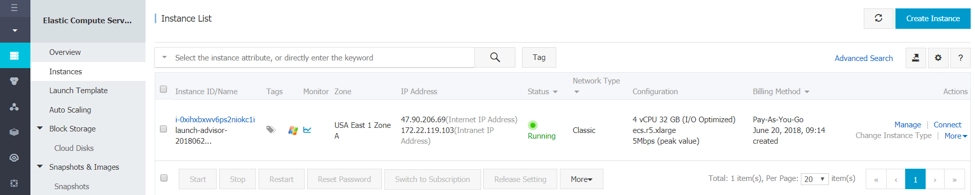
12. Once back on the Instances page, you need to connect to the RDP. You may click on the Connect button or copy the Internet IP Address and paste it into the RDP. Use the credentials you created above to log in.
Download and Install Strategy
Below will provide quick instructions on installing Strategy. For more detailed instructions, please click here
13. Download the 30-day free trial or if you are a current Strategy customer, go to our Download Site and download your preferred version into the RDP.
14. Make sure that you unzip (extract) the file.
15. Double click the Strategy installer package.
16. Select the language for the installation

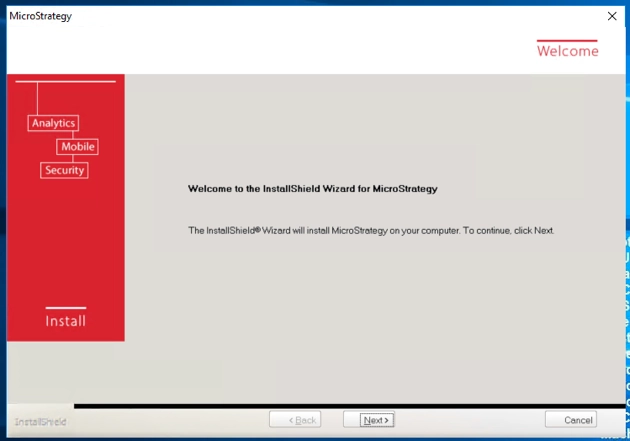
17. A Welcome to the InstallShield Wizard for Strategy window will pop up. Click Next
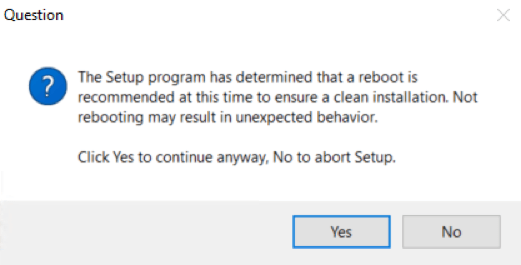
18. If a question pops up asking about a reboot, click Yes to continue
19. Accept the license agreement
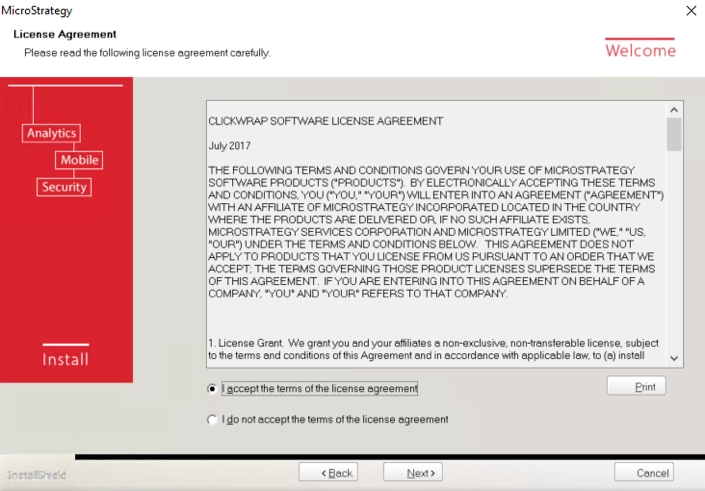
20. You will be brought to a screen to enter in information.

21. if you installed the 30 day free trial, you should have received an automated email with the license key. Paste that license key into the License Key section. Click Next.
Note: if you are a current customer, you may obtain a license key from the download site

22. click on Express Install and then Next

23. On the Usher Configuration screen, click Skip. Usher can be set up at a later time. If you are interested in setting up usher, please click here

24. in the Download Open Source Software, click Next. This may take a couple minutes, as it is downloading MySQL and R.
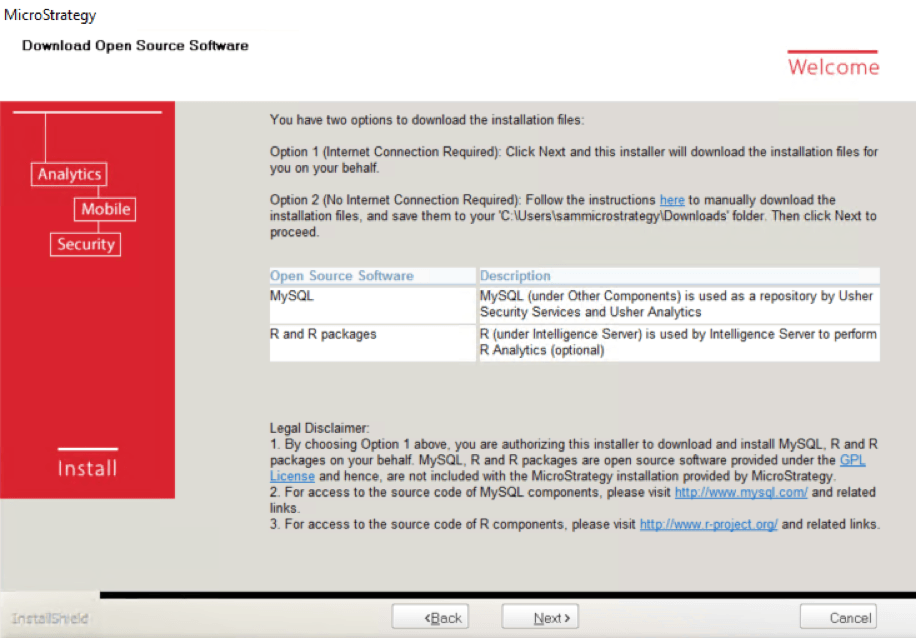
25. On the Review Installation Settings screen, check the Automatically restart this computer… checkbox and then click Install
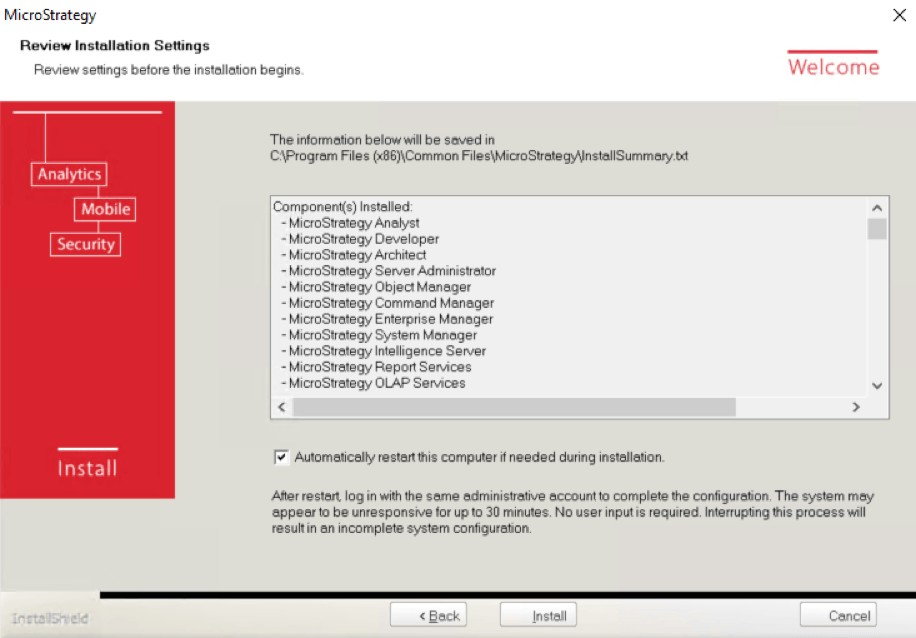
26. This may take up to 30 minutes. After installation finishes, your computer may restart. Please RDP back into the instance.
Configuring Strategy and Getting Started
27. After logging into RDP, please wait 10 minutes as Strategy finishes configuring.
28. After configuration is finished, Strategy web should automatically pop up. If it did not, click on the Strategy icon to open Strategy web.

29. You will see a Welcome to the Strategy Secure Enterprise landing page. On this page will contain quick links to

Tips and Troubleshooting help
It may be useful to get an elastic IP address. Elastic IP address allows you to keep the same external IP address in case you stop/start your instance. For more information on elastic IP addresses, please review this Alibaba Document
The Strategy web URL allows any user to use the Strategy platform from any computer browser. The URL will look similar as this
http://[Internet IP Address]:8080/Strategy
With the default security groups, this URL will only be accessible via the RDP.
If you would like to share the Strategy web URL to users outside the RDP, please go to your network settings and open up port tcp:8080
KB441261
