Starting with the release of Strategy ONE (March 2024), dossiers are also known as dashboards.
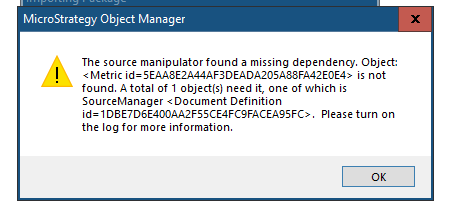
When importing a dossier's package via Object Manager, the following error message is encountered:
The source manipulator found a missing dependency. Object is not found.
DSSErrors.logfile.
2021-01-27 04:29:52.089-05:00 [HOST:tec-w-012371][SERVER:][PID:17904][THR:17780][Client Services][Error][0x800423D4][UID:0][SID:0][OID:0][CDSSBulkMergeValidate.cpp:hLogMissingDependencies at line:562] The source manipulator found a missing dependency. Object:
is not found. A total of 1 object(s) need it, one of which is SourceManager
. Please turn on the log for more information.
The dossier (
1DBE7D6E400AA2F55CE4FC9FACEA95FCuses a standalone DI cube (
8BE4270946E3BEA2F65F71863751326F), also depends on the DI cube's managed metric (
5EAA8E2A44AF3DEADA205A88FA42E0E4), and the target project has the DI cube, but does not have the metric.
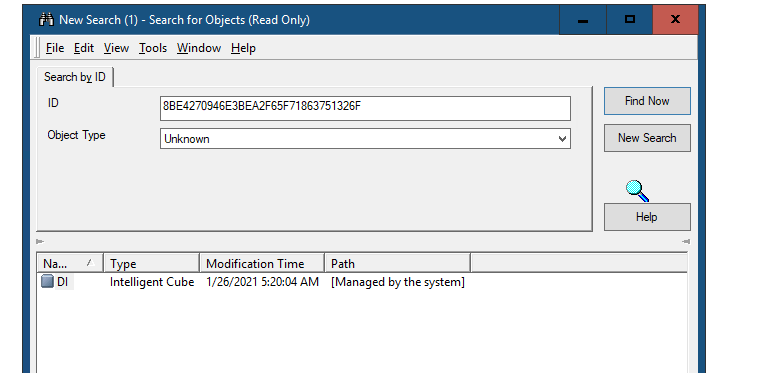
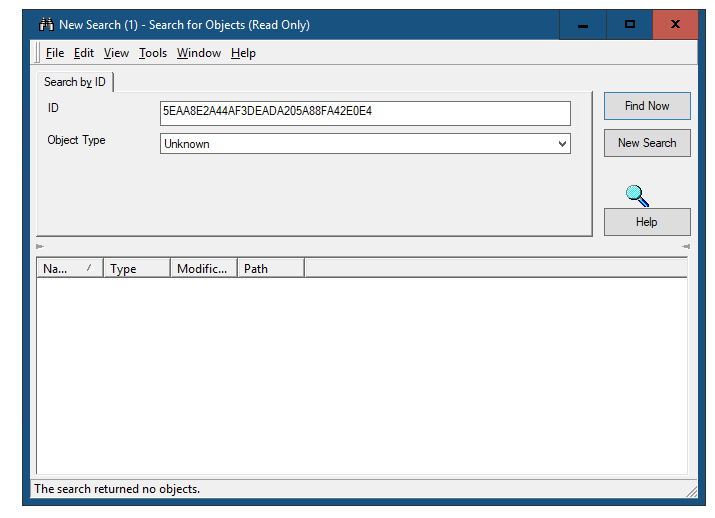
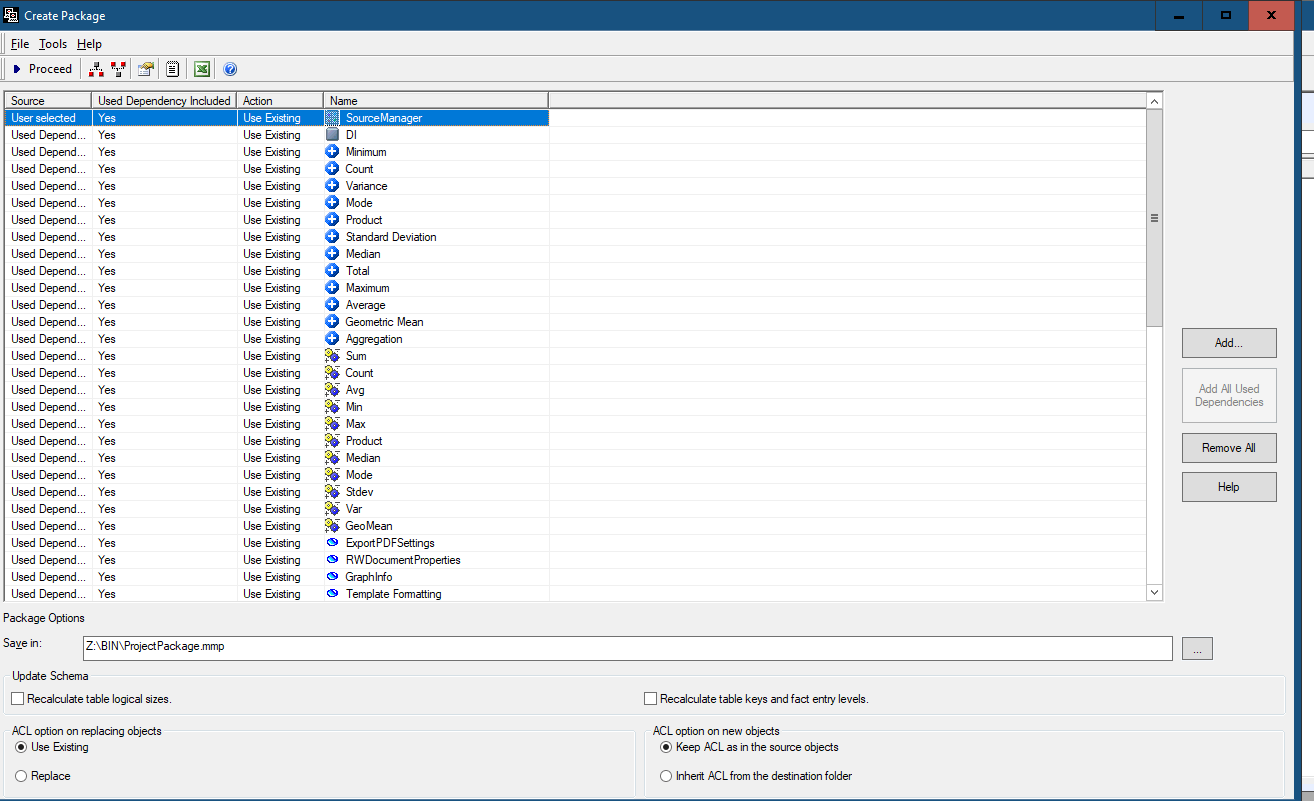
When creating a package for the dossier with Object Manager, the metric is packaged as the extended DI Cube's embedded object.
However, when importing the package with "Use existing" selected as the DI Cube's conflict rule, the extended DI cube object is skipped. Hence, its embedded object is skipped too.
Since the dossier also depends on the metric directly and the target project does not have it, it results in a dependency validation failure and the error is thrown.
Do not use the Use existing option as thee DI Cube's conflict rule. Alternatively you can use Replace, Force Replace, or Keep both to ensure the DI cube and its manage objects are imported.
