EducationSoftwareStrategy.com
StrategyCommunity

Knowledge Base

Product

Community

Knowledge Base

TopicsBrowse ArticlesDeveloper Zone

Product

Download SoftwareProduct DocumentationSecurity Hub

Education

Tutorial VideosSolution GalleryEducation courses

Community

GuidelinesGrandmastersEvents
x_social-icon_white.svglinkedin_social-icon_white.svg
Strategy logoCommunity

© Strategy Inc. All Rights Reserved.

LegalTerms of UsePrivacy Policy
  1. Home
  2. Topics

MobileIron Homepage


Stefan Zepeda

Salesforce Solutions Architect • Strategy


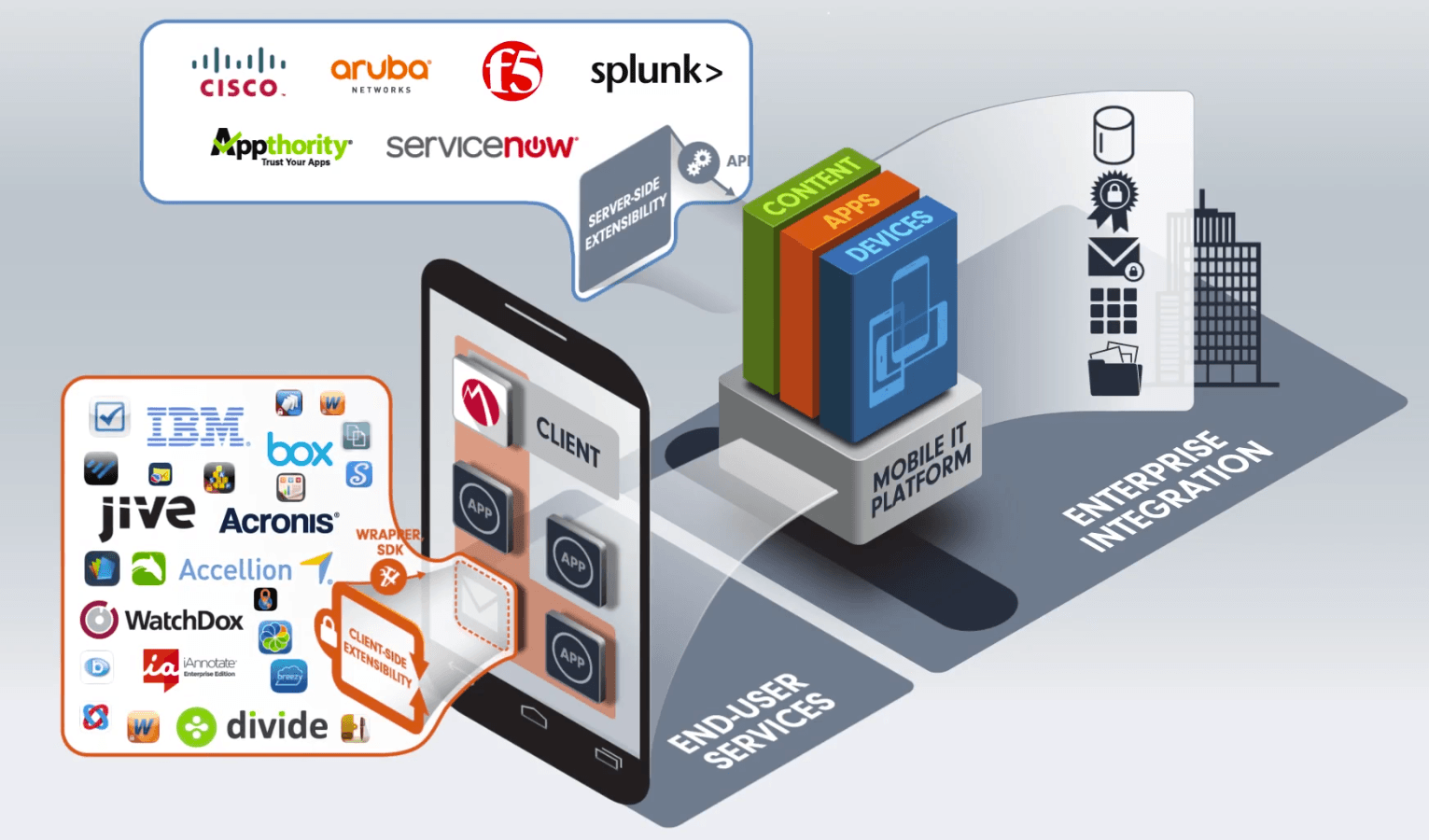
MicroStrategy partnership with MobileIron adds an extra layer of security to MicroStrategy Mobile applications running on iOS devices.

By implementing the security policies and configurations provided by MobileIron, administrators can apply enhanced protections to mobile devices in use across the enterprise. These settings help organizations add additional security around apps that handle sensitive data. Strategy latest supported version is Strategy Mobile iOS Mobile Iron 10.7.
 

ka02R000000kX6mQAE_0EM440000002Iuw.png

Strategy has partnered with MobileIron to add an extra layer of security to Strategy Mobile applications running on iOS devices. By implementing the security policies and configurations provided by MobileIron, administrators can apply enhanced protections to mobile devices in use across the enterprise. These settings help organizations add additional security around apps that handle sensitive data. There are three kinds of security policies available on MobileIron to help administrators prevent data leakage.

  • Copy and Paste: This policy is used to either allow or disallow users from copying and pasting content to and from an app managed by MobileIron.
  • Print: Using this policy, administrators can set whether users are allowed to print content from an app managed by MobileIron. When you disallow this privilege, no data can be printed from the app.
  • Open in: This policy is used to determine where users can open files in specific apps managed by the MobileIron VSP. The administrator can choose to allow users to open files in all apps, apps that are managed by MobileIron, or apps in a white list.


ka02R000000kX6mQAE_0EM440000002Iv1.png

Comment

0 comments

Details

Knowledge Article

Published:

April 10, 2017

Last Updated:

April 10, 2017