EducationSoftwareStrategy.com
StrategyCommunity

Knowledge Base

Product

Community

Knowledge Base

TopicsBrowse ArticlesDeveloper Zone

Product

Download SoftwareProduct DocumentationSecurity Hub

Education

Tutorial VideosSolution GalleryEducation courses

Community

GuidelinesGrandmastersEvents
x_social-icon_white.svglinkedin_social-icon_white.svg
Strategy logoCommunity

© Strategy Inc. All Rights Reserved.

LegalTerms of UsePrivacy Policy
  1. Home
  2. Topics

KB484102: Multi-key sort for compound ID attributes


Cheng Guo

Product Owner, Principal • Strategy


This article describes why an attribute with a compound ID may fail the execution of a dossier if the compound ID has locale sorting that is inconsistent with the order by the main ID. This issue is fixed in MicroStrategy 2020 and the fix is governed behind the AE12 flag.

Starting with the release of Strategy ONE (March 2024), dossiers are also known as dashboards.

Description

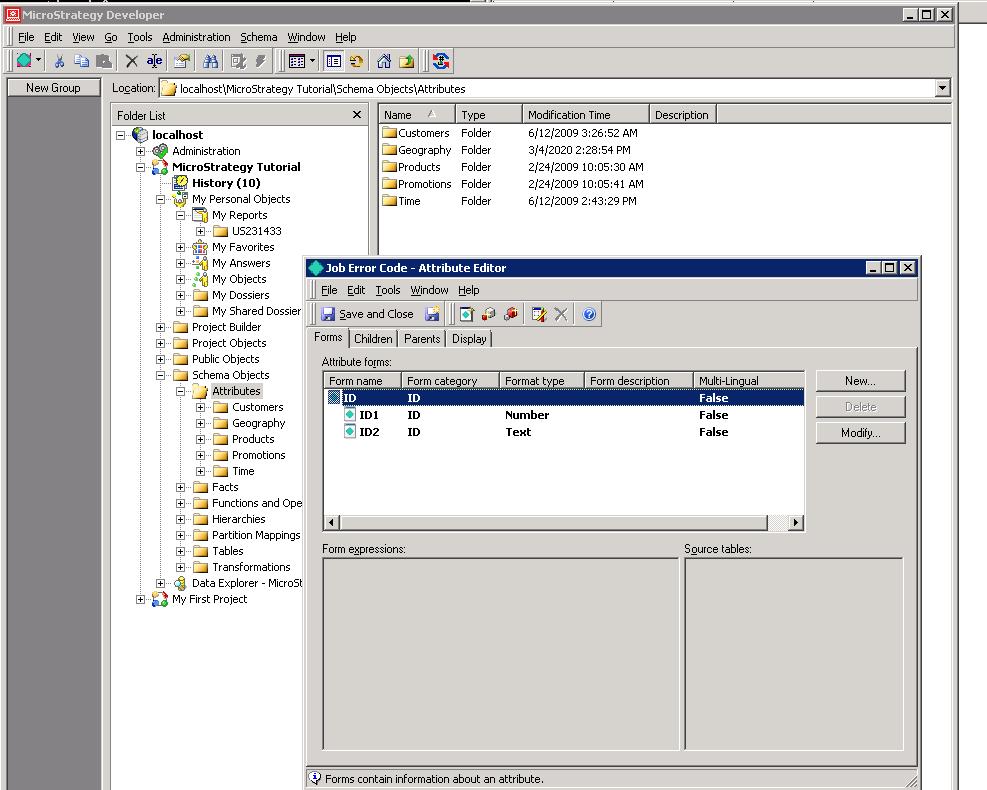
When a document or dossier contains compound ID attributes in a table and the compound ID attributes come from multiple data sets, running the the document or dossier may result in the following error:
"System Error 0x80004003(2147500035): --- Invalid pointer"

Steps to Reproduce

  1. Create a compound ID attribute based on multiple data sets.
    Note: The two IDs must come from multiple source tables, and one of them should have the format type of Text.
  2. Open the registry key at 
    HKEY_LOCAL_MACHINE]\SOFTWARE\Strategy\DSS Server\Castor.
  3. Add one of the following rows to change your AE version to either version 10 or 11.
    AE Version 10: "ServerIntegrityMgrImpactDataSQLMDXCSI"=dword:0000000a
    AE Version 11: "ServerIntegrityMgrImpactDataSQLMDXCSI"=dword:0000000b
  4. Create a dossier and add the compound ID attribute from step 1 in a table. Alternatively, you can upload the attached file.
  5. Execute the dossier. Notice that no data is returned and the error appears.

Why is this happening?


This is a design issue related to compound ID attributes. In AE's lookup table, Strategy stores elements based on the sort order from the ID form without considering locale. Then Strategy will build an extra sort order considering locale so the filtering/global lookup table building can be performed on the locale order.
However, for compound ID attributes specifically, Strategy only stores the elements based on the sort order from the ID form without considering locale.
For example, in the image below the document level global lookup table uses two-key (or two-ID) sorting, while the lookup tables use a single key (ID) sorting. Because there are differences between the two orders, there is a mismatch between the local lookup tables and the global lookup table. This mismatch is what causes the error.
ka0PW0000001JboYAE_0EM2R000000o6qY.jpeg

Solution


This issue is fixed in Strategy 2020. The fix is governed by AE version 12.
To take advantage of the fix, you must upgrade to 2020 or later and use AE version 12 in your registry settings.


Comment

0 comments

Details

Knowledge Article

Published:

March 5, 2020

Last Updated:

March 21, 2024