When fetching data, the following error is returned: [String data is too big for the output data buffer and has been truncated]. This error is shown when there is a string longer than 4,000 characters. This tech note is applicable for all gateways which exceed the string limit. In this example, we will only cover Google BigQuery and Snowflake.
In these cases, Strategy by default allocates memory of maximum length of 4,000 characters while the driver will try to write more than 4,000 characters.
Google BigQuery
[01004:10160: on SQLHANDLE][Strategy][ODBC] (10160) String data right truncation: String data is too big for the output data buffer and has been truncated
Usually this error is seen when you are trying to import a nested table as string variable into Strategy.
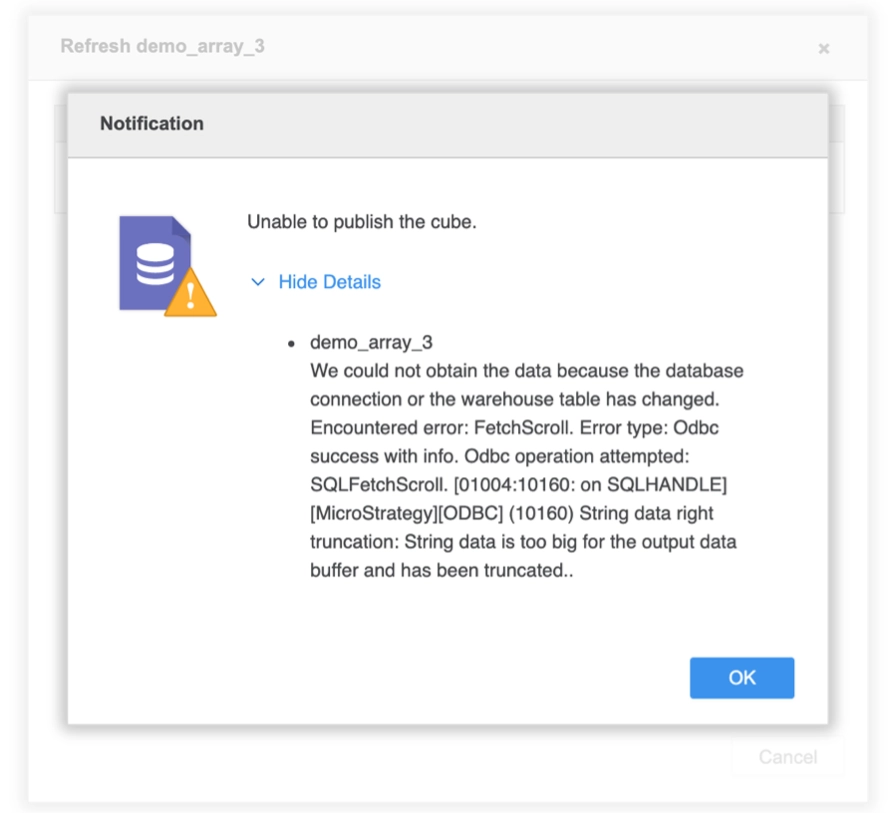
"Unable to publish the cube.
demo_array_3
We could not obtain the data because the database connection or the warehouse table has changed, Encountered error: FetchScroll. Error type: Odbc success with info. Odbc operation attempted: SQL FetchScroll.[01004:10160: on SQLHANDLE] [Strategy][ODBC] (10160) String data right truncation: String data is too big for the output data buffer and has been truncated.."
Snowflake
[01004:10160: on SQLHANDLE][Snowflake][ODBC] (10160) Output string data right truncation: string data is too big for the output data buffer and has been truncated
Usually this error is seen when you are trying to import a JSON field as string variable into Strategy.
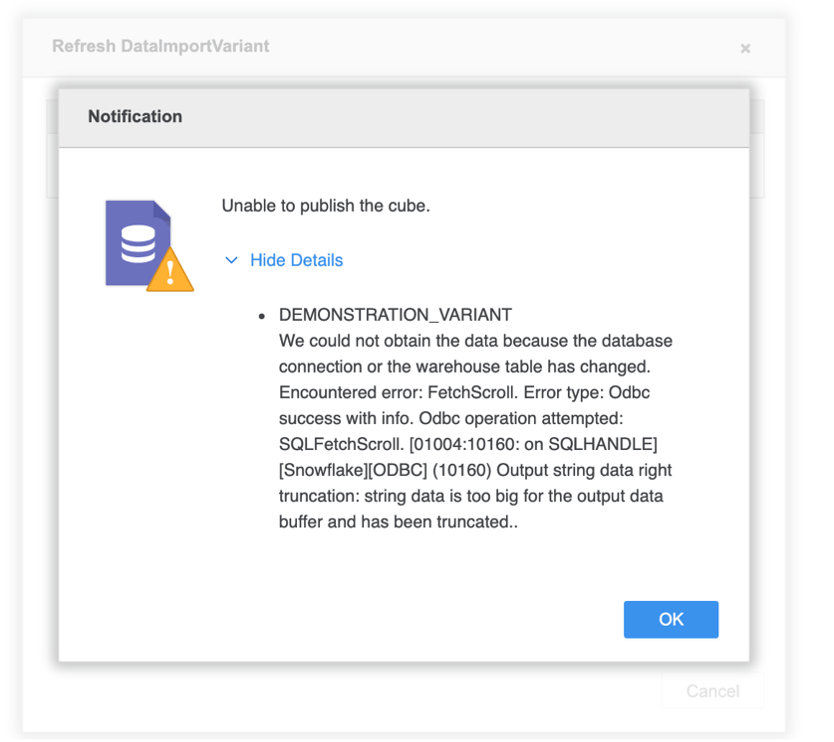
"Unable to publish the cube.
DEMONSTRATION_VARIANT
We could not obtain the data because the database connection or the warehouse table has changed, Encountered error: FetchScroll. Error type: Odbc success with info. Odbc operation attempted: SQL FetchScroll.[01004:10160: on SQLHANDLE] [Strategy][ODBC] (10160) String data right truncation: String data is too big for the output data buffer and has been truncated.."
For the Snowflake and BigQuery gateways, Strategy recommends migrating ODBC connections to JDBC when necessary. In JDBC connections, this data truncation problem does not occur because of the way JDBC API works (JDBC API does not require memory pre-allocation).
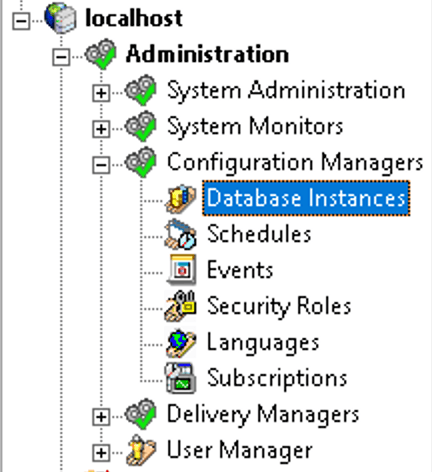
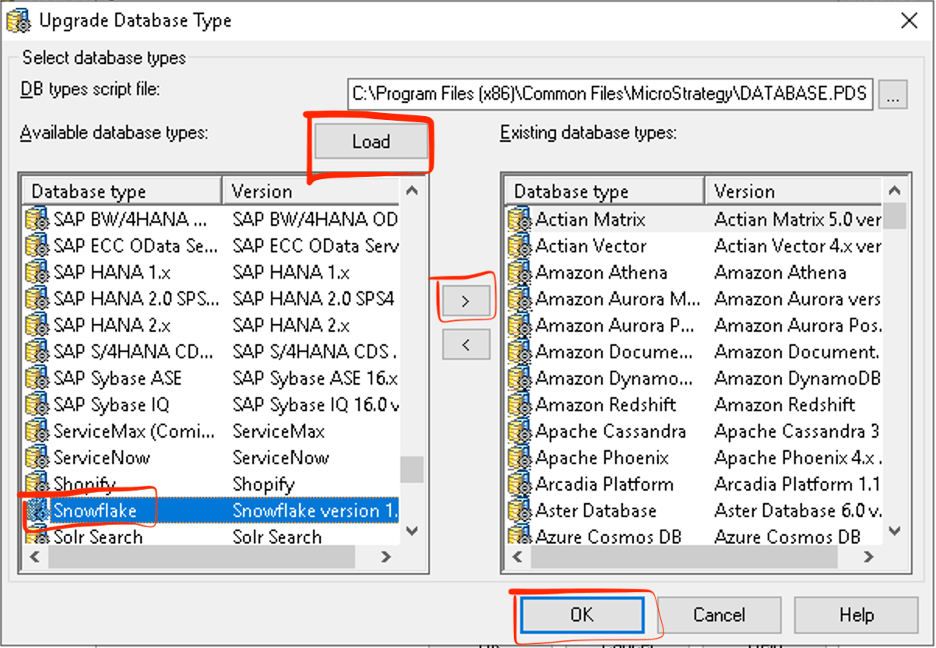
C:\Program Files (x86)\Common Files\MicroStrategy\DATABASE.PDS).
DATABASE.PDSfile.
<DSSOBJECT TYPE="DBMS" NAME="Snowflake">
<DSSOBJECT <TYPE="DBMS" NAME="Google BigQuery">
<PROPERTY NAME="Maximum Var Size" VALUE="4000">
DATABASE.PDSfile.