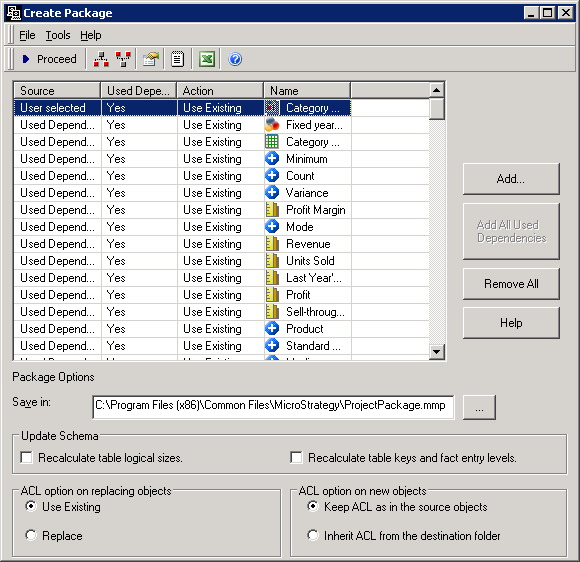
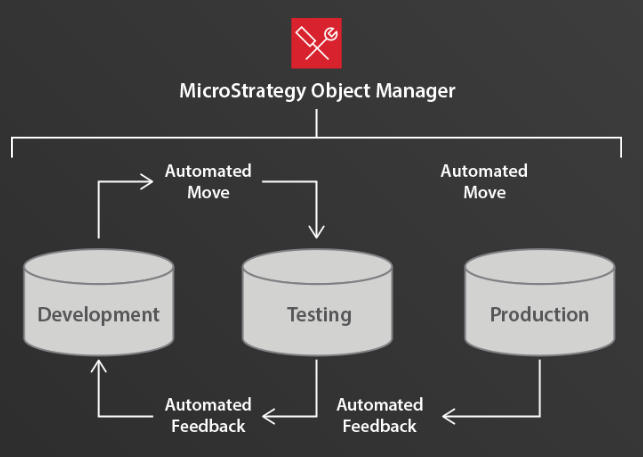
Strategy makes it easy to manage objects across the project lifecycle, from development, to testing, to production. Object Manager is a drag-and-drop interface that allows administrators to automate the process of copying objects within or across projects.
If the object being copied does not exist in the destination project, Object Manager copies the object into that project. If the object being copied does exist in the destination project, then the user is prompted to choose one of the following options: replace the destination object, keep the source object, or keep both.
Objects can also be migrated across projects through Object Manager packages.