EducationSoftwareStrategy.com
StrategyCommunity

Knowledge Base

Product

Community

Knowledge Base

TopicsBrowse ArticlesDeveloper Zone

Product

Download SoftwareProduct DocumentationSecurity Hub

Education

Tutorial VideosSolution GalleryEducation courses

Community

GuidelinesGrandmastersEvents
x_social-icon_white.svglinkedin_social-icon_white.svg
Strategy logoCommunity

© Strategy Inc. All Rights Reserved.

LegalTerms of UsePrivacy Policy
  1. Home
  2. Topics

Offline with Library Mobile


Holly Stevens

Product Marketing Director • Strategy


Learn more about how Library Mobile is enhancing offline capabilities for our users.

Starting with the release of Strategy ONE (March 2024), dossiers are also known as dashboards.
 

ka0PW0000001JdtYAE_0EM4W000001Iz6v.png

What offline capabilities does Library provide (as of Strategy 2021 Update 9)?
Great question. In 2020, we started to take steps to bring enhanced parity between Strategy Mobile and Library Mobile offline capabilities. In this article, we’ll break it down into what offline options you have for Library Mobile (iOS) based on each release. If you’re on 2020 (11.2) or higher, you will have the following capabilities (this continues to apply up to 2021 Update 9 (11.3.9):
 

  1. Navigate to dossiers that have been cached in previous sessions.
  2. Use On-Demand download to ensure dossiers are cached. Take note that the earlier version of On-Demand download does not include bookmarks.

If you’re on 2020 Update 1 (11.2.1) or higher, you will have the following capabilities:
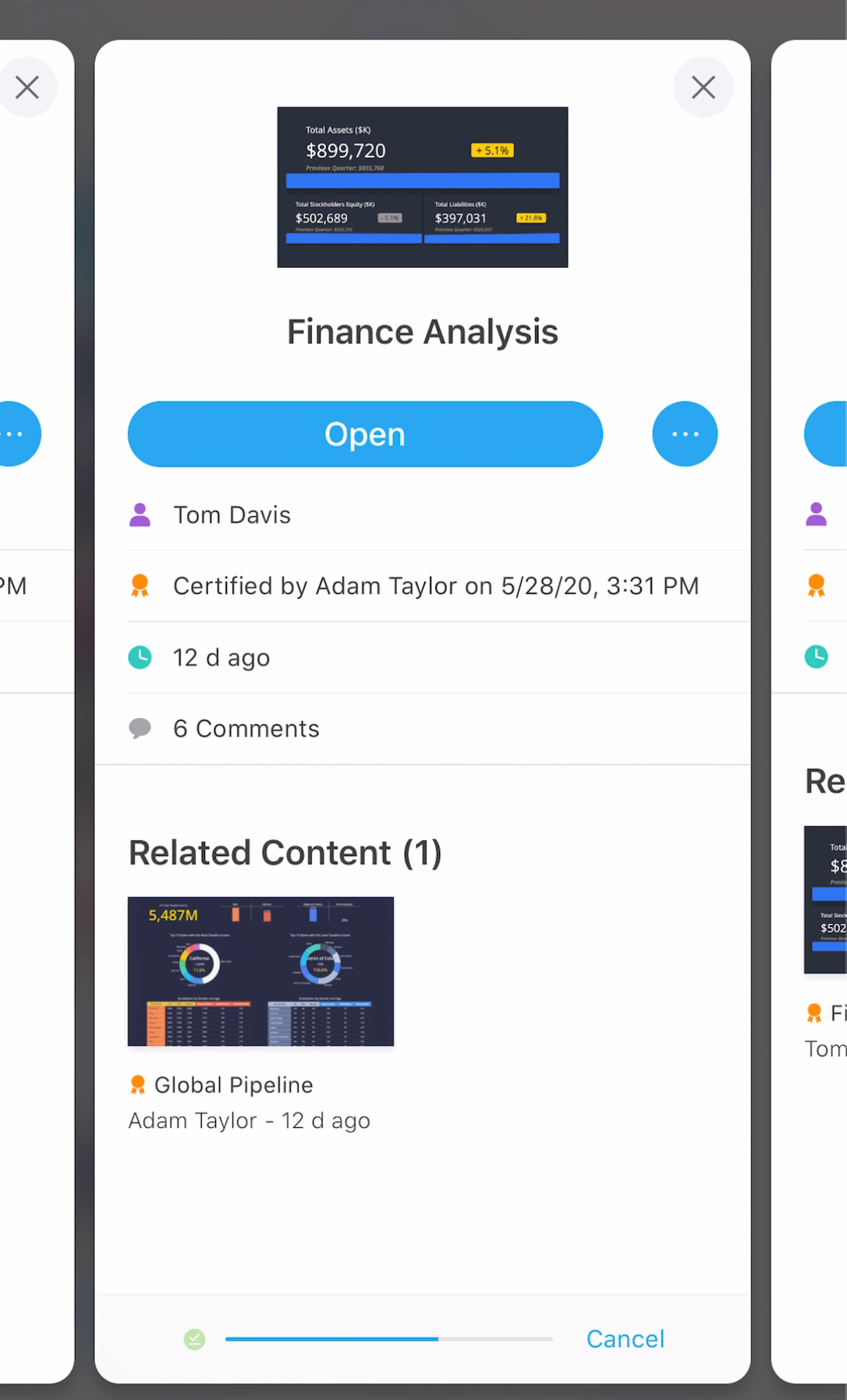
 

  1. Introduction of the Smart Download feature that allows Library to predict and proactively cache the most frequently viewed dossiers (iOS). This means that the user doesn’t have to navigate to the dossier in a previous session in order for the latest cache to be ready for offline use at any time; we make sure it’s there before they need it.

Smart Download includes cached bookmarks based on the most frequently used bookmarks. Note that this might not be all bookmarks and this is limited.
 

  1. Introduction of the Automatic Refresh feature that works to seamlessly update the caches periodically across dossiers. This means that we are not only loading the caches for the user but making sure they are always up to date if they go offline. The user can turn this feature ON or OFF depending on their use case.
  2. Use On-Demand download to manually make sure all content is ready to go offline. In Update 1, we made sure the download would include all bookmarks. So, if you’re not confident that our predictive caching will do the trick, you can always resort to this “safety net” as we call it internally.

    Note that Smart Download and Automatic Refresh are only available for Library Mobile iOS.

If you’re on 2020 Update 2 (11.2.2) or higher, you will have the following capabilities:
 

  • The same Smart Download and Automatic Refresh features with improvements to our overall algorithm, specifically that fact that we work to proactively cache more of the user’s bookmarks for use offline (most recent and most frequently used). The precision of bookmark caching is enhanced on the latest release.
  • Same On-Demand download as 2020 Update 1, just with a revamped look.


ka0PW0000001JdtYAE_0EM4W000001Iz6R.png

What’s missing in Library Mobile compared to Strategy Mobile offline?
Okay, great; this all sounds promising, but what’s still missing for true offline parity?
Learn more about what is not currently supported in Library Mobile. 
 

  1. Filter Panel selections (different element options for easy selections) will not be cached with Library Mobile. However, users can create bookmarks that preserve specific filters from the filter panel, as well as any in-canvas manipulations, drilling, sorting, etc. With bookmarks, you can create different views for offline use.

Use Case: Let’s say you have a Grid that shows sales and forecasted profit. With the client on-site, you might want to show the numbers based on specific products or product groups. You can create multiple bookmarks for each different product group. The bookmarks will be cached and rather than dynamically selecting different filter selections, you will switch bookmarks.
 

  1. In-Canvas Selections will not be cached automatically with Library mobile. View the following items and how you can best work to build an optimized offline experience.
    • Traditional Attribute Element or Metric selectors are not automatically cached. To ensure the data that you need is cached for offline use, you can work to create duplicate pages or chapters. Each different page or chapter can focus on specific attribute elements or metric qualifications. This proves for easy navigation, but to keep things more concise, you can also create bookmarks.
    • Most recent Attribute or Metric selectors are not automatically cached. Again, you can use the above workaround to ensure to get the data you need.
    • Visualization filters are not automatically cached. If you have visualizations that will target other visualizations based on selections, I’d recommend using bookmarks that preserve the in-canvas views.

Since there might be many different combinations in all of the above scenarios, we recommend trying to think through all of the potential scenarios and create only the pages or bookmarks you will need offline. Less is more in order to simplify the offline presentation.
What’s coming in the future for Library Mobile offline capabilities?
The roadmap is constantly changing, but one of the top items that we are working on is what we refer to as “filter bursting”, or the predictive caching of filter sets based on recent or most frequent filter. In the future, we are working to bring you close to the Strategy Mobile offline experience that you see today, but also provide more flexibility and personalization for offline filtering. Interested in this functionality? Log an ER or speak with your AE.
Learn more about Smart Download.
Interested in learning more about Library with Strategy?
Visit the Learning Center on Community.


Comment

0 comments

Details

Knowledge Article

Published:

October 5, 2020

Last Updated:

March 21, 2024