EducationSoftwareStrategy.com
StrategyCommunity

Knowledge Base

Product

Community

Knowledge Base

TopicsBrowse ArticlesDeveloper Zone

Product

Download SoftwareProduct DocumentationSecurity Hub

Education

Tutorial VideosSolution GalleryEducation courses

Community

GuidelinesGrandmastersEvents
x_social-icon_white.svglinkedin_social-icon_white.svg
Strategy logoCommunity

© Strategy Inc. All Rights Reserved.

LegalTerms of UsePrivacy Policy
  1. Home
  2. Topics

KB485858: Pages area is covered by actual content or hidden in Dossier


Leopoldo Bebchuk

Associate Product Manager • MicroStrategy


This article describes a known issue in Web, Library, and Workstation. The pages section in the contents panel are hidden in a Dossier when the view mode is set to "tab view - bottom". A workaround for this issue is provided at the end.

Starting with the release of Strategy ONE (March 2024), dossiers are also known as dashboards.

Symptom


In Strategy Web, Library, or Workstation, when the content panel is set to "tab view - bottom" and the visualizations for the page filter out all data, the pages are not shown in the contents panel.
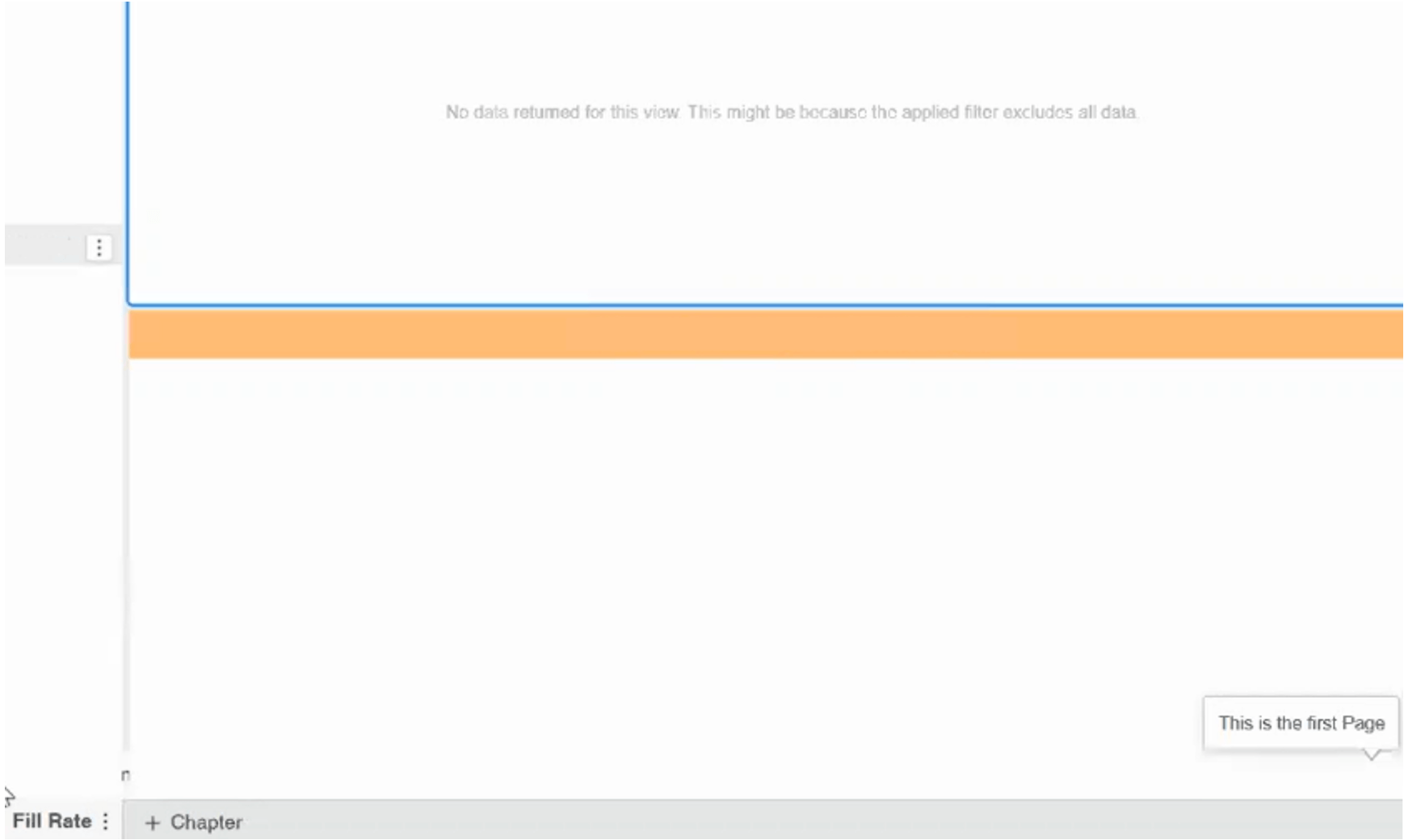
ka0PW0000001JkAYAU_0EM4W000006HqFQ.jpeg

However, when a new page without a visualization is created, the pages are shown again in the contents panel.

ka0PW0000001JkAYAU_0EM4W000006HqFk.jpeg

This makes Dossier navigation very difficult for both users and editors.
 

Steps to reproduce

  1. Create a Dossier with any number of chapters and pages.
  2. Fill the pages with visualizations but filter out all the data.
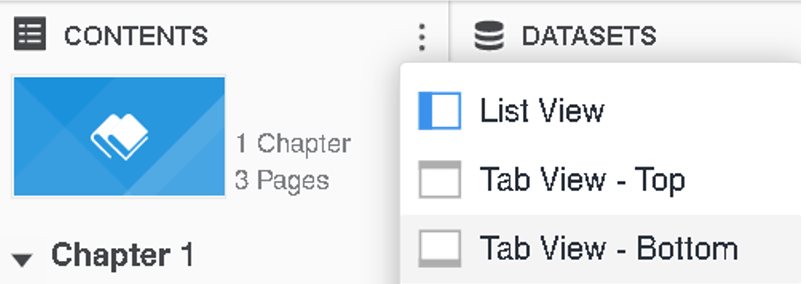
  3. Set content panel as "tab view - bottom".
  4. Pages are hidden.
  5. Add a new page.
  6. Pages are shown when the active page is the new one, with the empty visualization.
  7. Select a different page.
  8. Pages are hidden again.

Cause


This is an identified defect in Strategy. It impacts Dossiers in Web, Library, or Workstation. This is due to an issue with the fixed height/width container logic in the auto layout mode. If the Dossier is run with a small screen height, and the content panel is set to “Tab View – Bottom”, some contents may cover up part of the page menu and hide the Dossier’s pages.
ka0PW0000001JkAYAU_0EM4W000006HqGJ.jpeg


Action


Currently this issue is still being reviewed for feasibility by our Technology team and it is not scoped for any upcoming scheduled Strategy release. Users are encouraged to leverage the freeform layout mode in Dossier creation and design.

 

Workstation

  1. Convert the problematic layout from automatic to freeform.
ka0PW0000001JkAYAU_0EM4W000006HqGY.jpeg
  1. Convert the freeform layout back to automatic.
ka0PW0000001JkAYAU_0EM4W000006HqGi.jpeg
  1. The page’s layout should be fixed.

Note: In some cases, even if the pages are visible, clicking them does not work. Under such circumstances, it is advisable to leave the Dossier in freeform layout mode.


Comment

0 comments

Details

Knowledge Article

Published:

December 15, 2022

Last Updated:

March 21, 2024
