The Strategy REST API is an Application programming interface that lets developers quickly extract subsets of pre-processed data in JSON format. The API exposes a way to fetch data using HTTP requests such as POST, GET, and DELETE. The REST API is designed to help developers build data-driven client applications quickly and easily. It does this by providing light-weight JSON data that is easy to consume because it includes raw data without direct formatting. Developers can use the JSON Data API programmatically in their own code, or in a tool like curl. The Dataset API also lets developers create and modify datasets using external data uploaded directly to the Strategy Intelligence Server.
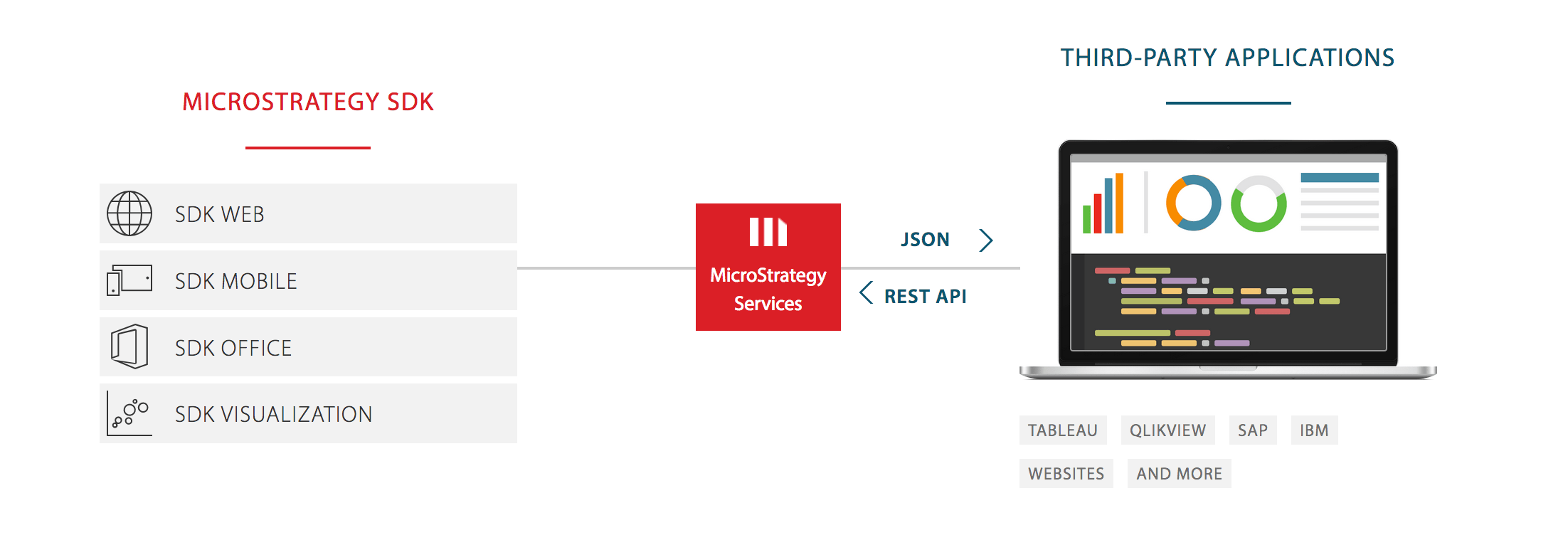
The REST API allows for quick and easy deployment of data-driven applications based on Strategy Project data. The current release includes the following APIs:
- Provide session authentication against the Intelligence Server
- Provide the ability to create a report instance based on a Strategy Intelligent Cube
- Provide the ability to retrieve data from a specific Strategy Report
- Push external data directly to the Strategy Intelligence Server.
The interactive JSON Data API sample highlights the ability to create reports on the fly, with ad-hoc object fetching and incremental fetch. This sample gets data from an Intelligent Cube, including attributes and metrics. It uses the attributes and metrics to populate two list boxes above the data display. When a user selects attributes and metrics from the list boxes, an ad-hoc report is run on the cube and the results are displayed.
When you access the server, you are able to see the available APIs. You can drill down into these to see HTTP headers and input and output information for each request, and enter values to try out the APIs.
