SYMPTOM:
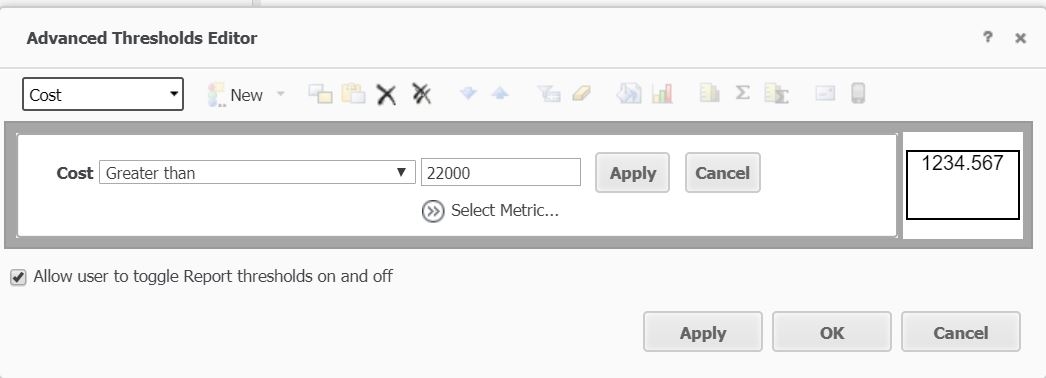
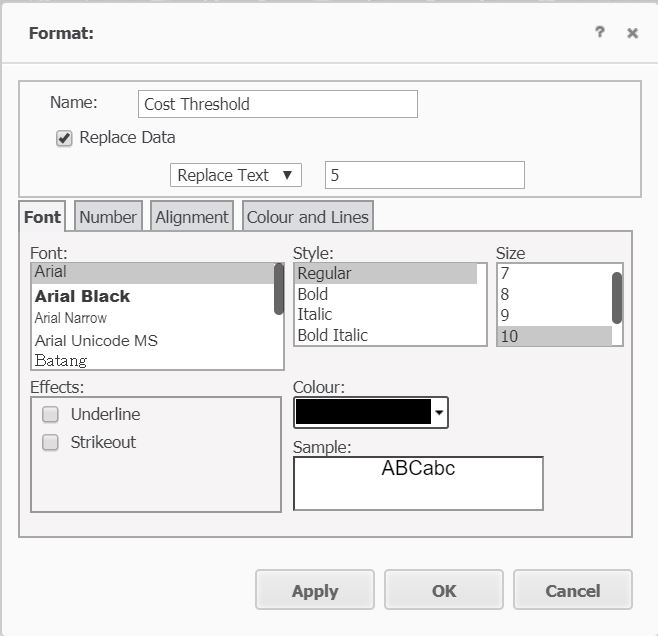
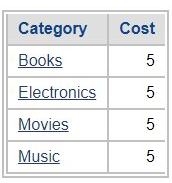
When using the 'Replace Text' option in thresholds when exporting to Microsoft Excel, cells that were replaced will be formatted as Text even when the replaced text is a number in Strategy Developer and Web 10.x as shown in the images below.
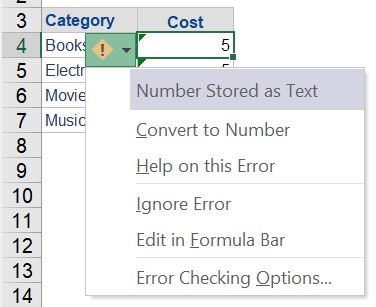
Number Stored as Text
CAUSE
The behavior is working as designed; the Replace Text threshold feature was designed to change numbers into words like 'high', 'medium', or 'low'. If users click 'Ctrl+1', they will see what formatting setting the cell really has, and it is the exact same one that the rest of the metrics have, which means that if the cell were to be used in a formula, the replaced text number would still work.
ACTION
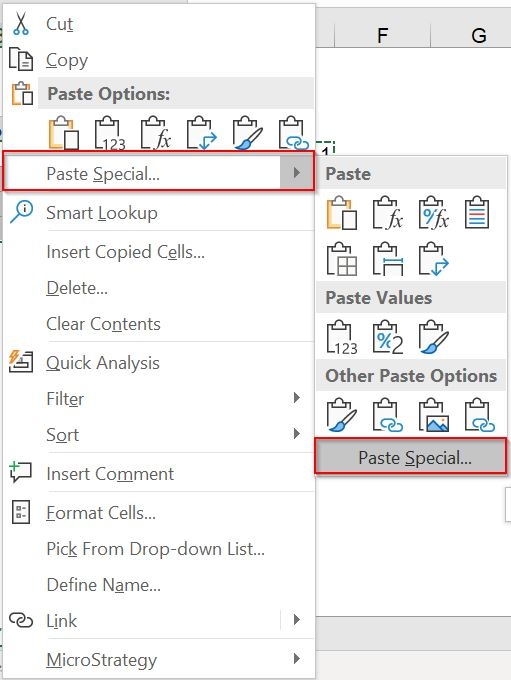
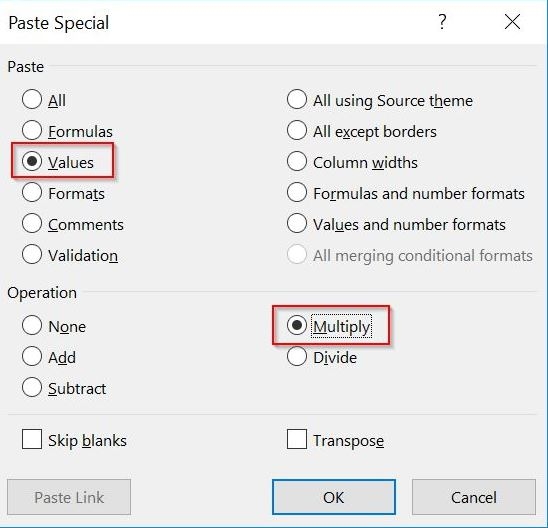
Follow the steps below to get rid of the pop-up: