In many database management systems (DBMS), when a table column is set to the CHAR datatype and values are stored, they are right-padded with spaces to the specified length.
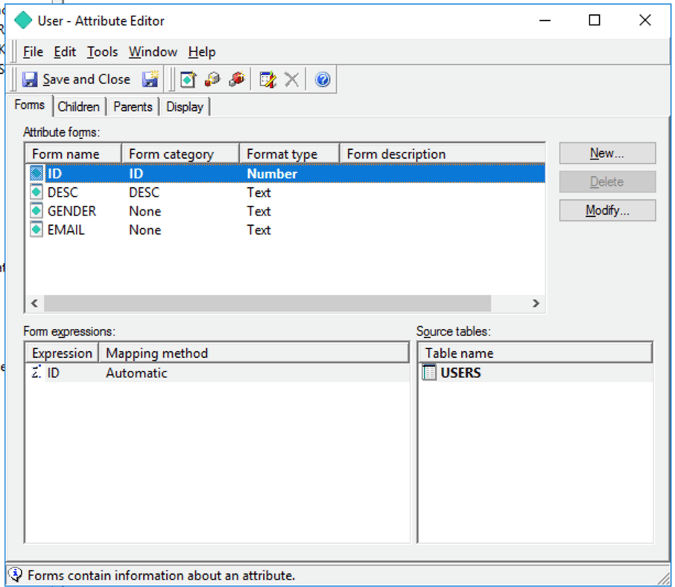
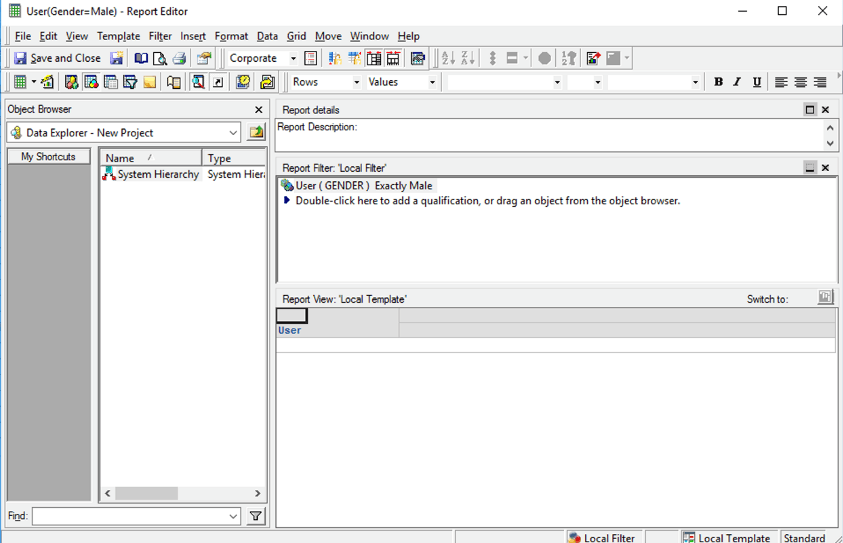
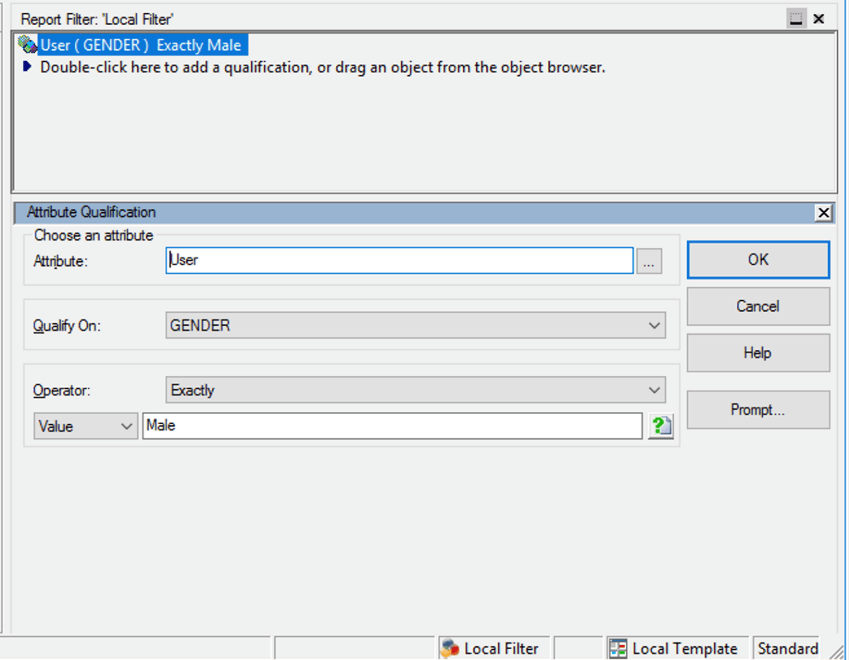
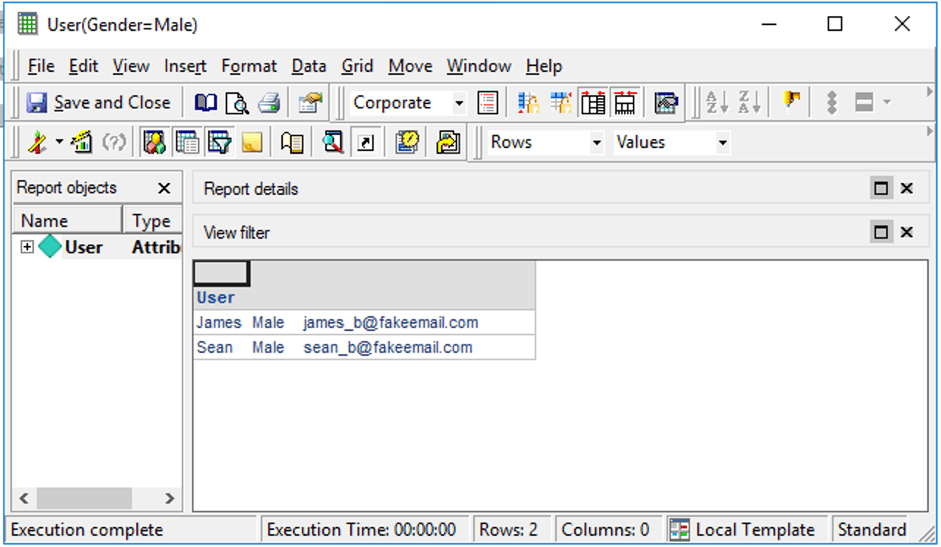
When an attribute form is created on a CHAR data type column and is used in a text filter, if the parameterized query is disabled, it can match the data as expected. However, after the parameterized query is turned on, it will no longer match the data.
create table Users (
        id int,
        year int,
        gender char(10),
        name nvarchar2(20),
        email varchar(40)
);
insert into Users VALUES (1, 1984, 'Male', 'James', 'james_b@fakeemail.com');
insert into Users VALUES (2, 1986, 'Female', 'Kate', 'kate_b@fakeemail.com');
insert into Users VALUES (3, 2013, 'Male', 'Sean', 'sean_b@fakeemail.com');
Pass0 - 	Query Pass Start Time:		5/8/2020 10:11:50 AM
	Query Pass End Time:		5/8/2020 10:11:51 AM
	Query Execution:	0:00:00.01
	Data Fetching and Processing:	0:00:00.00
	  Data Transfer from Datasource(s):	0:00:00.00
	Other Processing:	0:00:01.37
	Rows selected: 2
select	"a11"."ID"  "ID",
	"a11"."NAME"  "NAME",
	"a11"."GENDER"  "GENDER",
	"a11"."EMAIL"  "EMAIL"
from	"USERS"	"a11"
where	"a11"."GENDER" = 'Male'
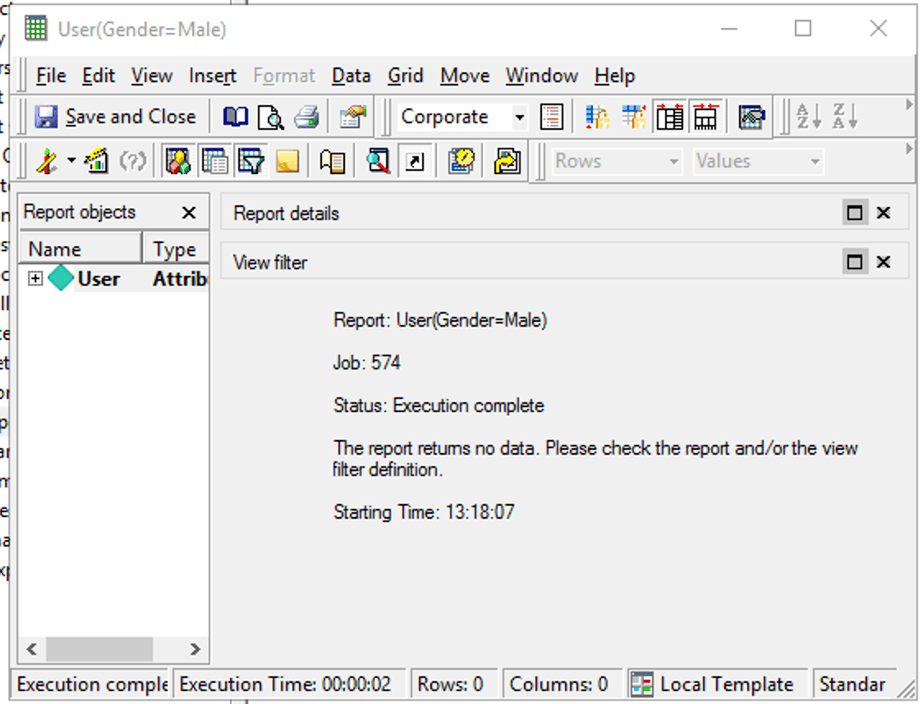
Pass0 - 	Query Pass Start Time:		5/8/2020 1:18:07 PM
	Query Pass End Time:		5/8/2020 1:18:09 PM
	Query Execution:	0:00:00.01
	Data Fetching and Processing:	0:00:00.00
	  Data Transfer from Datasource(s):	0:00:00.00
	Other Processing:	0:00:01.28
	Rows selected: 0
select	"a11"."ID"  "ID",
	"a11"."NAME"  "NAME",
	"a11"."GENDER"  "GENDER",
	"a11"."EMAIL"  "EMAIL"
from	"USERS"	"a11"
where	"a11"."GENDER" = ?
with parameters:
	Male
Before enabling parameterized query, when comparing a string value against the datatype CHAR value, the warehouse may use “blank-padding semantics.” This means it will pad white spaces if the string is shorter than the fixed length of CHAR column, then compare the two values.
When using the parameterized query, the mechanism can be different. In some databases, e.g., Oracle, ‘Male’ will be not regarded as equal to ‘Male ’. That explains the inconsistent data.
You must change the warehouse table column datatype from CHAR to VARCHAR and allow a more flexible data length.
