This article outlines the following topics:
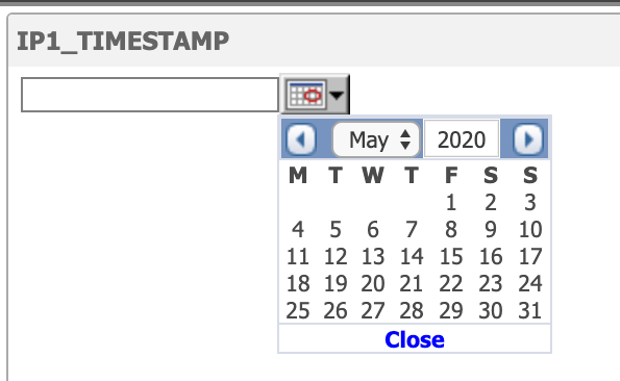
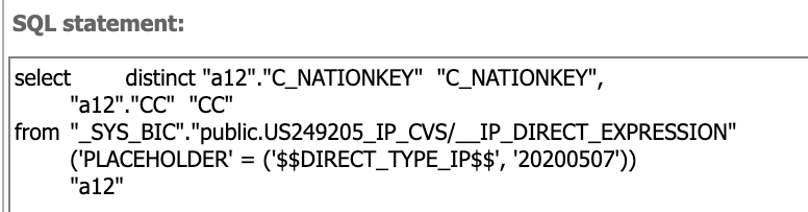
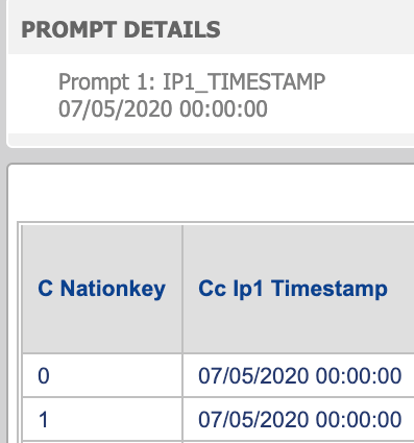
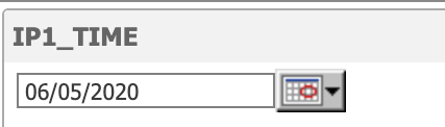
For the Time and Timestamp data types, Strategy presents you with a prompt that allows you to specify only the date. The selected date will be in the format of YYYYMMDD and sent to HANA in the PLACEHOLDER syntax. This makes the Time data virtually not supported, whereas for Timestamp, an appropriate setup on HANA will allow you to provide an answer with respect to only the date.

Using the value prompt, you can input a single decimal value if the value prompt type is numeric.
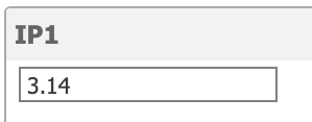

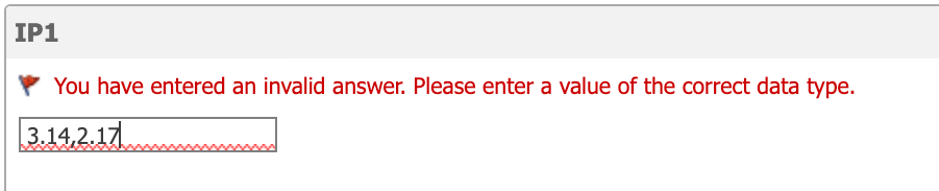


It is possible to pass several numeric values via value prompt if the type is Text. This either requires the input parameter to be a string data type or the default value prompt in logical table object needs to be replaced with the custom value prompt.
You can provide default answers to a direct input parameter in SAP HANA to facilitate user experience when querying the CV. In HANA Studio, it will appear automatically when the Data Preview option is used.
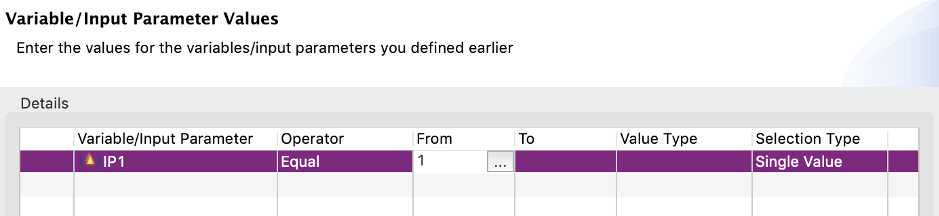
Strategy automatically fetches only the first default value provided. When multiple default answers are provided, a workaround on Strategy's side is required to integrate with this setup.
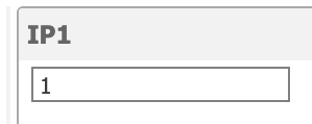
To fetch multiple default answers for direct input parameter to Strategy, you must update the logical table element and replace the default direct prompt with a custom attribute element list prompt, where an attribute used in this prompt is a “LOW” column from BIMC_VARIABLE_RANGE_DEFAULTS (as for SAP HANA 2.0 SPS04).
This workaround is described in SAP HANA column type input parameter support in Strategy.
Strategy is unable to integrate with expressions as default answers for input parameters. Strategy will fetch the expression string rather than a value it produces. In other words, if input parameter contains an expression, ADD_SECONDS(NOW(),-30), as the default answer, HANA Studio will evaluate it to the respective timestamp (current timestamp 30 seconds ago), whereas Strategy will show the user the string itself, ADD_SECONDS(NOW(),-30).
HANA has a feature which is complementary to a data type of an input parameter, a Semantic type. It modifies the dialog you are presented with for answering the input parameter. For the Date Semantic type, you can choose the appropriate date from a calendar. For the Currency Semantic type, you can choose from currencies available in the TCURC table. Strategy does not use the Semantic type concept in any way. It relies on the data type of the input parameter.
There are two types of cubes in Strategy:
OLAP cubes do not support prompted objects at all. The only way to create a cube from a calculation view is via Web.
Out of the three workflows available in Web for creating a cube, creating from the Select Tables option is recommended for integrating with input parameters. Both Build a Query and Type a Query options require user’s manual intervention to send appropriate the SQL (PLACEHOLDER syntax).
In the case that the direct input parameter allows for multiple answers, it is possible to pass multiple answers via value prompt only for string type IP, using a syntax where each item in a list is embedded in two single quotes:
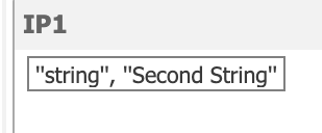
The resulting SQL:
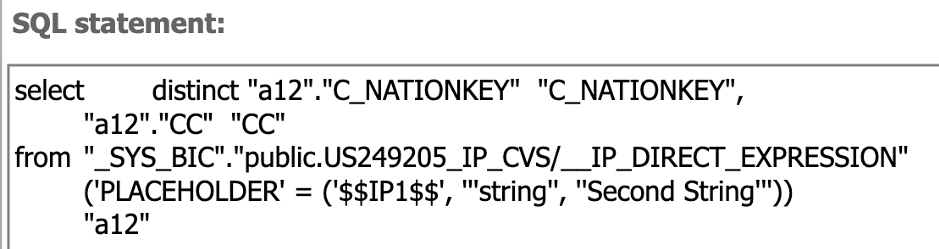
Therefore, if a CV requires a list of numeric values, parsing and casting logic need to be done on HANA side to interpret either a string like ‘130,90,25,17’ into separate values, or to cast a list of strings into a list of numeric values.
