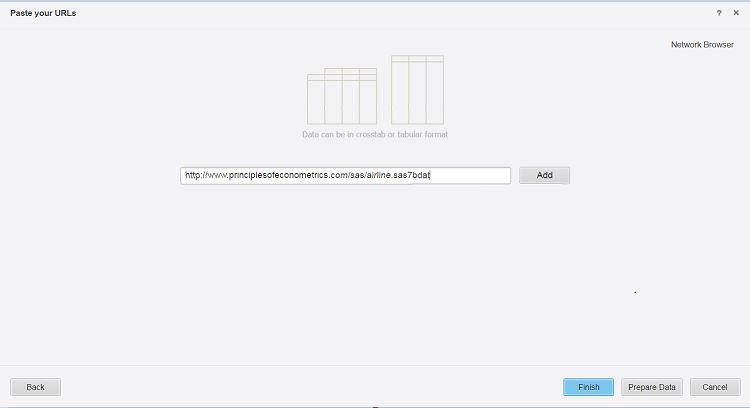
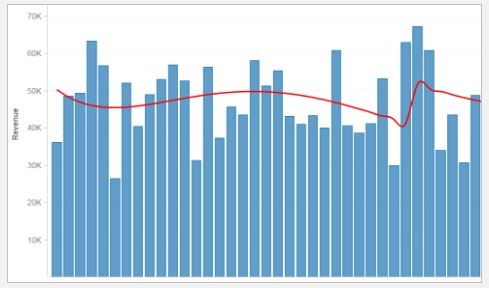
Strategy 10.5 introduces the ability to import data from .sas7bdat files into your Strategy Projects. Users can now simply take the statistic analysis data files that created with statistical analysis tools and simply import the resulting file into Strategy for further advanced analysis and visualization building.
Users can import these files from any connection type that currently support the import of files (e.g. Import from File, Import from URL, Dropbox, etc.)
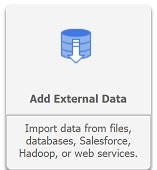
1) From Strategy Web, click on create and choose 'Add External Data'.
2) From the available connection types, choose 'Import from File' or the external file source type which contains your .sas7bdat file.
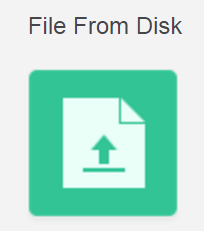
3) Browse to the desired file and choose to finish or choose 'prepare data' to perform additional customization and wrangling of your dataset.