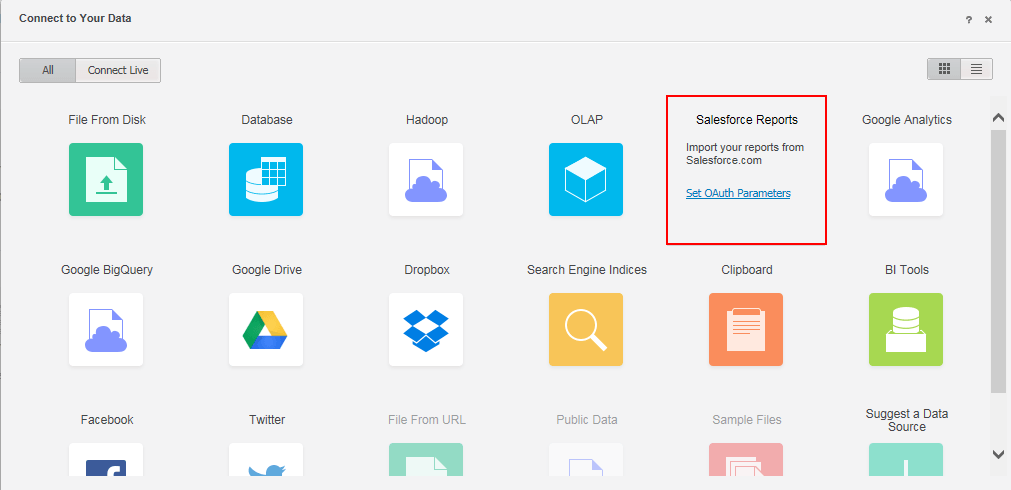
In Strategy 10.x, users can import reports or entire modules from third-party Salesforce accounts to build Strategy reports, visualizations, and dashboards via the Data Import tool. To import data from a Salesforce account, certain connectivity settings must be configured.
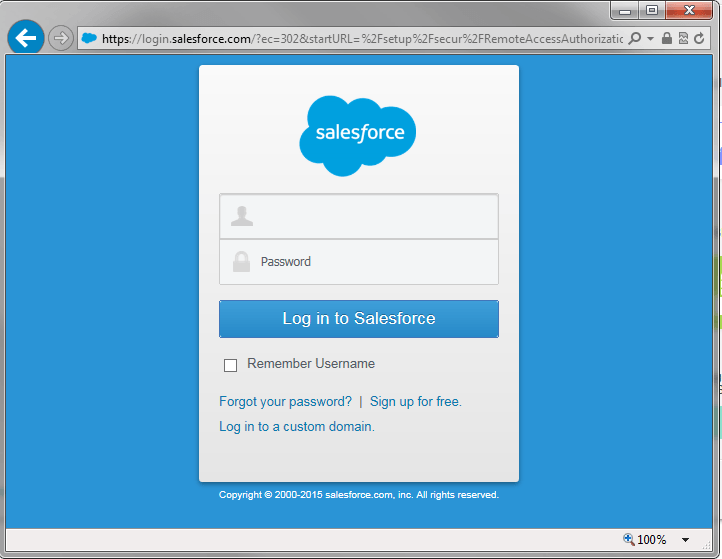
Strategy Web version 10.x uses a different Salesforce API to interact with Salesforce accounts than previous versions of Web. Salesforce developer account is required to be able to import data along with a SSL connection. For Step by Step instructions on how to import data through Salesforce, refer to KB248845.