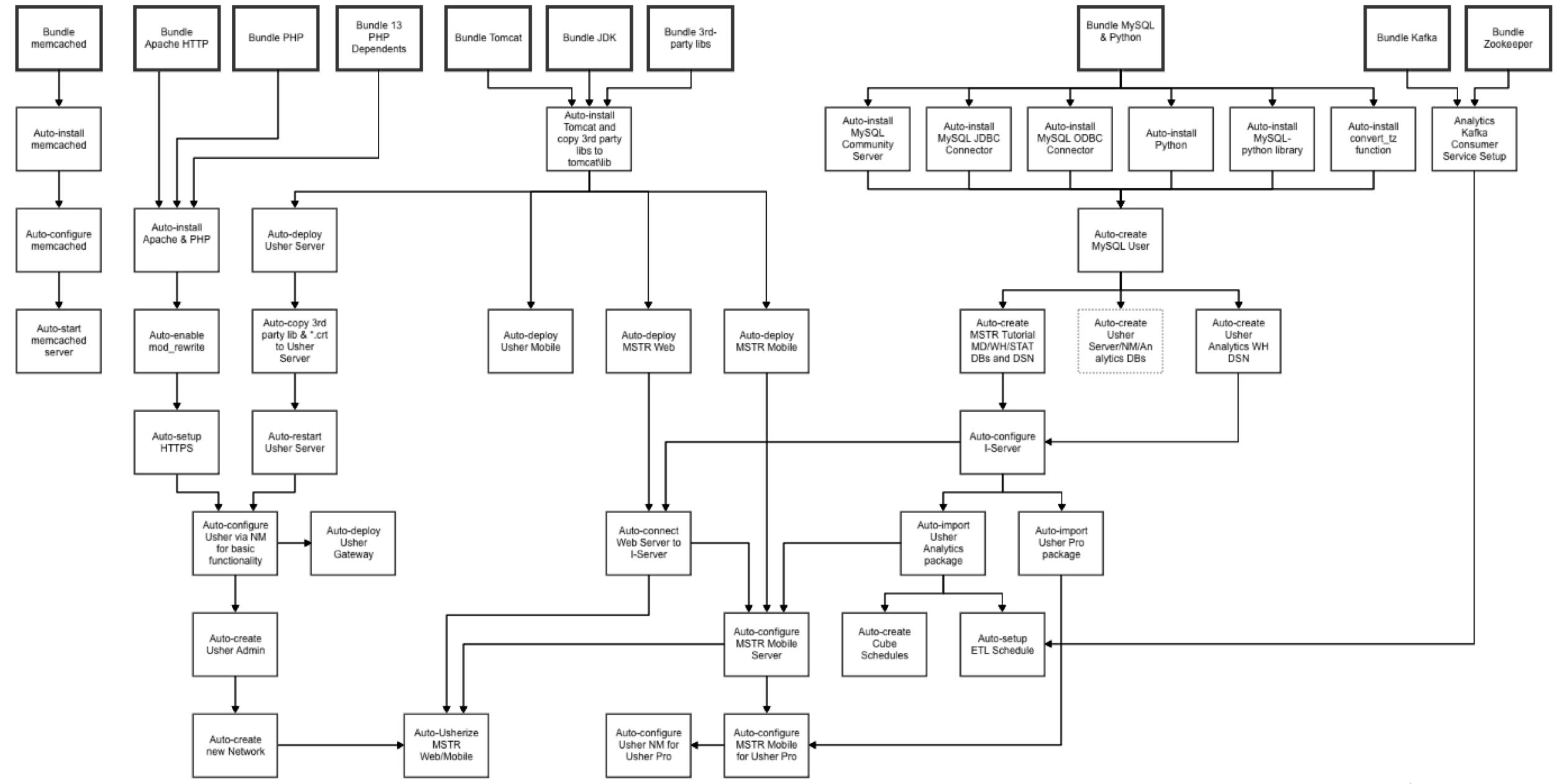
The MicroStrategy platform supports components across a number of operating systems which can be combined together in order to support your BI needs. This section is specifically tailored towards deploying on Windows operating systems.
Table of Contents
Quick Reference Links
Supported Windows Versions and Flavors
Obtaining the Installation Packages
Installation Logic
MicroStrategy Products by Platform
Installation Mode
Services and Ports Used
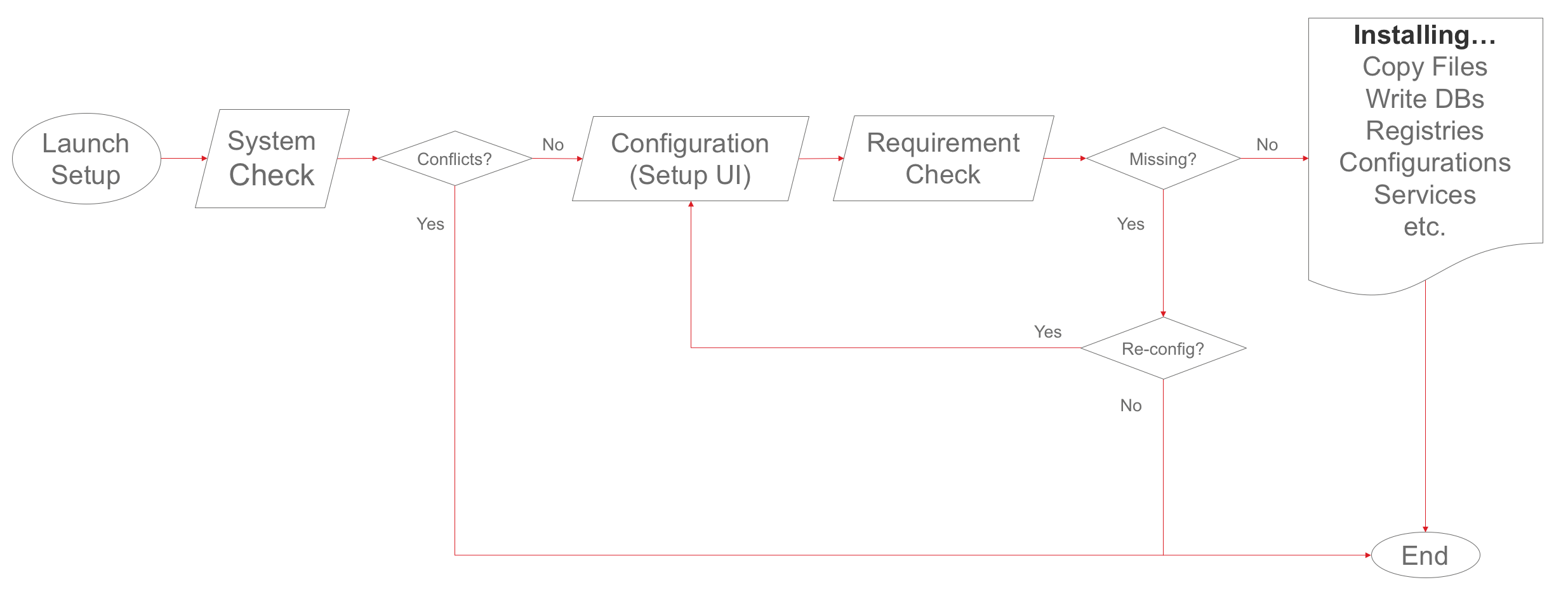
Detailed Installation Logic
Quick Reference Links:
Supported Windows Versions:
The supported versions of Windows for MicroStrategy version 10.4 to 10.6 are:
Product | CPU Architecture | Version | Comments |
|---|---|---|---|
Microsoft Windows Server | 64-bit | 2012 R220122008 R2 | Microsoft .NET Framework 4.0, 4.5, or 4.6.x must be installed before installing MicroStrategy. |
The supported versions of Windows for MicroStrategy version 10.7 are:
Product | CPU Architecture | Version | Comments |
|---|---|---|---|
Microsoft Windows Server | 64-bit | 2012 R220122008 R2 SP1 | Microsoft .NET Framework 4.0, 4.5, or 4.6.x must be installed before installing MicroStrategy. |
For more specific details you can review the 10.7 readme.
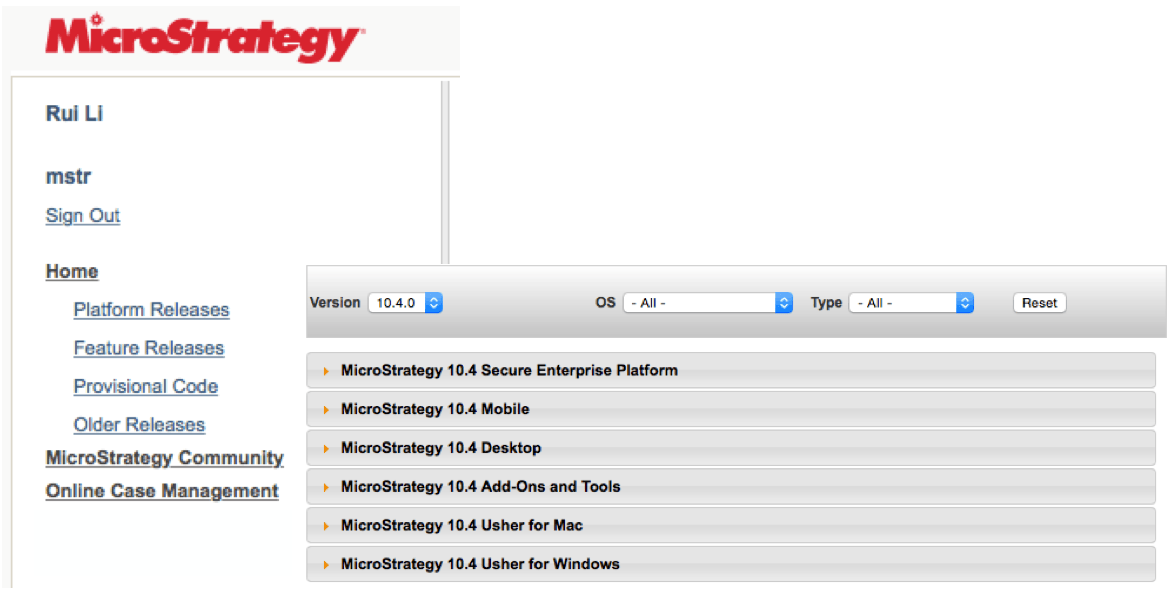
Obtaining the Installation Packages
Product | Windows |
Intelligence Server | X |
MicroStrategy Web | X |
MicroStrategy Web Services (Office) | X |
MSTR Mobile | X |
Desktop | X |
Developer | X |
MicroStrategy Tools (Object Manager, Command Manager, Enterprise Manager, Integrity Manager, System Manager) | X |
Narrowcast Server | X |
Integrated 3rd Party Components (Tomcat, MySQL) | X |
Usher Security Platform | X |
Installation Modes
MicroStrategy supports two installation modes for Windows:
setup.exe --ResponseFile="C:\response.ini" -s -f1"C:\setup.iss" -f2"C:\setup.log"
For more details on programmatic installation including example options files, please see our Silent Installation White Paper: A Technical Guide to Troubleshooting and Usage
Services and Ports used by MicroStrategy Installed Components
Based on your selections at the start of the installation, the following services will be installed and configured:
Service Name | Default Port |
Apache Kafka | 9092 |
Apache Tomcat 8.0 Tomcat8 | 8080 |
Apache Tomcat 8.0 usherGW | 9501 |
Apache Tomcat 8.0 usherIDM | 1443 & 2443 |
Apache ZooKeeper | 2181 |
Apache2.4 | 443 |
Memcached | 11211 |
MongoDB | 27017 |
MySQL | 3306 |
Redis | 6379 |
MicroStrategy Collaboration/Realtime Service | 3000 |
MicroStrategy Intelligence Server | 34952 |
MicroStrategy PDFExport Service | 20100 |
MicroStrategy REST Server | 7070 |
MicroStrategy Usher Analytics Log Consumer |
|
MicroStrategy Distribution Manager |
|
MicroStrategy Enterprise Manager Data Loader |
|
MicroStrategy Execution Engine |
|
MicroStrategy Health Agent |
|
MicroStrategy Listener |
|
MicroStrategy Logging Client |
|
MicroStrategy Logging Consumer |
|
MicroStrategy Logging Server |
|
MicroStrategy Master Health Agent |
|
MicroStrategy MongoDB SQL Engine |
|
MicroStrategy NC PDF Formatter |
|
MicroStrategy SMTP Service |
|
MicroStrategy System Monitor |
|