SYMPTOM:
After logging into a project source with SSL enabled, user tries to open the Security Filter Manager, which is accessible from Administration menu > Projects > Security Filter Manager, Strategy Developer hangs and, when the project source time out value is reached, the following error appears:
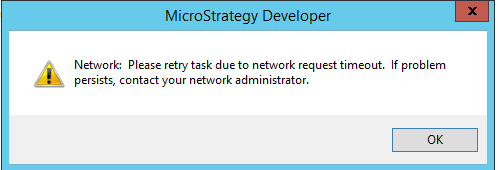
Network: Please retry task due to network request timeout. If problem persists, contact your network administrator.
2017-06-27 10:53:42.728+01:00 [HOST:xxxx][PID:2748][THR:963151616][Network Classes][Error] SSL accept error : error:140760FC:SSL routines:SSL23_GET_CLIENT_HELLO:unknown protocol
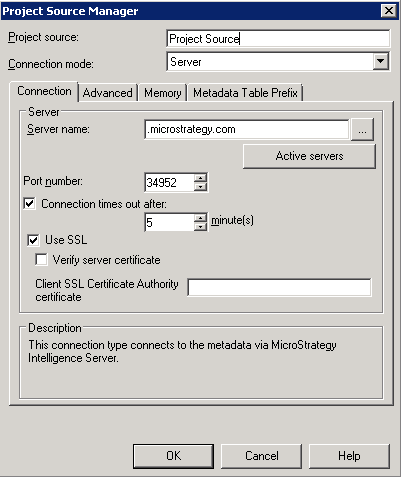
The issue will not occur if SSL is not enabled for the project source.
CAUSE:
This is a known issue with Strategy Developer 10.0 - 10.4 HF1 and 10.5.
ACTION:
This issue has been addressed in Strategy Developer 10.4 HF2 and 10.6. Upgrade to those or newer versions to take advantage of this fix.
