Changes are applied automatically regardless of option "Auto-apply changes" being disabled.
STEPS TO REPRODUCE:
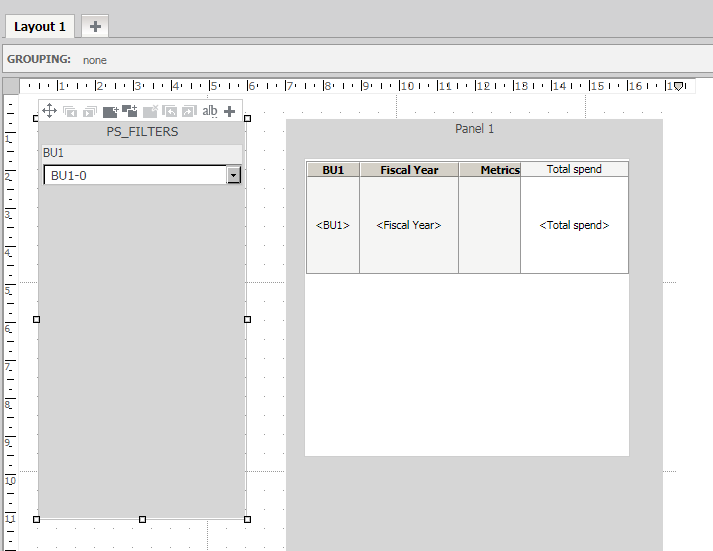
1. Create a TS Report. Add a Filter panel and then add a drop-down filter targeting elements of the document.
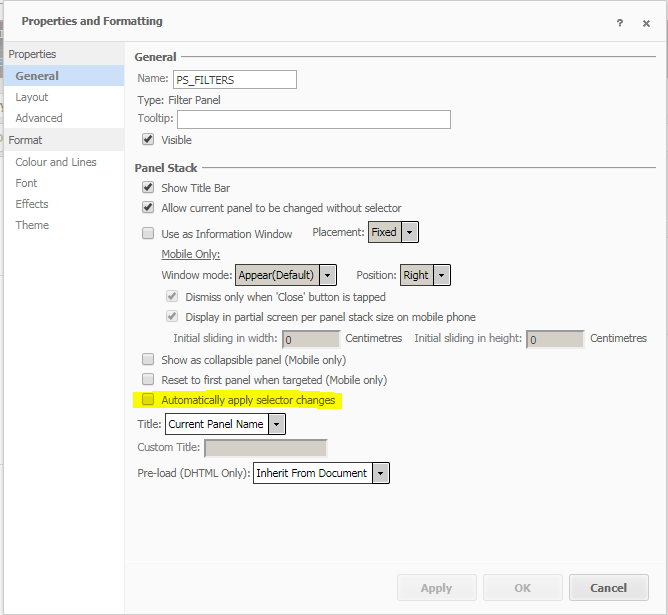
2. Access “Properties and formatting” of the Filter Panel and then unselect “Automatically apply selector changes”.
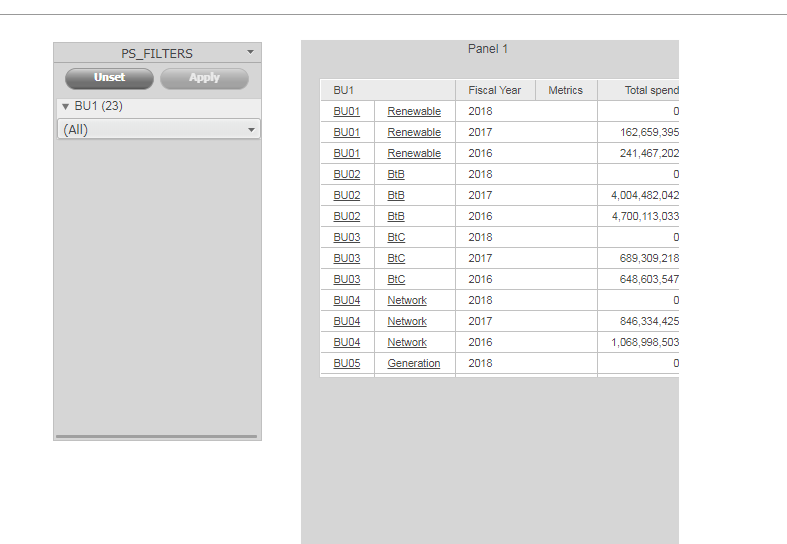
3. Run the document in Web, presentation mode:
4. Unselect “Auto-Apply Changes”.
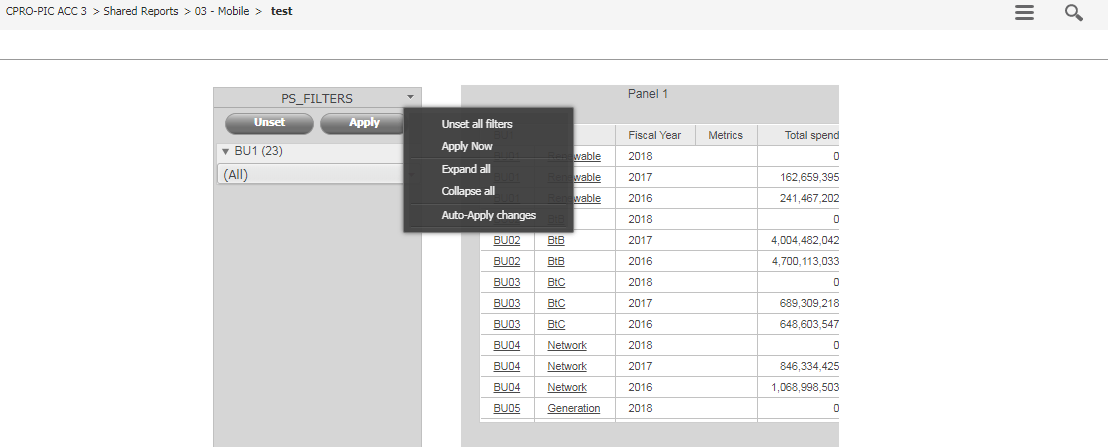
5. In Web it is working correctly.
6. Configure URL for Android device and run the same document. Changes are applied automatically even though this option was unselected. Two buttons "Unset" and "Apply" are not present.
CAUSE:
This is a known limitation of Android.It does not support filter panel functionality, thus option does not work on Android.
KB441133
