Starting with the release of Strategy ONE (March 2024), dossiers are also known as dashboards.
Shark Week (or Shaq Week) 2018 kicked off this Sunday July 22nd with Shaquille O'Neal hosting.
See a shark breach the cage with Shaq in it for the first time in the event's 30-year history!

https://www.tvinsider.com/wp-content/uploads/2018/04/shaquille-oneal-shark-week-2018-1014x570.jpg
Watch a Shark Week episode for free on the official site.
Check out my Shark Week 2018 dossier!
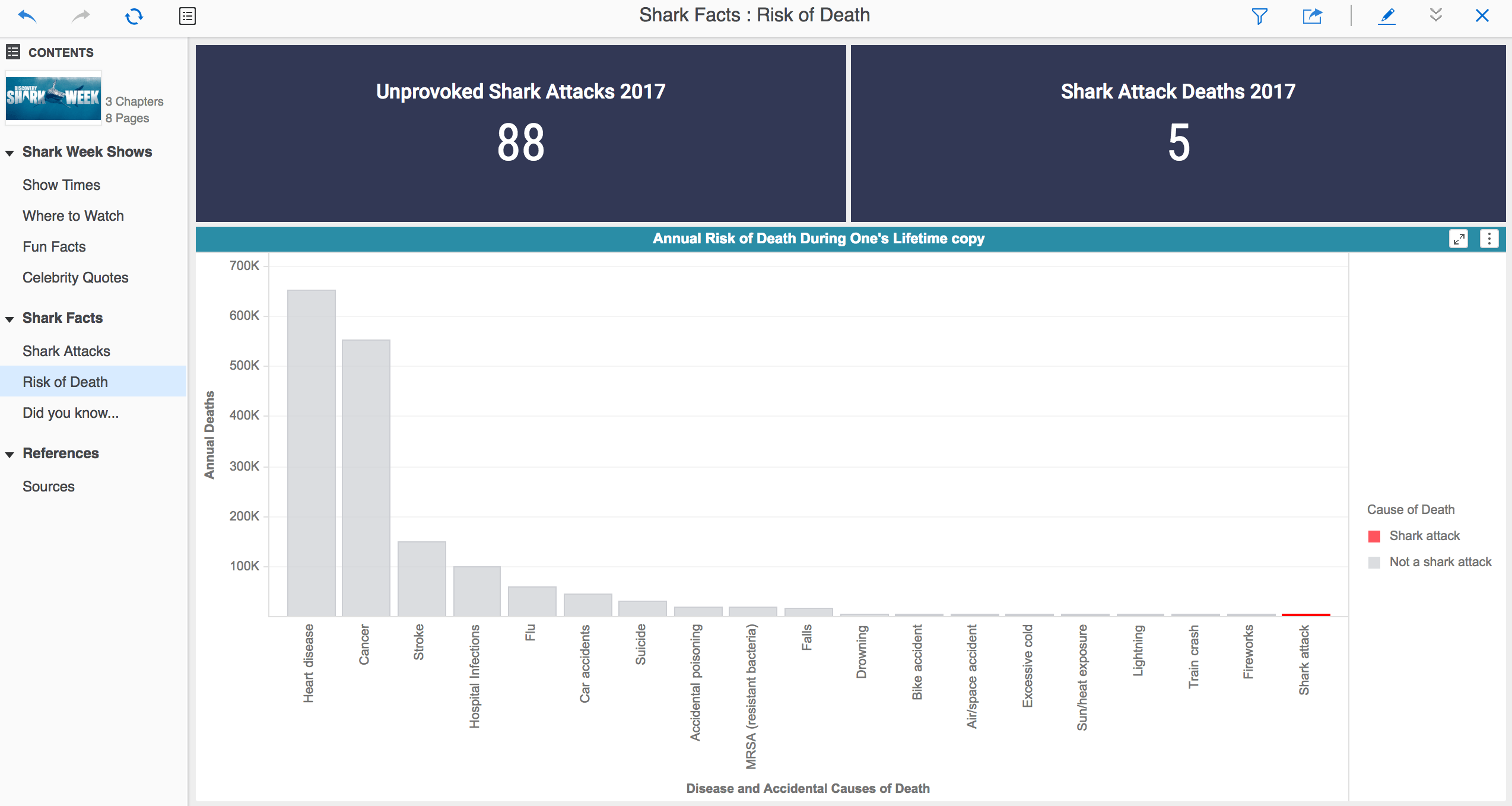

Download the dossier to check out celebrity Shark Week quotes and see what Shark Week shows to watch!
Make your own Shark Week dossier with MicroStrategy Desktop!
Enter code SHARKWEEK as a promo code into your Lyft app today to sharkify your ride and be entered to win a shark diving trip for 2 to the Bahamas! https://lft.to/2Lkq8X2
@SharkWeek on Twitter
How to view this dossier: (Strategy Version 10.11)
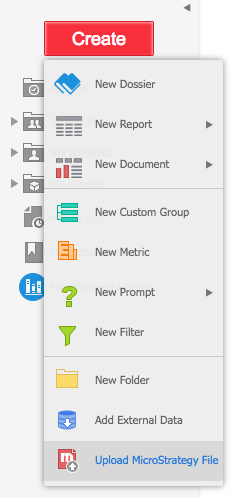
If you have a Strategy account: Upload .mstr file to Strategy Web
If you don't have a Strategy account:
1) Download MicroStrategy Desktop for free
2) Download Shark Week dossier .mstr file
3) Go to your Downloads
4) "Open With" > "Other..."
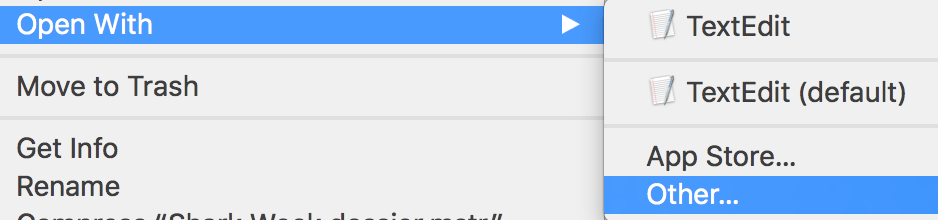
5) Enable "All Applications"
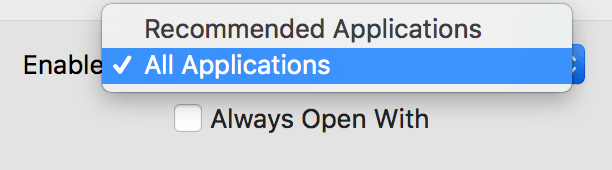
6) Choose "Strategy Desktop" (or "Workstation")