Starting with the release of Strategy ONE (March 2024), dossiers are also known as dashboards.
When the user clicks “Add Dossiers” to creates dossier which its DB role uses MySQL 5.x ODBC driver or JDBC driver to retrieve data from MySQL warehouse in connect live mode on Workstation.
Then save the dossier to the Workstation connected Linux I-server.
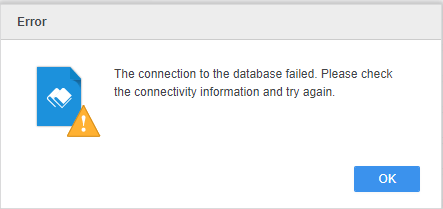
When view to open the dossier, after being required to input credentials the user will get below error.
Furthermore, when the user clicks edit button and then executes the dossier will see below specific error message.
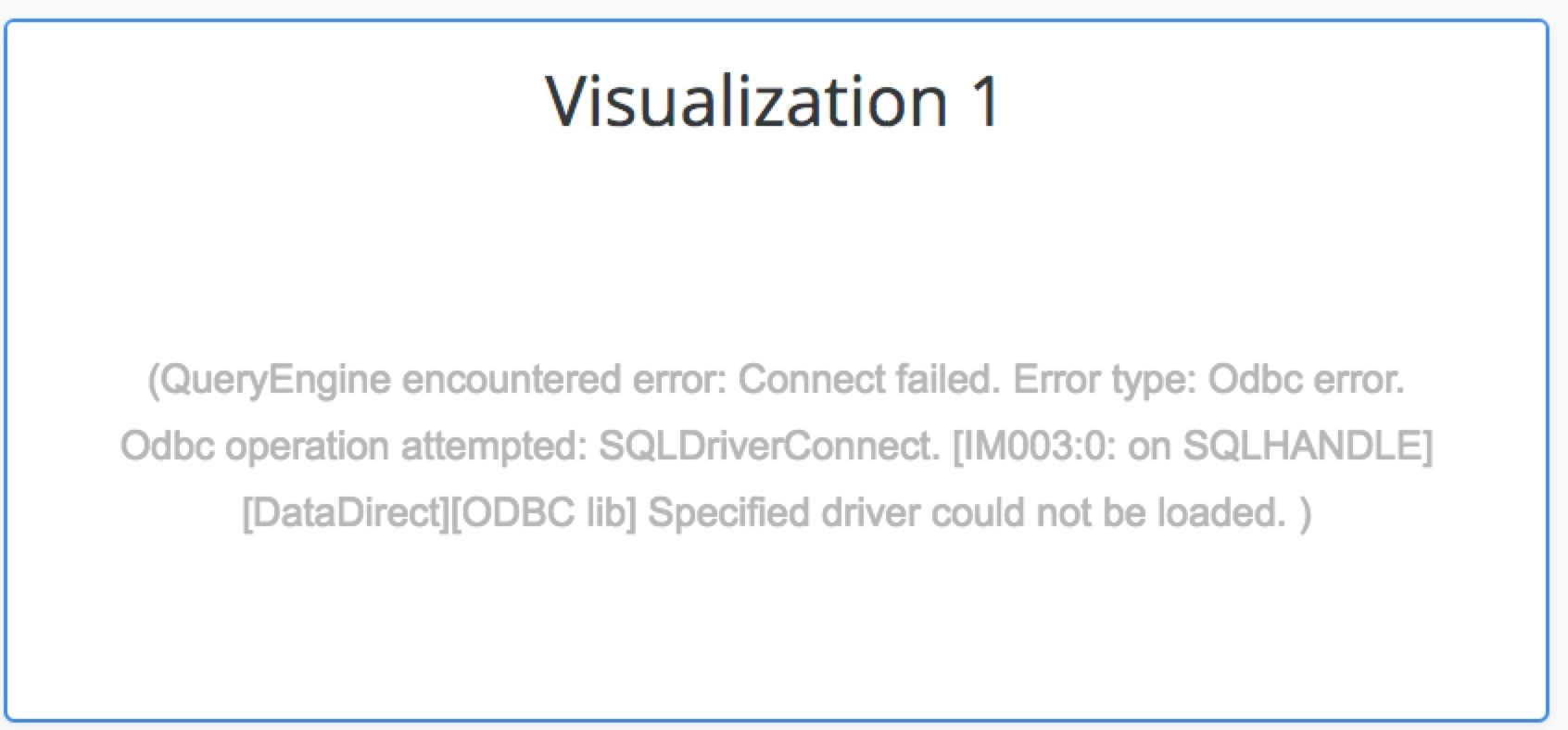
Since Strategy 11.0 has certified a new MySQL version MySQL 8.0, the MySQL 8.0 driver is encouraged to use as MySQL 5.x driver doesn’t work well to connect MySQL 8.0 database server. Therefore, Strategy upgrades to use MySQL 8.0 as default connection driver after 11.0 release.
Currently we will keep both MySQL 5.3 Unicode driver and MySQL 8.0 Unicode driver configuration in odbcinst.ini for Linux I-server as transition.
Workaround1: Upgrade MySQL 5.x ODBC driver to MySQL 8.0 ODBC driver
Workaround2: Remove below lines from odbcinst.ini file under Strategy install path.
MySQL ODBC 8.0 Unicode Driver=Installed
[MySQL ODBC 8.0 Unicode Driver]
Driver=/usr/lib64/libmyodbc8w.so
Description=MySQL ODBC Unicode Driver
OPTION=
SOCKET=
APILevel=0
ConnectFunctions=YYY
DriverODBCVer=3.52
FileUsage=0
Setup=/usr/lib64/libmyodbc8w.so
SQLLevel=0
DriverUnicodeType=1
KB442299
