Starting with the release of Strategy ONE (March 2024), dossiers are also known as dashboards.
Best Practices
Super Cubes in Strategy 2019
Beginning in Strategy 11.0 and 2019, users will notice objects referred to as "Super Cubes". Super Cubes are simply a renaming of what was previously referred to as MTDI (Multi Table Data Import) Cubes.
Note that only the naming convention has changed, as the functionality remains the same. This name change is visible in Strategy Workstation and Strategy Web.
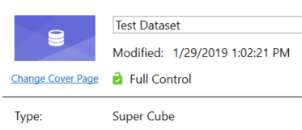
In Strategy Workstation, right click on any cube created via Data Import and select Properties. The object Type is listed as Super Cube:
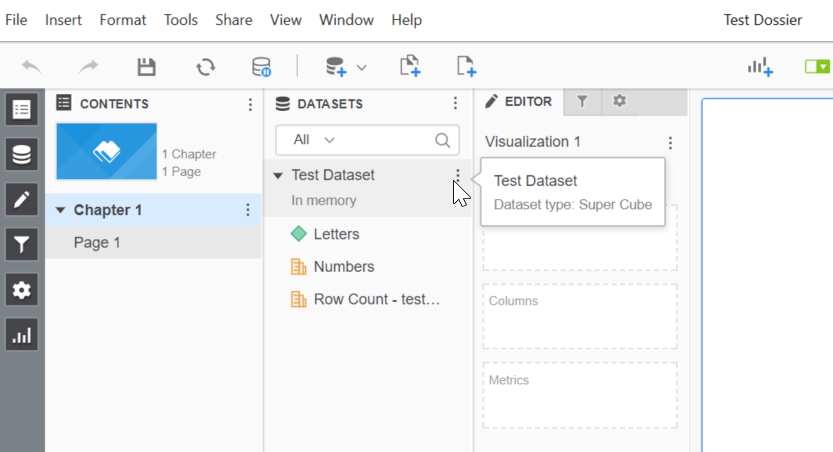
This can also be seen when editing or authoring a dossier. In your Datasets panel, hover over the name of your dataset. The tooltip will show the dataset type listed as a Super Cube.
To learn more about Super Cubes and relevant best practices, refer to the following Community Article:
KB438759: In-memory Cube Reporting: OLAP vs MTDI and Best Practices
