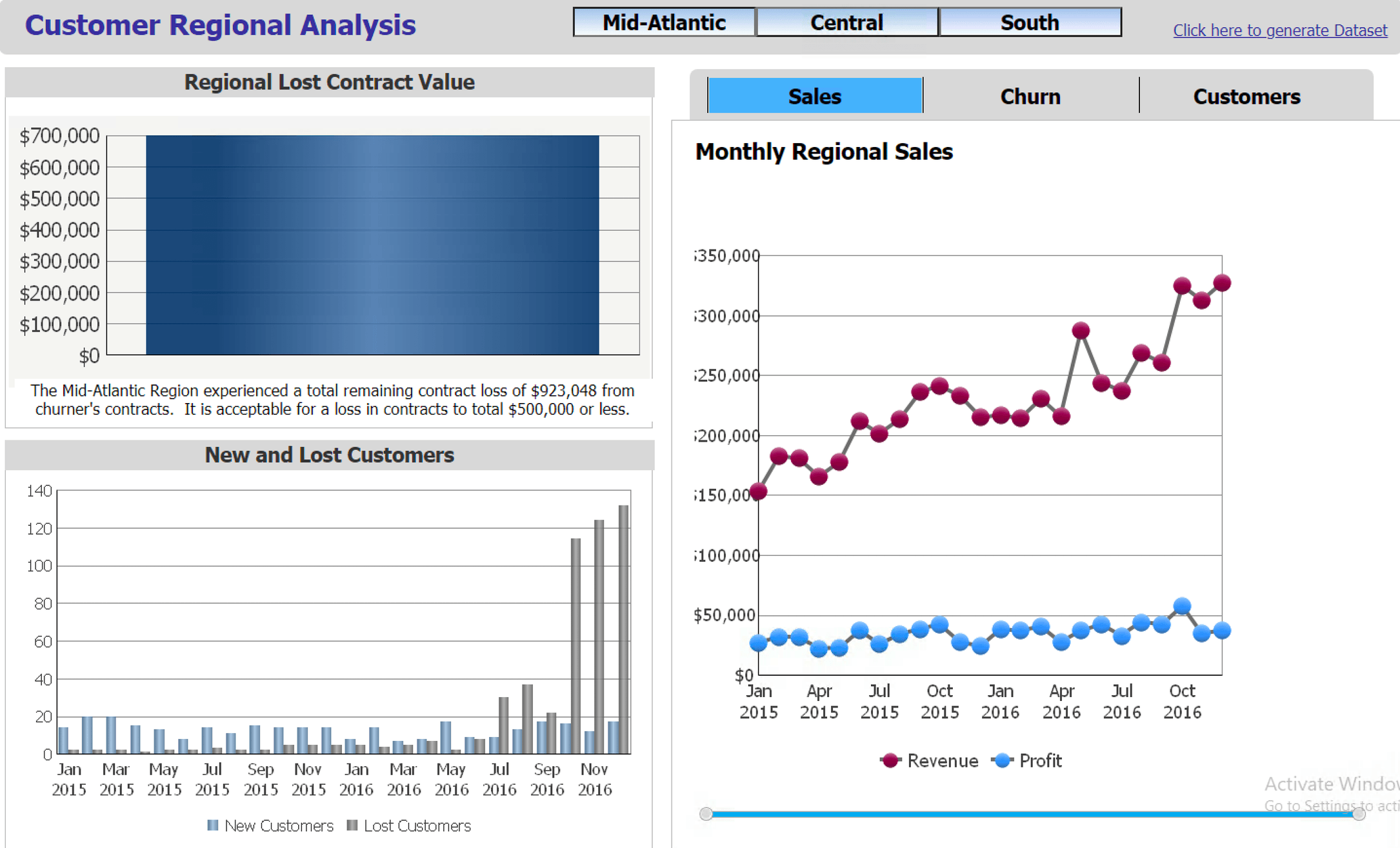
Adobe will officially stop the support of the Flash Player on December 31, 2020. For more information refer to Adobe’s announcement. Browser vendors, like Google and Mozilla , also announced their support of this Flash deprecation effort.
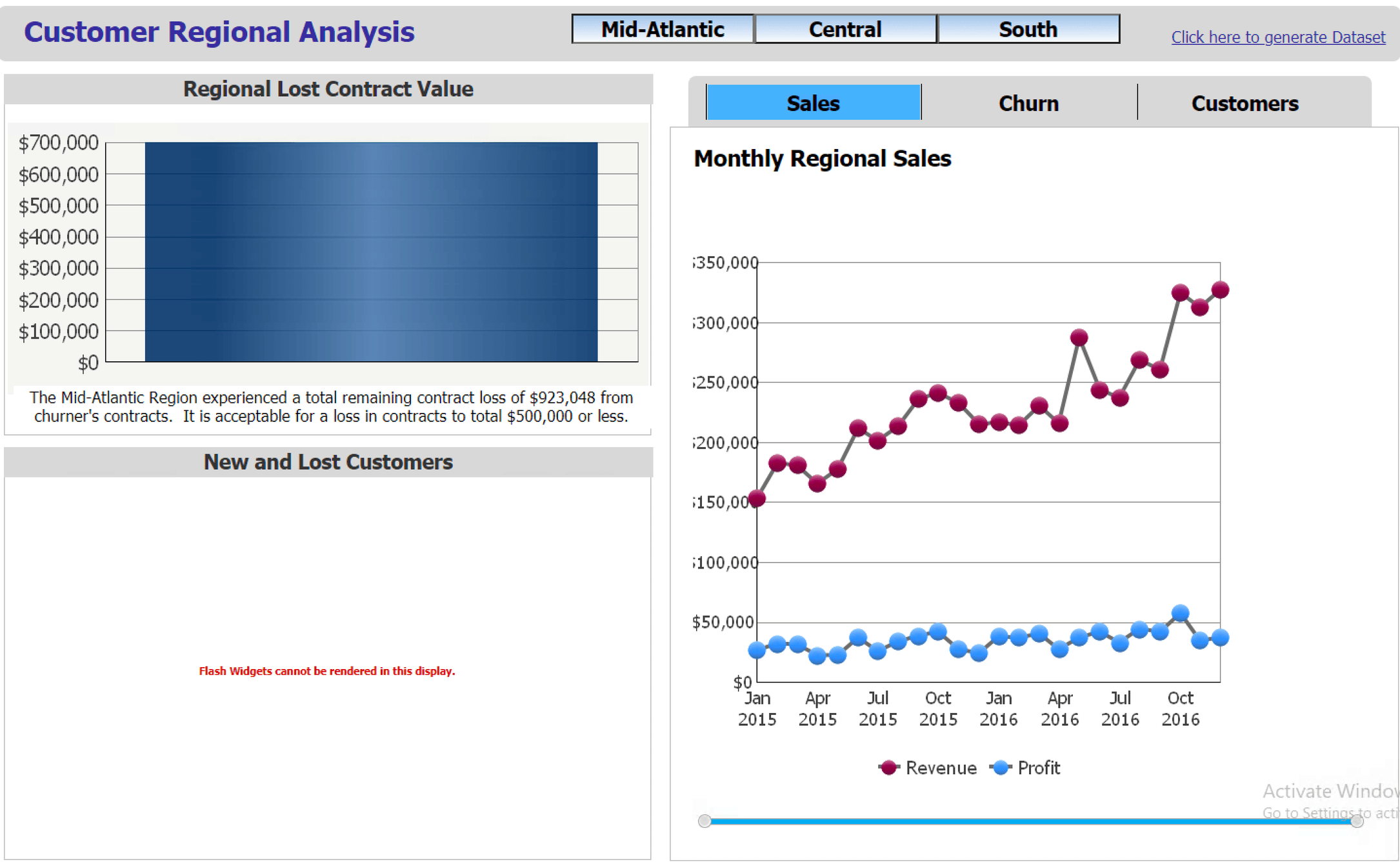
For Strategy users, legacy Flash-based widgets you haven’t had a chance to convert to other Strategy objects, such as DHTML widgets, mobile widgets, or graphs will no longer be rendered properly starting on January 12, 2021. You are strongly advised to uninstall the Flash Player and convert your legacy Flash content to other supported widgets or graphs in documents as early as you can.
After uninstalling your Flash Player to prevent future security risks, please open your documents with the flash icon (as pictured below) in the design mode, and then open the Document Properties editor to change the Run by default as setting from Flash (deprecated) mode to other applicable modes. Deselect Flash (deprecated) in the Run Modes section and select another proper mode for it.

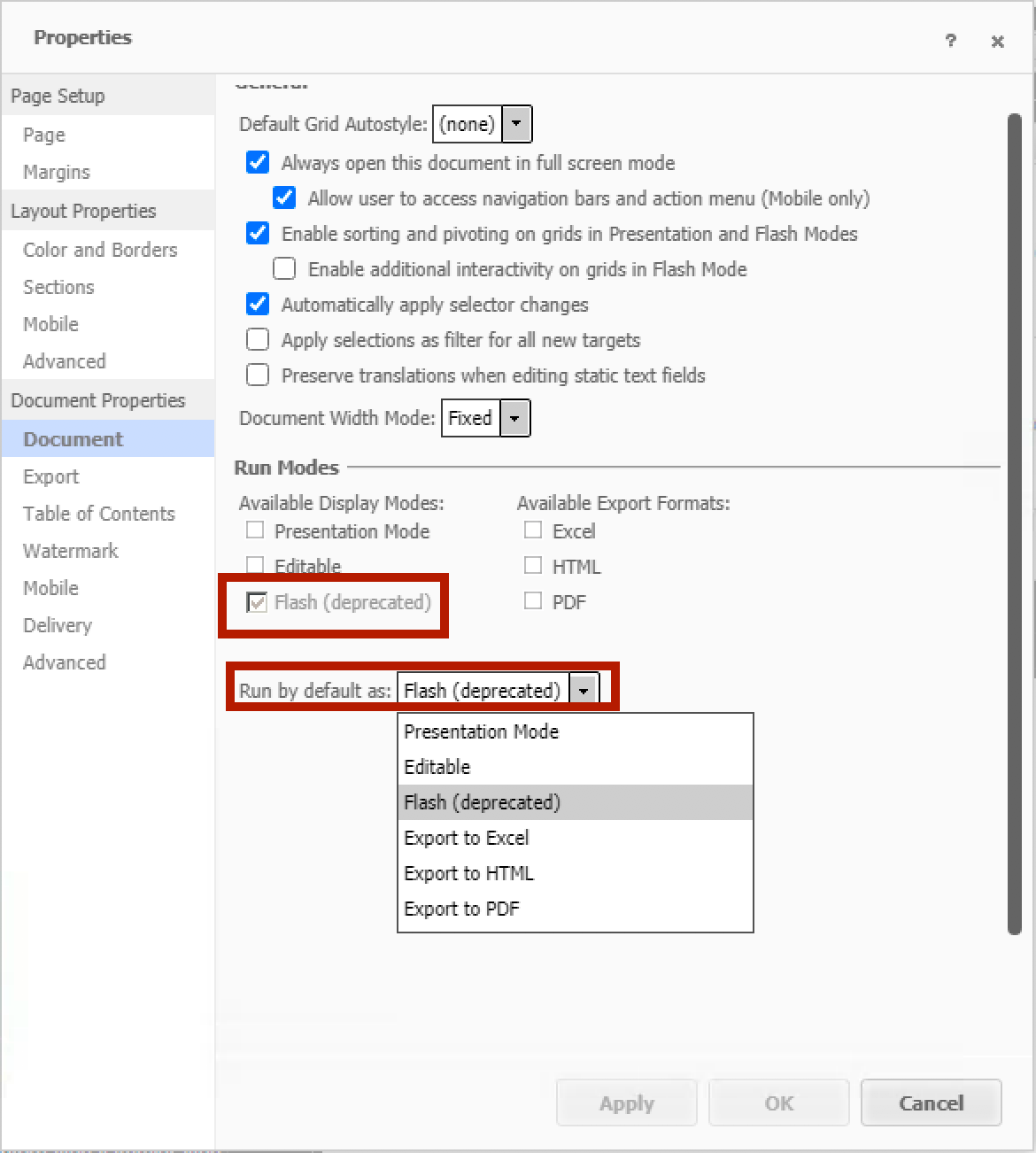
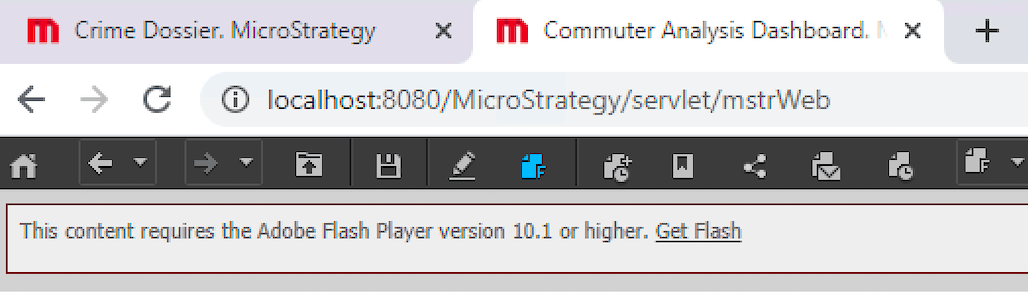
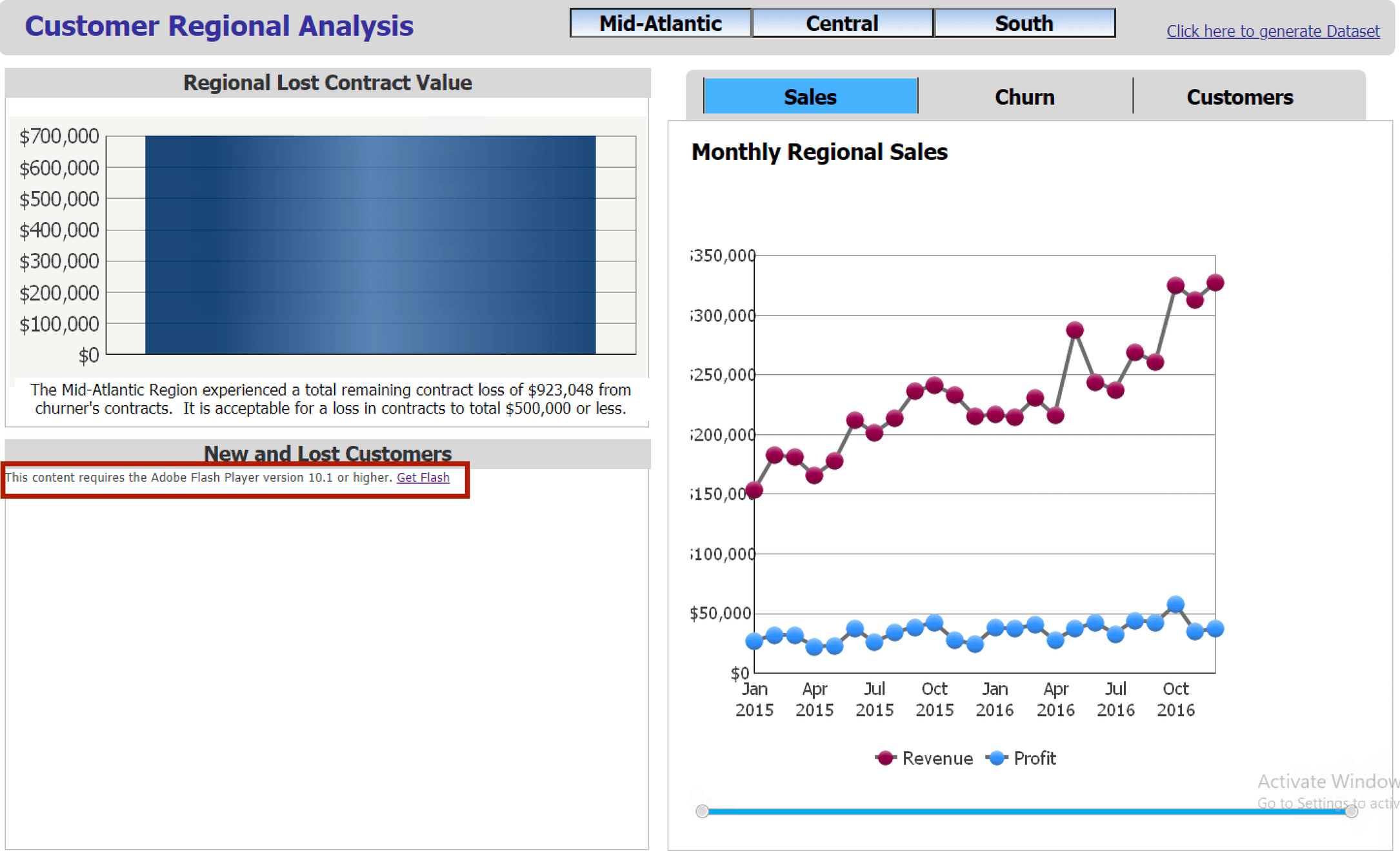
Without this modification, you will run into the following error when executing the document:
The content requires the Adobe Flash Player version 10.1 or higher.
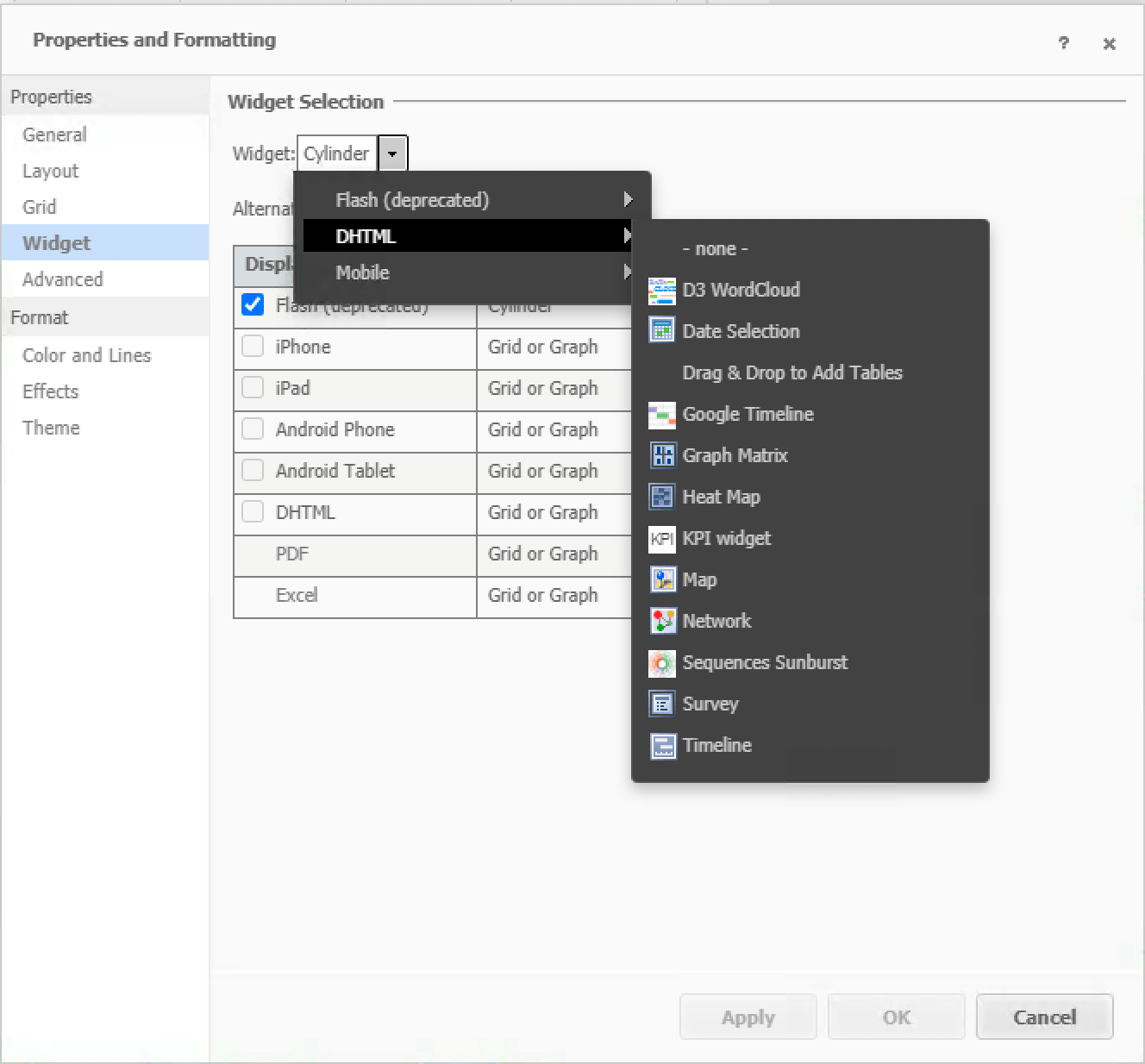
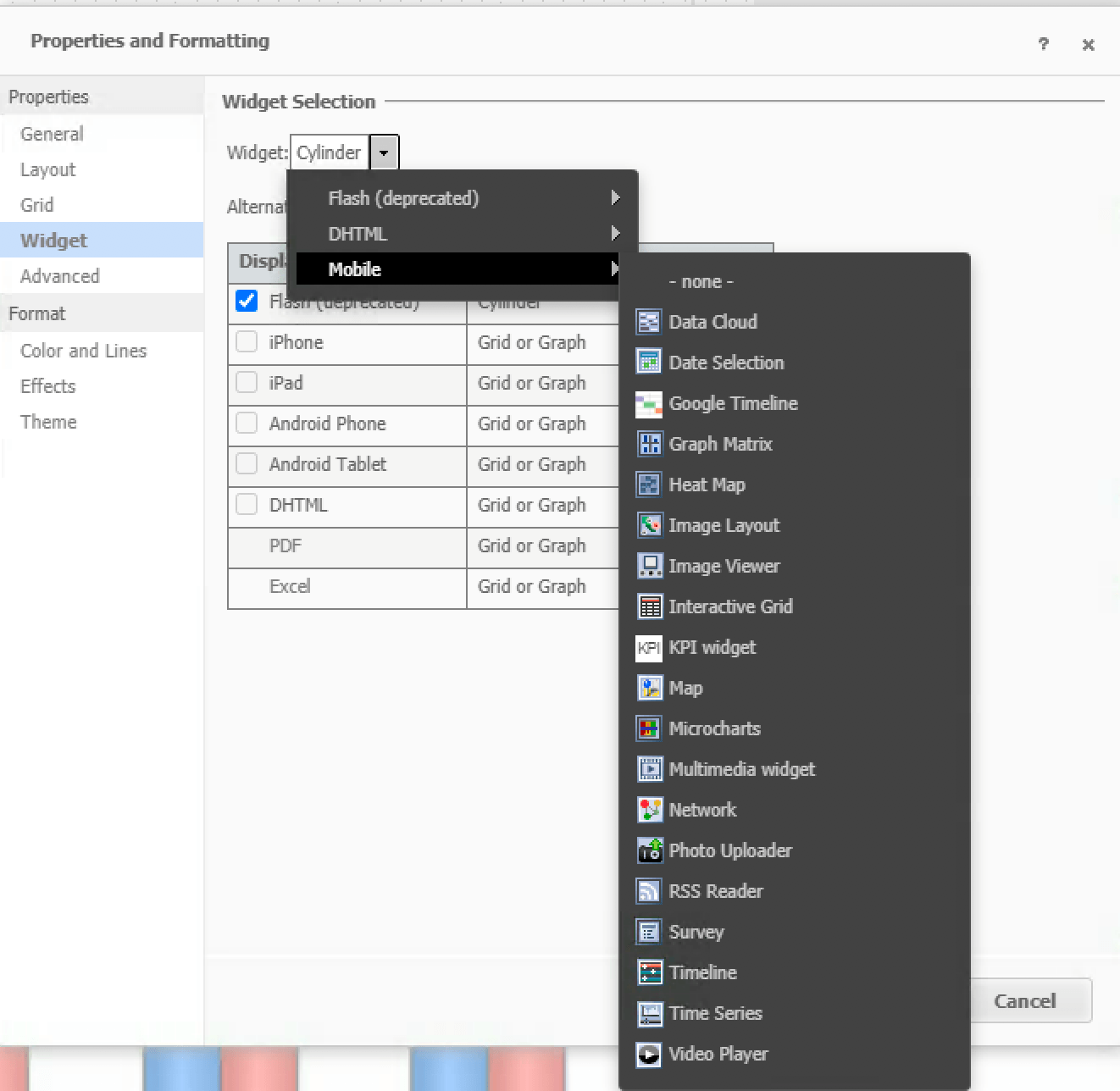
Navigate to the visualization with Flash widgets enabled in the document. Right-click it to open the content menu and select to open the Properties and Formatting editor. Switch the widget to a supported DHTML or mobile one (for mobile devices).
Or completely remove the widget to use document grids or graphs.
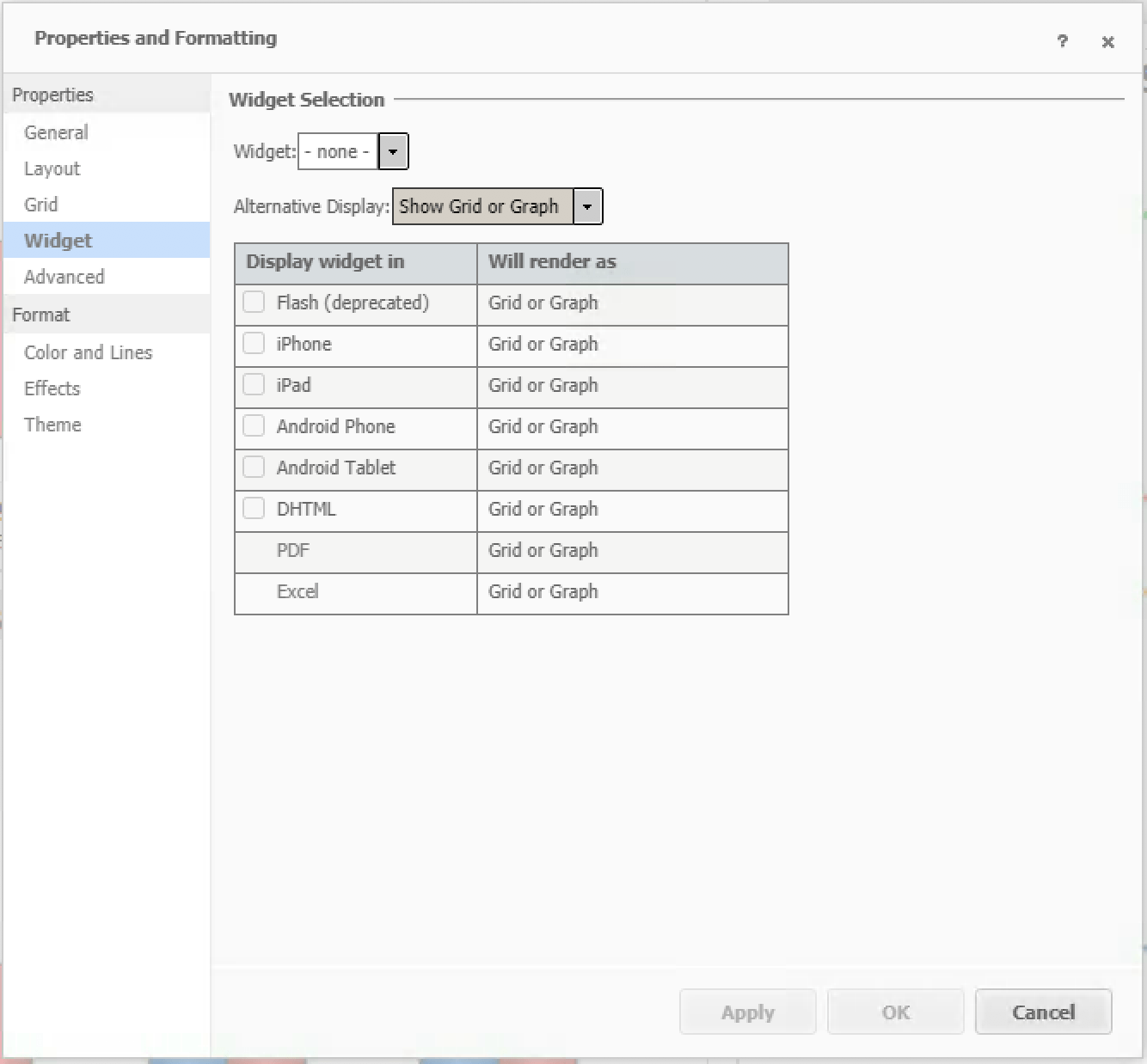
Click Apply and OK before closing the editor.
Save all modifications in the document definition.
Without these modifications, if you have the DHTML checked here,
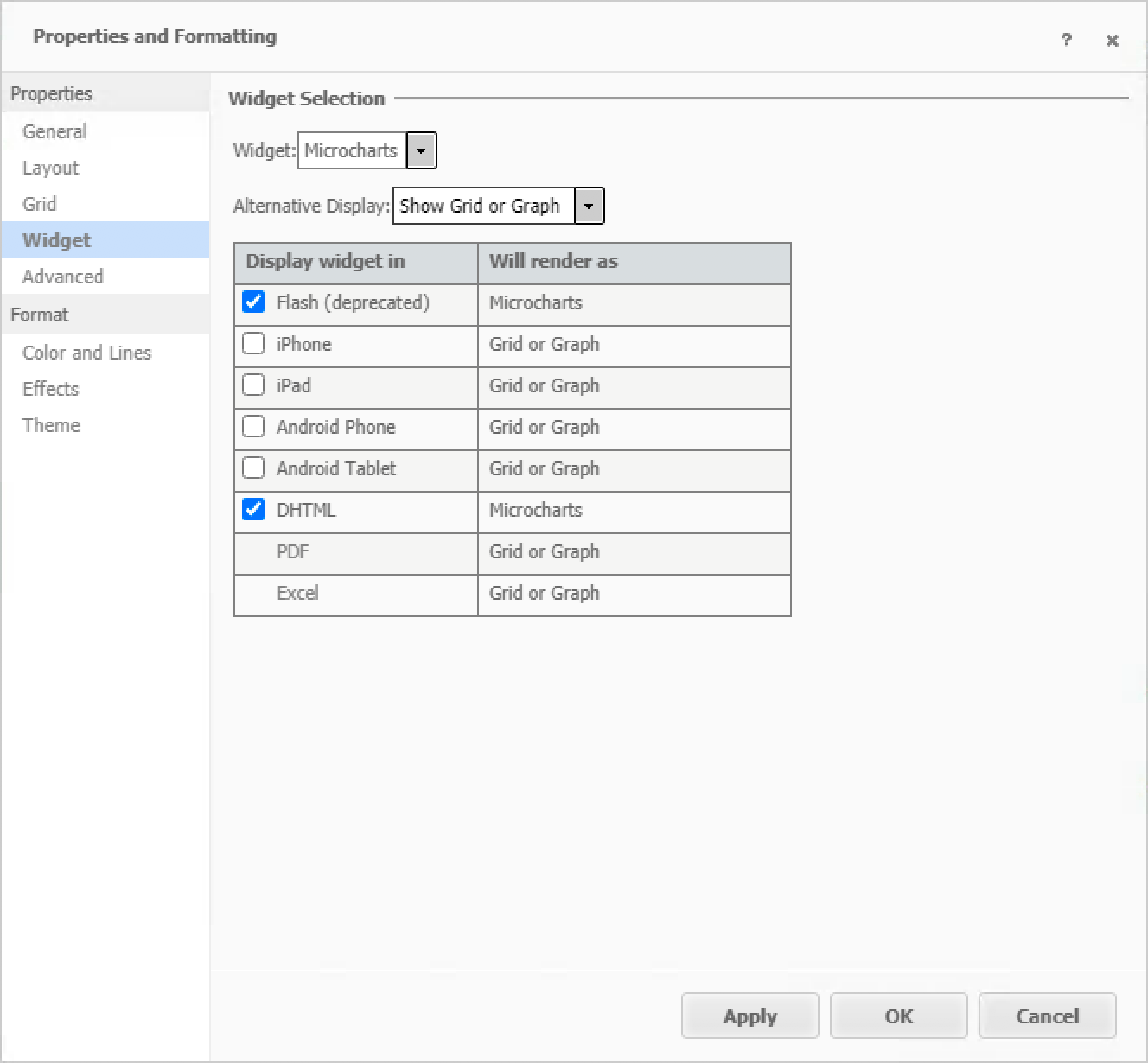
you will run into the following error for this visualization:
This content requires the Adobe Flash Player version 10.1 or higher.
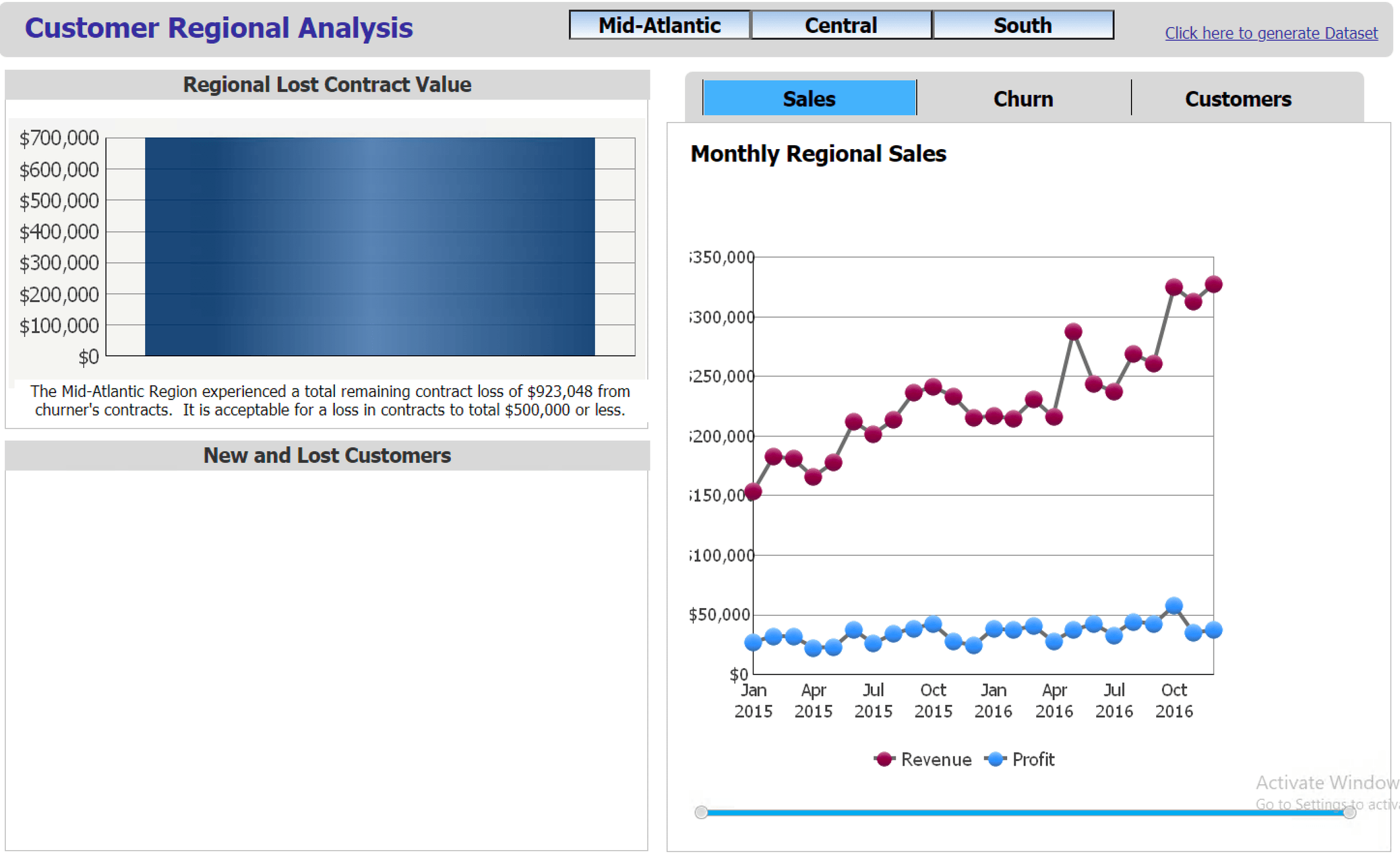
Without the DHTML option selected, depending on the "Alternative Display" selected,
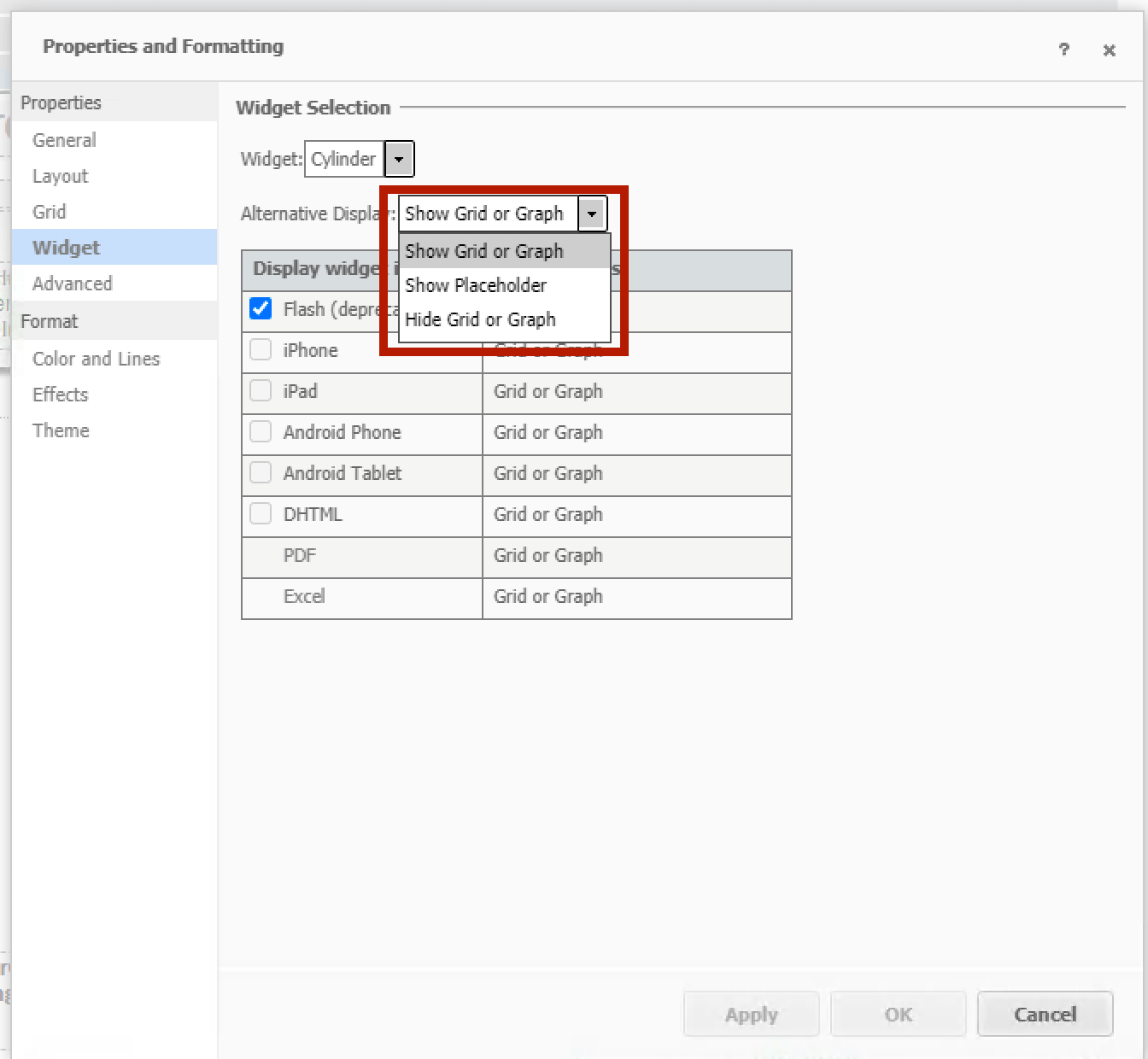
you will see behaviors like the following: