This document shows an issue that might occur in Strategy Operations Manager 10.x when trying to connect to Strategy Enterprise Manager 10.x. This document provides information on one possible solution to this issue.
SYMPTOM
When trying to connect to Strategy Enterprise Manager 10.x in Strategy Operations Manager, the following error is seen:
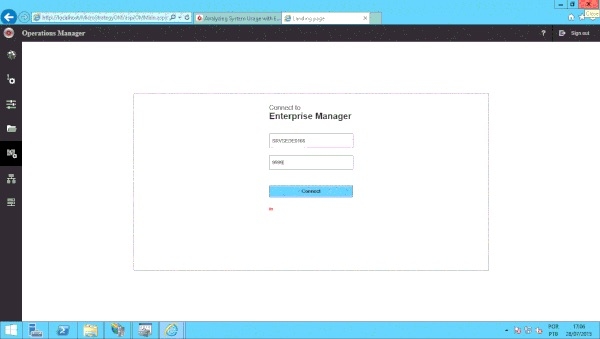
Letters “in” written in red font.
CAUSE
One possible scenario is that the Strategy Health Center was not configured correctly.
ACTION
1) The machine where Operations Manager is installed needs to be configured as the Master Health Agent. Even If this is already the case, please run the Strategy Master Health Agent set up again using Configuration Wizard.
2) Then it is necessary to create an environment in Operations Manager first, before entering the Enterprise Manager page. When creating an environment, those will be the projects that Enterprise Manager will be able to monitor.
3) Enterprise Manager service needs to be running on the machine where Strategy Enterprise Manager is installed.
If these steps do not resolve the issue, please contact the Strategy Technical Support.
TO LEARN MORE
KB026361
